



Informazioni su Instagram Stories per Weebly

Il modo più semplice per mostrare le tue Instagram Stories su un sito web Weebly.
EmbedSocial è uno strumento completo per Instagram Story che ti aiuta a generare automaticamente le tue Instagram Stories e mostrarle sul tuo sito web Weebly in widget Instagram Story pre-confezionati, assolutamente belli e interattivi.
Combina le tue Stories social preferite in un unico posto, esplora numerose opzioni di personalizzazione e modifica per creare il miglior widget Instagram per il tuo sito web Weebly a cui i tuoi visitatori non sanno resistere!
Vantaggi per i siti web Weebly
Migliora l'esperienza utente, e il tempo di permanenza
Risparmia tempo, aggiungendo manualmente Instagram Stories
Espandi la portata del tuo Instagram, e la base di follower
Genera più vendite, usando widget Story acquistabili
Funzionalità di Instagram Stories per Weebly

Importazione di foto e video personalizzati,
Design di widget personalizzabili e interattivi,
Editor CSS personalizzato,
Widget Instagram acquistabile,
Widget Highlights di Instagram,
Widget galleria, da più fonti Story
Bookends,
Instagram Story Ads,
Come incorporare Instagram Stories in Weebly
Non è richiesta alcuna installazione per incorporare e visualizzare le tue Instagram Stories sul tuo sito web Weebly. Basta seguire questi passaggi.
Passaggio 1: Configura una prova gratuita per EmbedSocial
Configura una prova gratuita per EmbedSocial e connetti il tuo account Instagram.
Passaggio 2: Crea un widget Story
Crea un widget Story che si adatti meglio alle tue esigenze.
Passaggio 3: Copia il codice HTML
Copia il codice HTML fornito.
Passaggio 4: Accedi a Weebly
Accedi al tuo sito web Weebly.
Passaggio 5: Apri il editor
Dal menu, tocca l'opzione Sito web e seleziona 'Modifica sito web'.
Passaggio 6: Aggiungi un codice incorporato
Tocca l'opzione 'Codice incorporato'.
Passaggio 7: Trascina nella posizione
Trascinalo nel punto dove vuoi che il widget venga visualizzato.
Passaggio 8: Incolla il codice
Incolla il codice fornito nel campo 'Clicca per aggiungere HTML personalizzato'.
Best practices for displaying Instagram Stories
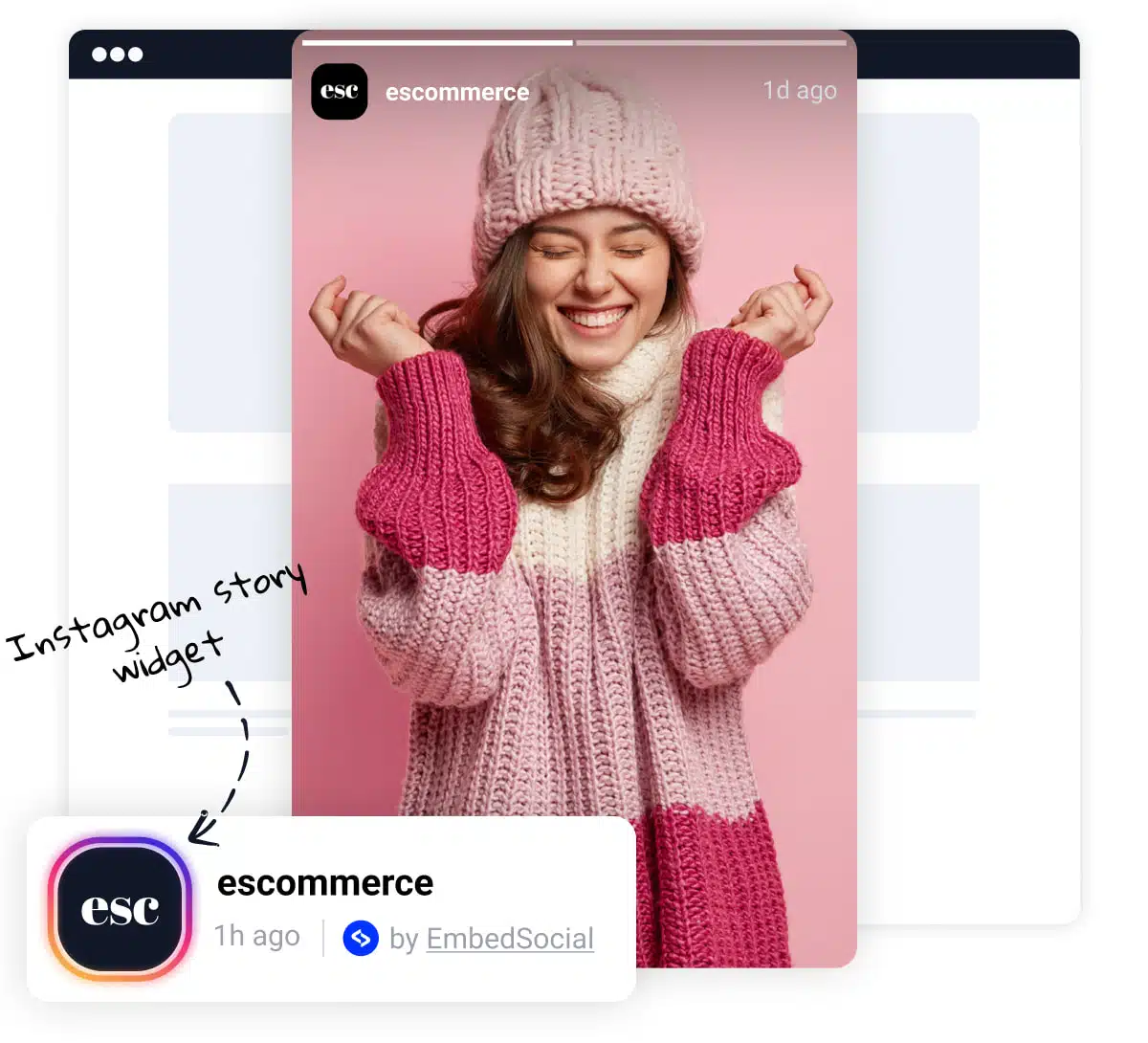
Prominent Placement, Display Stories prominently on your Weebly site, such as on the homepage or above the fold. This ensures they are easily visible to visitors.
Clear Headline, Use a clear and concise headline to draw attention to the Story widget. This can entice visitors to view the Stories and engage with your brand.
Visual Appeal, Incorporate images or icons to break up the text and make the widget more visually appealing. This can enhance user engagement and readability.
Slider or Carousel Format, Consider using our slider options that allow you to display Stories in a slider or carousel format. This dynamic presentation can capture visitors’ attention and make the widget more engaging.




