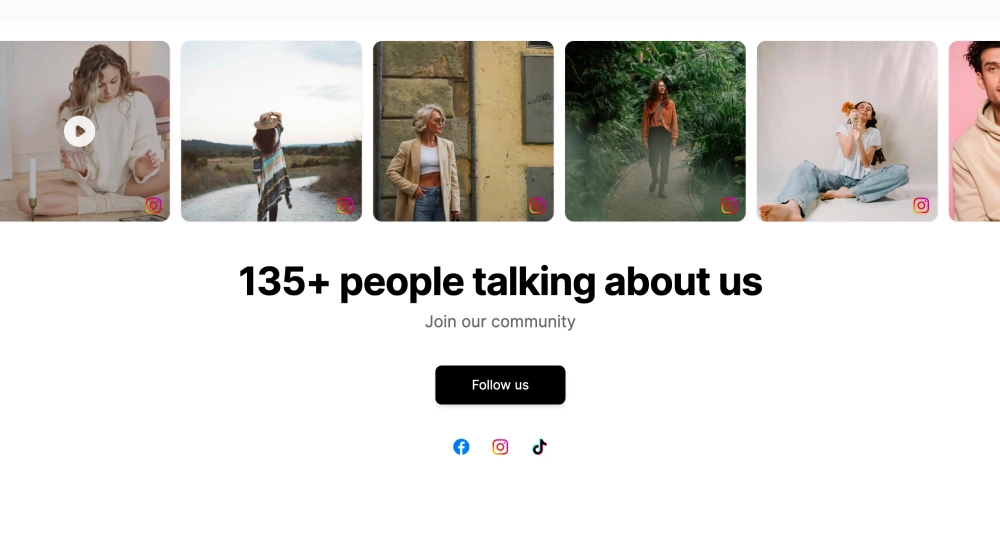
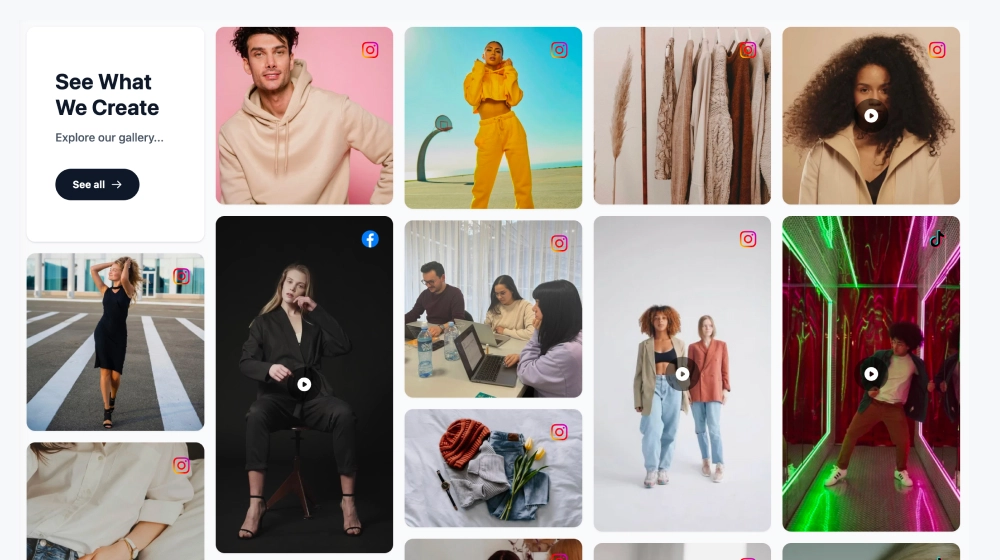
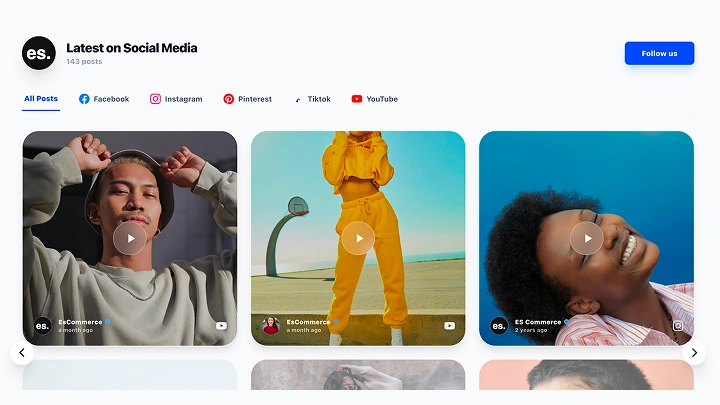
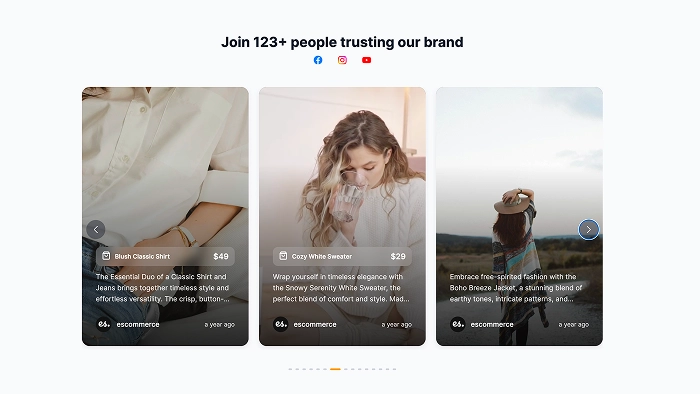
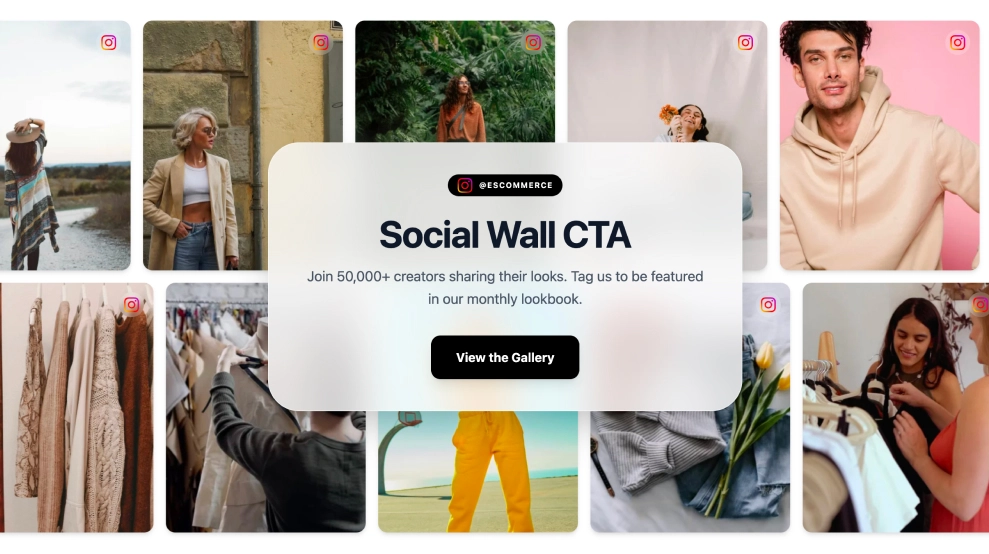
Instead of letting event content scatter across Instagram and Facebook, this social media wall brings everything into one branded live feed. The layout pairs a clear event header with a hashtag bar, live post count, and a visual grid of social content, so attendees and website visitors can follow the conversation in one place.
What stands out
-
Branded event header: Gives the wall a clear identity with the event title, subtitle, and a live-feed status badge.
-
Hashtag-first navigation: Keeps the campaign hashtag front and center so people instantly know what to follow or post with.
-
Live content count: Shows how active the wall is with a visible post total.
-
Multi-platform feel: Social icons and post badges make it easy to see that content is coming from more than one network.
-
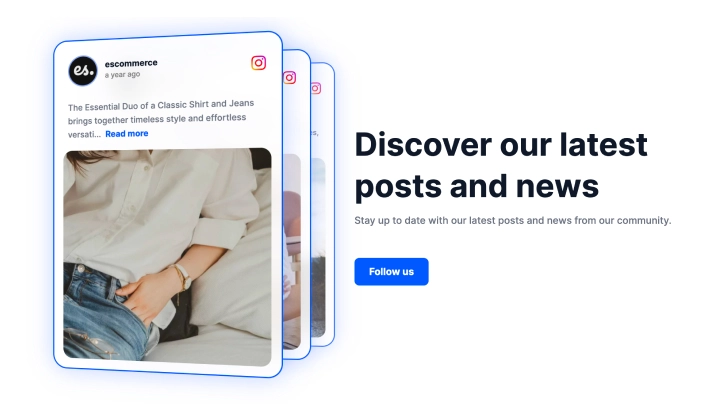
Mixed content grid: Combines full-image cards with caption previews, profile details, and timestamps for a feed that feels active, not repetitive.
-
Read-more style cards: Lets longer captions stay compact without losing context.
-
Event-friendly layout: Works well for showcasing attendee posts, backstage moments, product shots, and branded content in the same stream.
Best fit for
-
Fashion weeks and designer showcases
-
Conferences, expos, and trade shows
-
Festivals, launches, and pop-up events
-
Brand activations with hashtag campaigns
-
Community events that need a visible live conversation
How to embed it
-
Connect your event hashtag, tagged posts, or selected social media sources in EmbedSocial.
-
Choose the Events Social Media Wall template.
-
Add the event title, subtitle, hashtag label, and any visible platform details.
-
Set how posts should appear in the feed and how many items to show.
-
Copy the embed code.
-
Paste it into your event website, landing page, or venue screen setup and publish.
Turn event chatter into a live social destination that keeps your audience browsing, posting, and checking back during the event.