Save time to create content for website updates
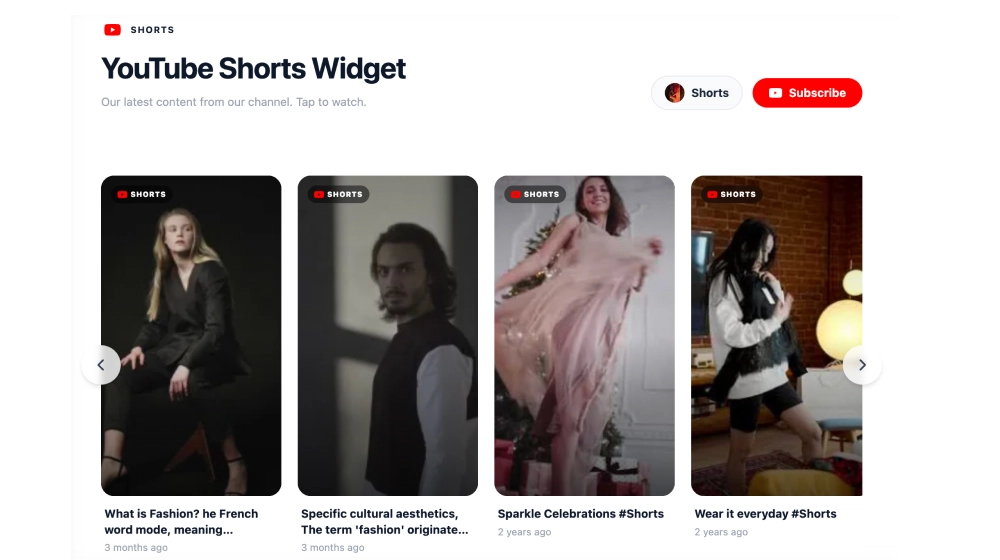
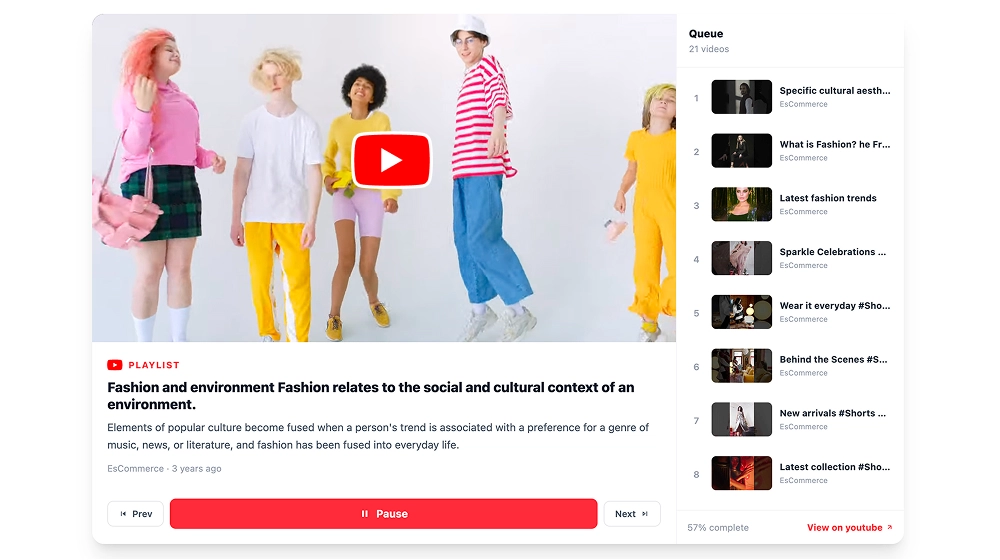
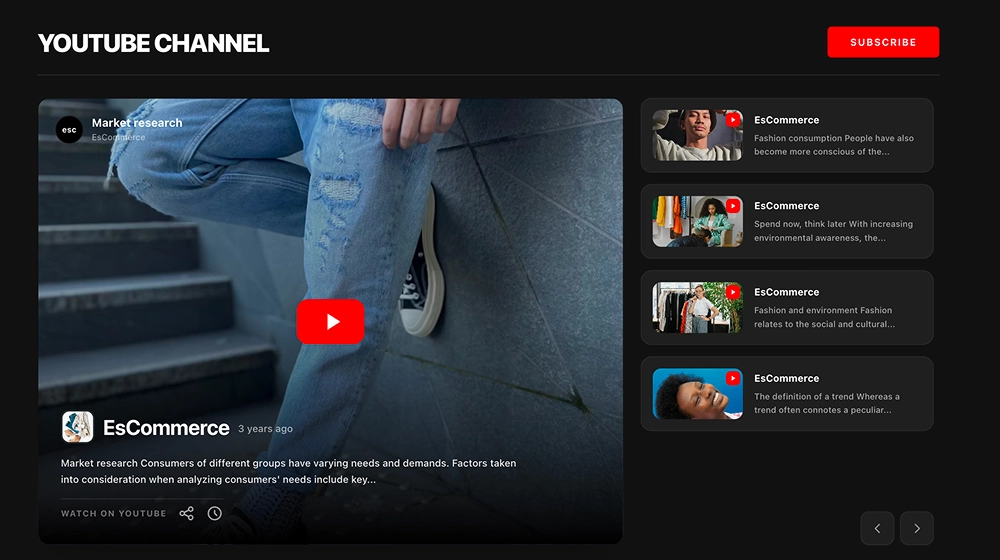
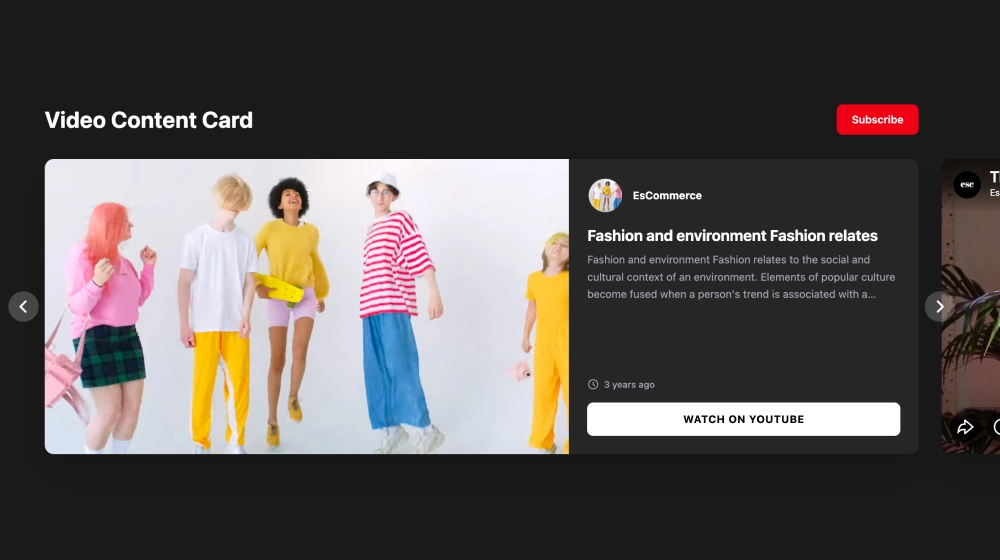
Create a live YouTube feed that auto-updates and provides fresh videos on your website, automatically.
Generate YouTube hashtag videos and embed YouTube widgets on any website.
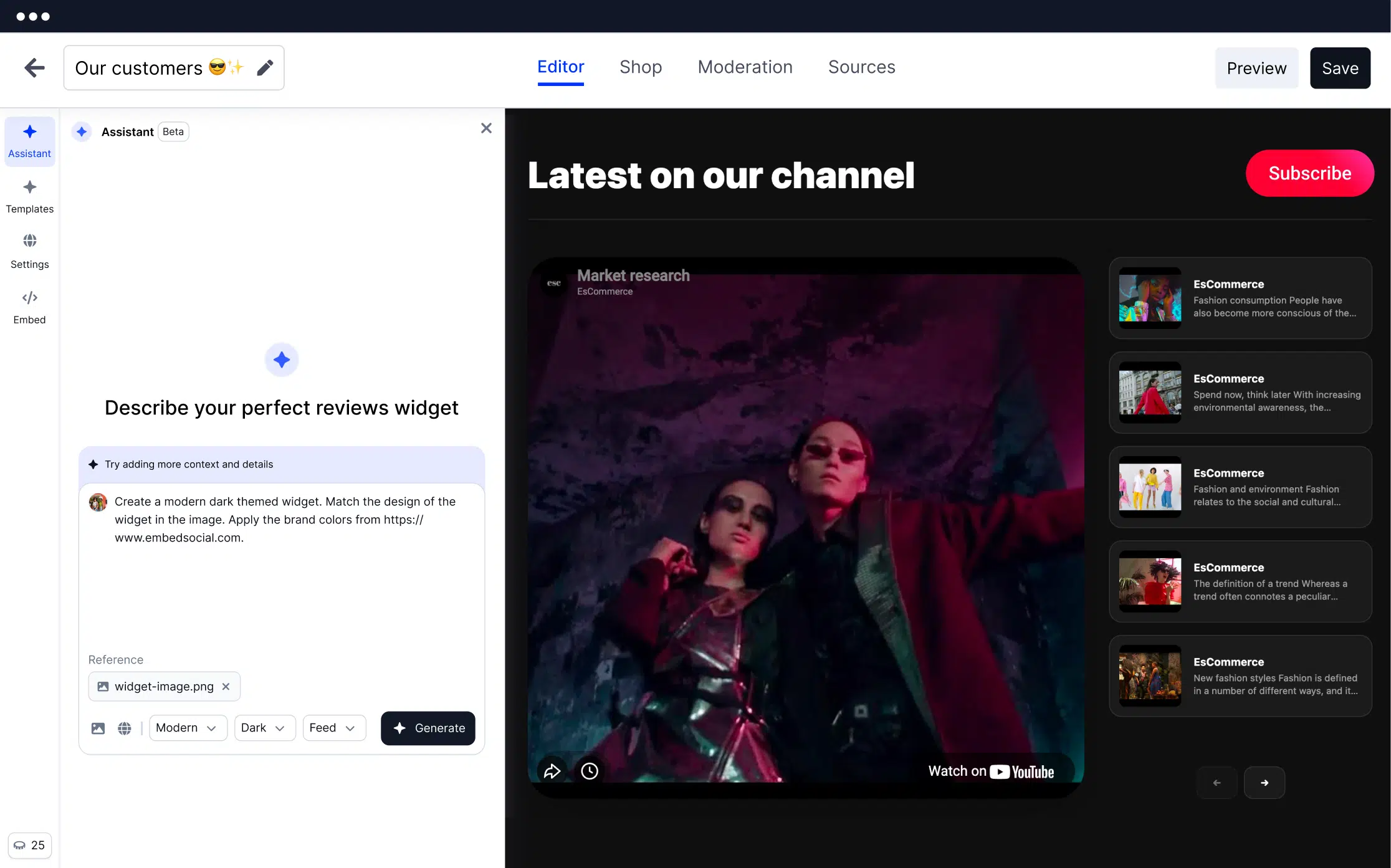
Execute your digital marketing strategy and hit more numbers for reach, followers, and sales.
Create a live YouTube feed that auto-updates and provides fresh videos on your website, automatically.
Provide authentic content that creates interaction with web visitors, boosts engagement, and leads to more conversions.
Add a 'Subscribe' button inline or in the popup of the YouTube widget and navigate the web visitors to your YouTube channel.
Choose a YouTube widget template, connect your YouTube source, and publish a conversion-focused YouTube widget with live social proof.
With a simple code, you can display an entire YouTube feed on any webpage that will sync each time you post a video on your YouTube channel. Additionally, EmbedSocial's API integration with YouTube allows you to pull videos from a specific playlist or a hashtag. This will allow you to create 3 types of YouTube feeds for your website:

Make your YouTube feeds shoppable with custom 'Buy' buttons. This means that in your EmbedSocial feed editor, you can add custom call-to-action links that can redirect each user to your checkout pages on your website.

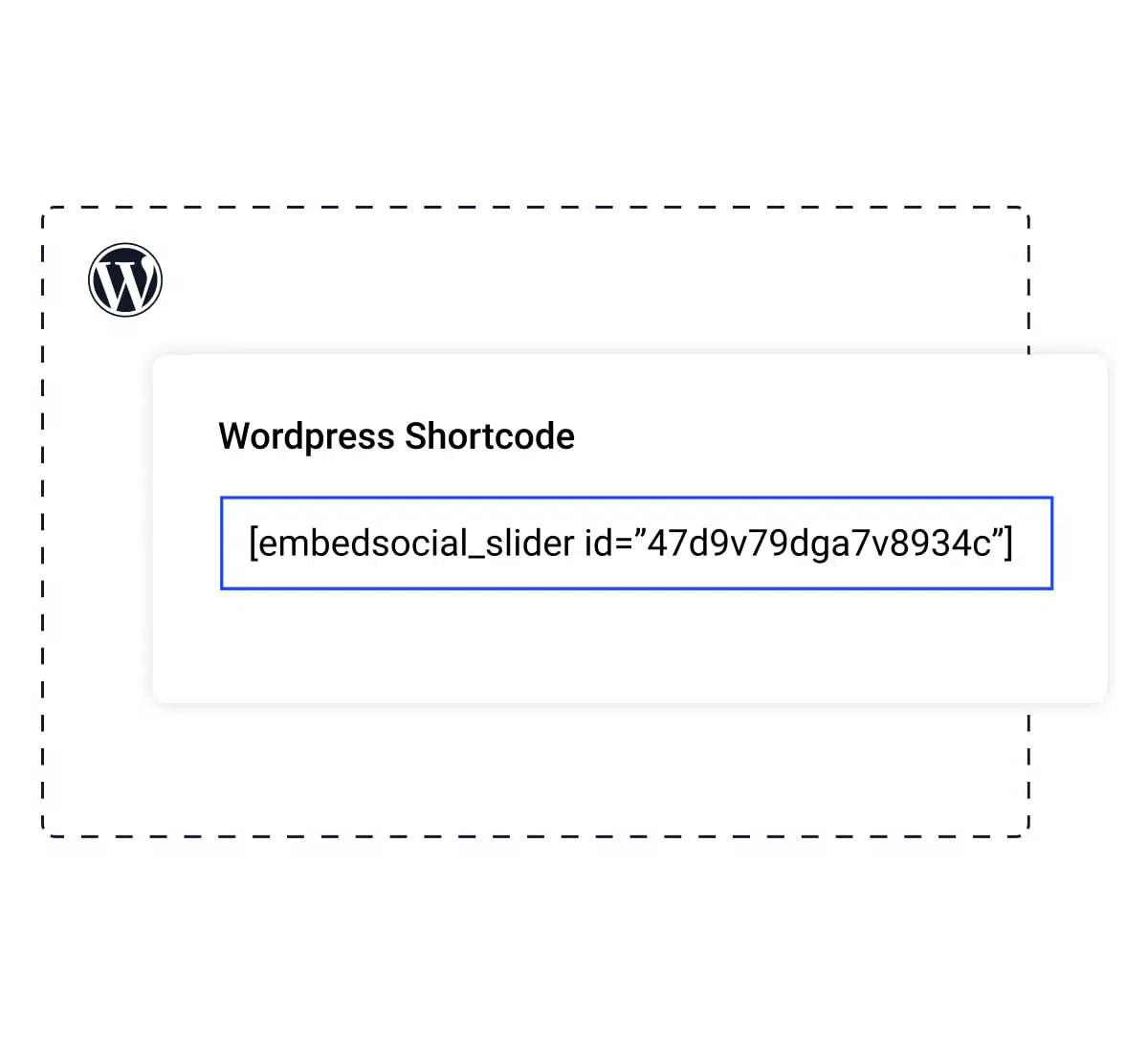
EmbedSocial works for any CMS or website. And if your website is running on WordPress specifically, we’ve got you covered with a native plugin! With this plugin, you can easily embed a YouTube channel widget using only a shortcode.
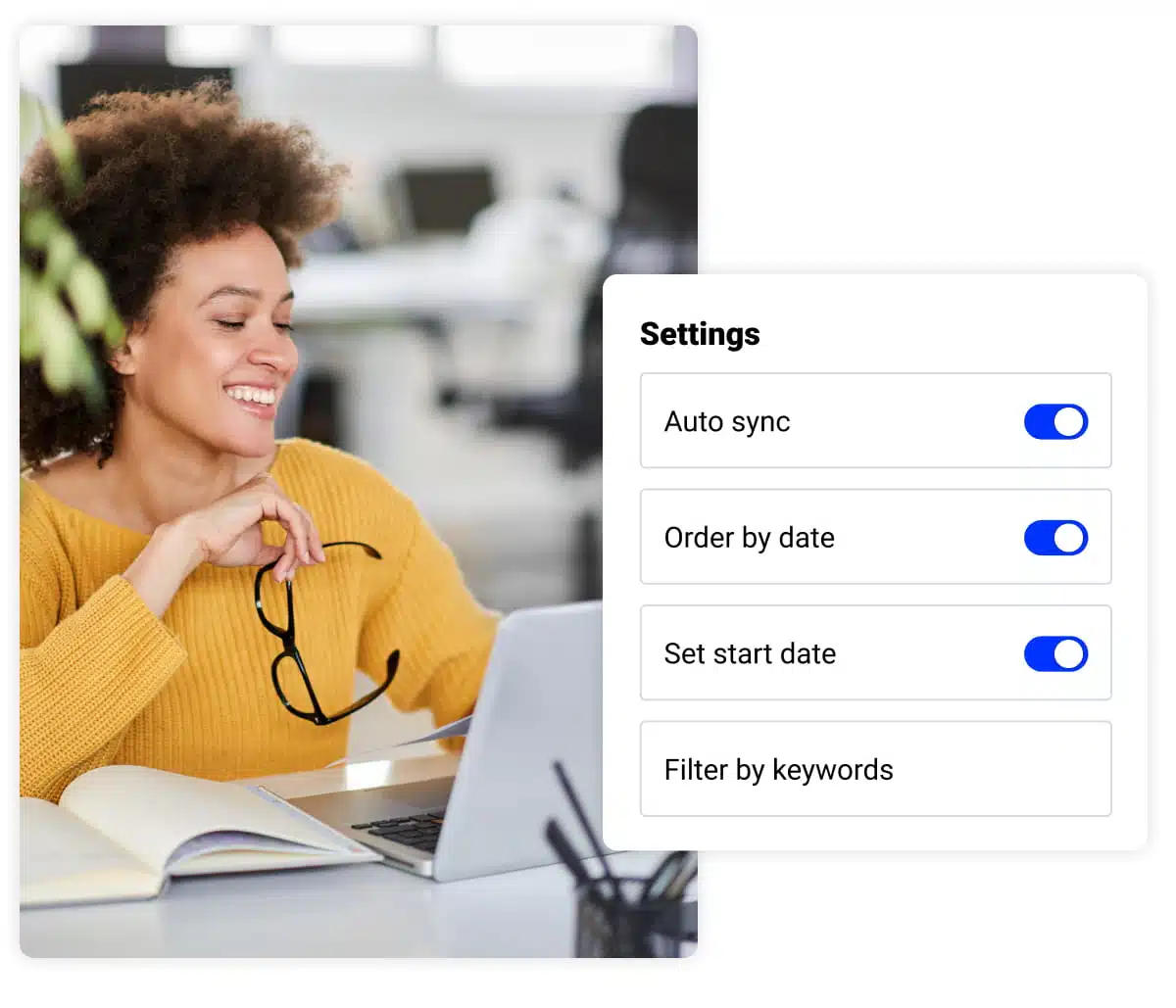
Auto-sync or curate your web video gallery. With a simple switch on/off, you can make the video feed update manually or use the options to handpick which videos to show on your website.
EmbedSocial provides various customization options and has an in-built CSS builder that gives you the entire freedom to edit and change the design of your YouTube feed. Position your custom YouTube widget in the best way to accomplish a great interactive experience with your users. You can still use the provided templates but overwrite their styles to fit your website layout and branding design.

The template library is constantly updated with new widget designs.
Code that works on any web platform that supports Javascript.
Mobile-friendly widgets that fit any device size.
Construct a combo widget that will include videos from various sources.
Stay on brand and make your own style and design for unique widgets.
All social media sources are included in every paid plan such as Instagram and Facebook widgets.
Sync all social media posts automatically and create an entire widget that you can embed on any website.
Create multiple widgets and embed feeds on various websites from multiple social media platforms.
Show a 'Subscribe' button with a link to your YouTube account to help you drive traffic and increase followers.
Use the 10+ languages available in the platform to localize the widget for your web visitors.
Categorize the YouTube videos by tags and organize them by date, rating, or filter by keywords.
Insights on which posts get the most views and clicks on your website. Available for Premium plans
Configure the title, padding, or image size, edit widget title, size, color, or use a custom CSS.
With the option to add custom posts, you can easily enrich your walls with engaging and unique content.
Connect your YouTube account or add a YouTube hashtag to generate videos from YouTube. Choose widget layout, customize and moderate the feed, and copy/paste the code to your website to embed your new interactive YouTube feed widget.
Pick a category: review feeds, social walls, shoppable galleries, and section blocks. No coding required.
Show Instagram feed.
Display YouTube.
Embed X widgets.
Embed LinkedIn.
Embed Google reviews.
Embed playlist
Embed Threads.
Embed Trustpilot reviews.
Shop my feed
Social proof display
Embed hero
Link in bio page
Embed popup
Embed Reels.
Embed stories
Embed hashtag feed
Embed Facebook.
Show TikTok videos.
Embed YouTube hashtag
Embed Pinterest
Embed Vimeo
Embed FB reviews.
Embed Yelp reviews.
Display customer reviews.
Show review badges on your site.
Showcase customer love.
Embed testimonials
Embed Social wall
Embed Shorts
Embed carousel
Sync YouTube hashtag feeds to any website. Works on every major CMS and builder.
29.00
month
Auto-sync. AI moderation. Unlimited widgets.
EmbedSocial has official API integrations with all major social media networks.
We design interactive social media widgets that load fast on your website.
If it’s not for you, cancel or request to delete your account.
Just click the bottom left chat icon, and our team will assist you in real-time.
 4.9/5(202)
TrovaTrip increased booking conversion rates by 12% with customer testimonials in just 4 weeks
Nick Poggi
TrovaTrip

The team at Embed Social is so easy to work with. They are very quick to respond to any special requests and fast to implement account changes. Aside from the great customer service, their products are also very easy to use and offer a lot of freedom that you can’t get with other similar products. Definitely recommend.
Ryan Hazlewood
Developer

EmbedSocial allows us to showcase social media content on our web pages in a way that’s both functional and vibrant. Their library of social feed designs integrates seamlessly with our existing components and is easy to use for page editors of all skill levels.
Zanna Ollove
Boston College

The experience with EmbedSocial has been amazing. We’re always looking for ways to leverage our time, so finding a product to keep our reviews fresh automatically was a no-brainer.
Brooks Hitzfield
Seven Sons
Have a specific question about YouTube channel or playlist feeds? Check the FAQ section below or click the bottom right chat icon and talk with us.
Yes, the system is designed to support multiple YouTube channels. You will only need the channel URL and our system will do the rest of connecting with YouTube’s API and generating the videos. Check our pricing plans and choose which plan suits the number of sources you want to connect.
Yes, you can literally handpick which videos to show in your feed published on your website. The moderation options are various, which means you can filter only posts posted after certain dates or posts that include certain words.
We currently provide more than 10 widgets and we regularly increase the widget library. At the moment you can use:
- YouTube carousel widget
- YouTube slider widget
- YouTube slideshow widget
- YouTube slideshow widget without thumbnails
- YouTube slideshow widget with vertical thumbnails
- YouTube masonry widget
- YouTube grid widget
Yes! EmbedSocial provides options to add custom ‘Buy’ buttons in the YouTube feed posts that when clicked can navigate the web visitors to the checkout page where they can buy the selected product.
Yes, you can use multiple templates or a custom CSS editor to make your YouTube widgets to fit your brand and website design.
Yes. The EmbedSocial platform is integrated with all major social media networks, such as Facebook, Twitter, Instagram, and Youtube, and provides you with the options to choose more social media sources of the posts for your web feed.
EmbedSocial integrates and works with all major content management platforms and web builders, such as WordPress, Squarespace, PageCloud, Joomla, Wix, Weebly, Shopify, Magento, Open Cart and all platforms that provide an option to embed third-party iframes or javascript codes.
Yes, the widget will stop showing on your website but you can come back and activate your account any time.
Use EmbedSocial to generate a YouTube hashtag feed, moderate it with AI, and embed an auto-updating YouTube widget that keeps your website fresh and grows subscribers.
Start free trial. * All features included.