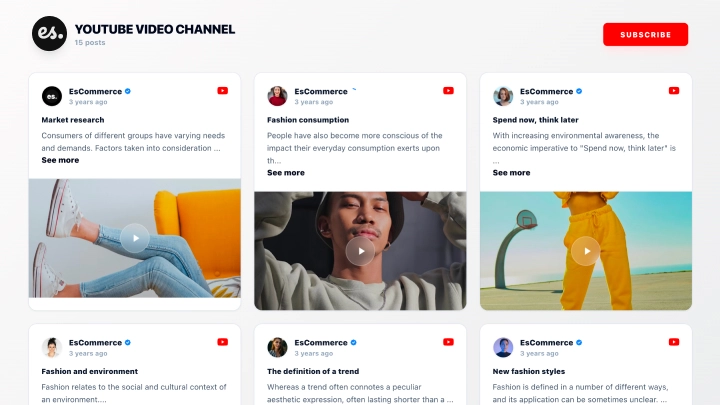
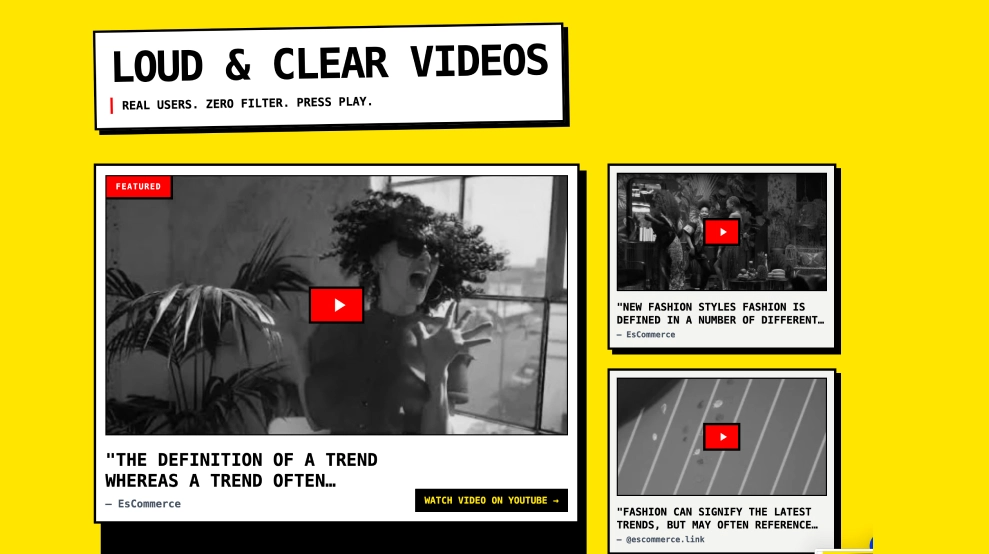
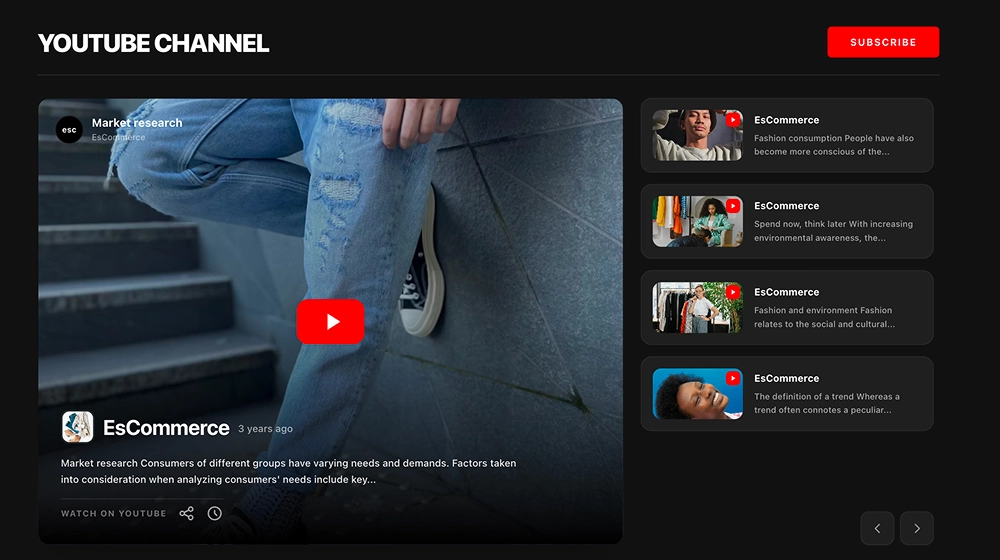
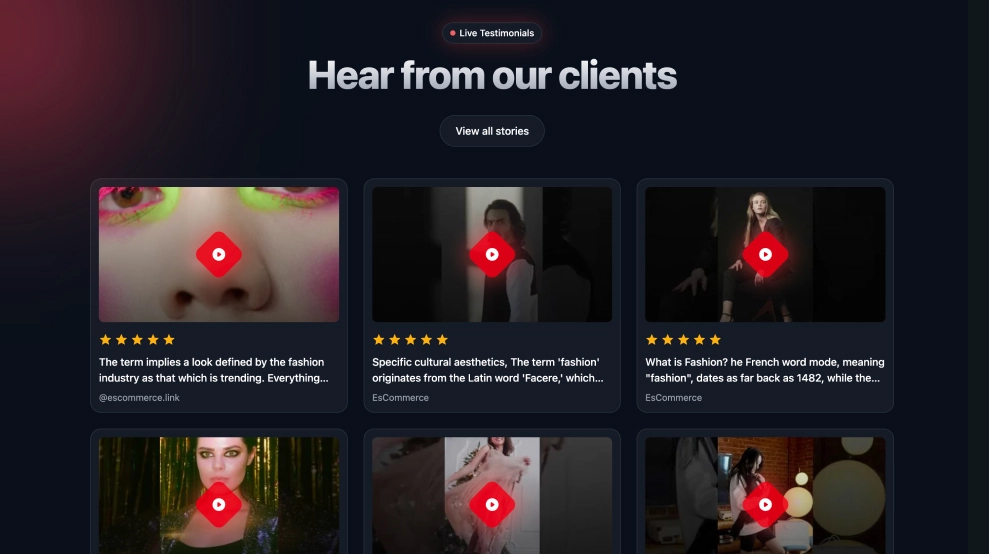
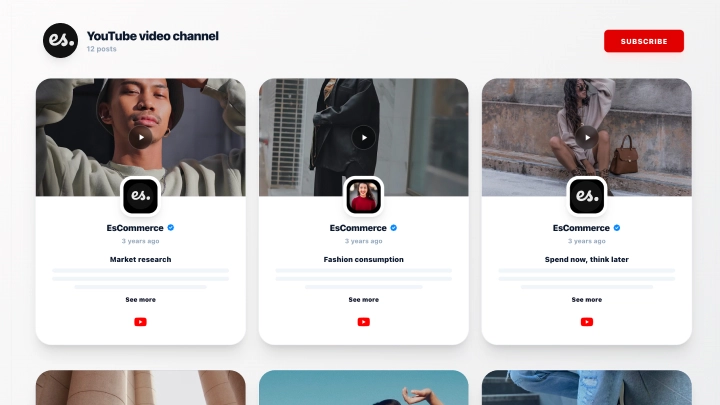
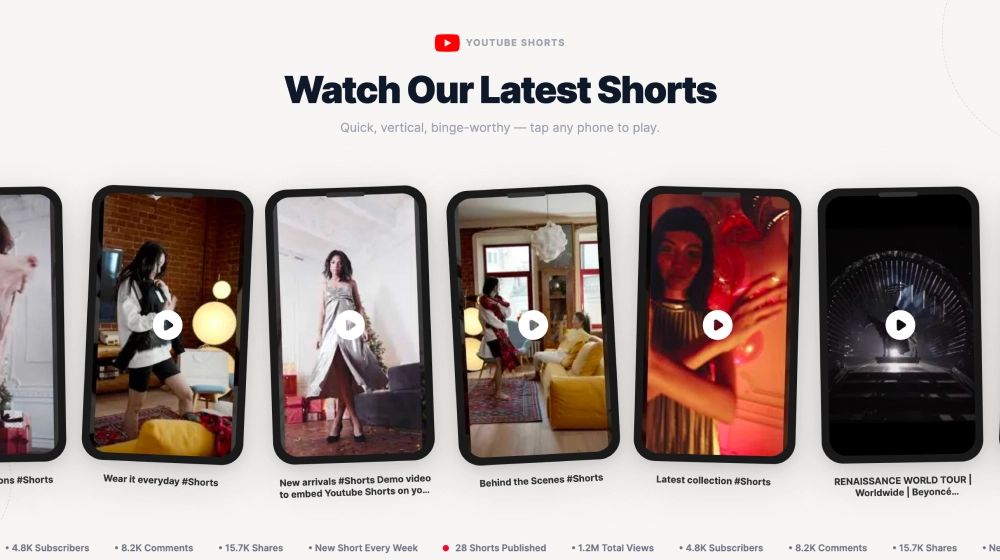
The Video Playlist Widget lets you embed an entire YouTube playlist in a clean, website-friendly player that encourages binge-watching. It combines a large featured video area with a scrollable playlist queue on the side, so visitors can discover more content without leaving your site.
Features
-
Full playlist embed: Displays multiple videos from a single YouTube playlist in one widget
-
Featured video player: Large main video area with a clear play overlay
-
Playlist queue sidebar: Right-side list of videos with thumbnails, titles, and ordering
-
Video details panel: Shows playlist title, description, channel name, and publish info
-
Playback controls: Built-in Prev / Next navigation plus play/pause and progress tracking
-
Completion indicator: Shows progress (e.g., % complete) for the playlist viewing session
-
“View on YouTube” link: Lets viewers open the playlist directly on YouTube
-
Responsive layout: Adapts for smaller screens by stacking or simplifying the queue view
Use cases
-
Course & tutorial pages: Embed lessons in order and keep users on-site longer
-
Product demos: Showcase a sequence of walkthroughs, features, and use cases
-
Creator/brand websites: Promote your content library and increase watch time
-
Help centers/knowledge bases: Add video guides with structured navigation
-
Landing pages: Turn one video section into a full content hub without extra clutter
How to embed
-
Connect your YouTube playlist as a source in EmbedSocial.
-
Select the Video Playlist Widget template from the YouTube templates library.
-
Customize the title/description display and choose whether to show the queue sidebar.
-
Set the number of videos to load and sorting (default playlist order).
-
Copy the embed code (JavaScript or iFrame).
-
Paste it into your website (WordPress, Webflow, Shopify, Wix, Squarespace, or custom HTML) and publish.
Turn one video into a full content experience, embed the Video Playlist Widget and keep visitors watching your best YouTube videos in a seamless, on-site playlist.