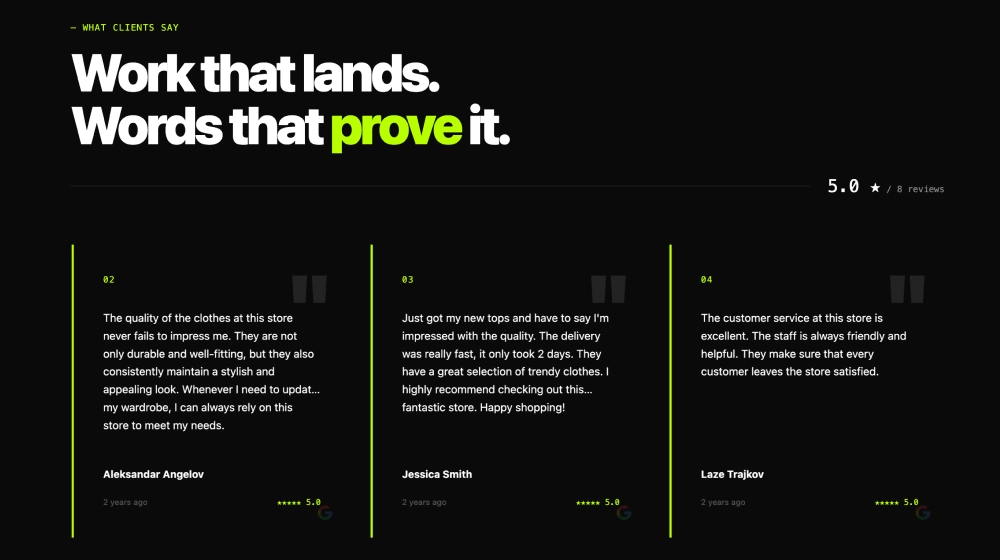
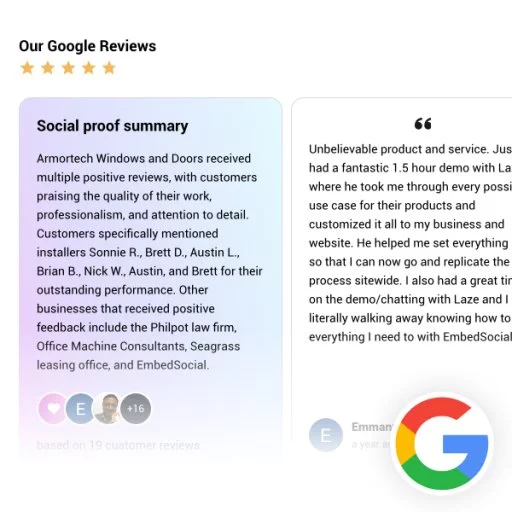
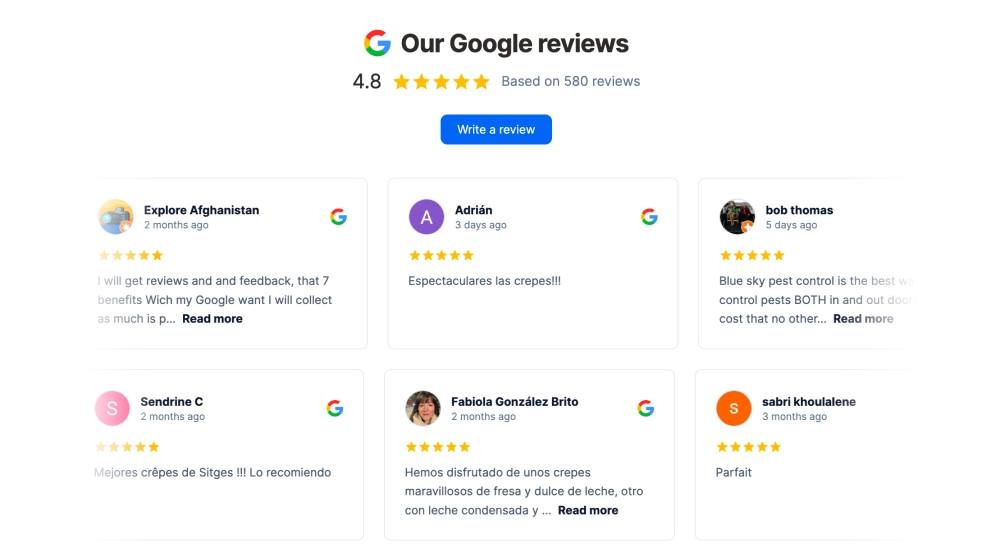
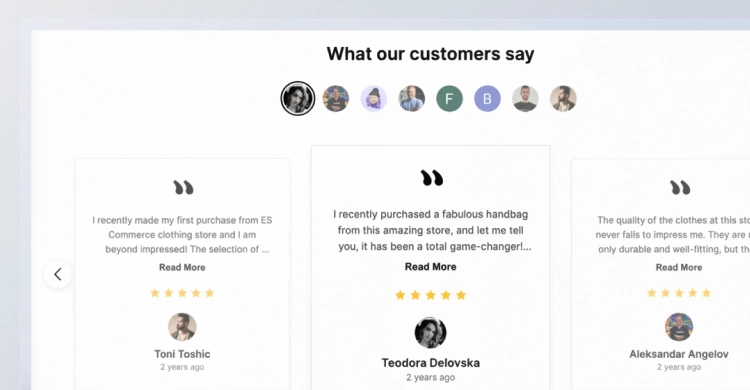
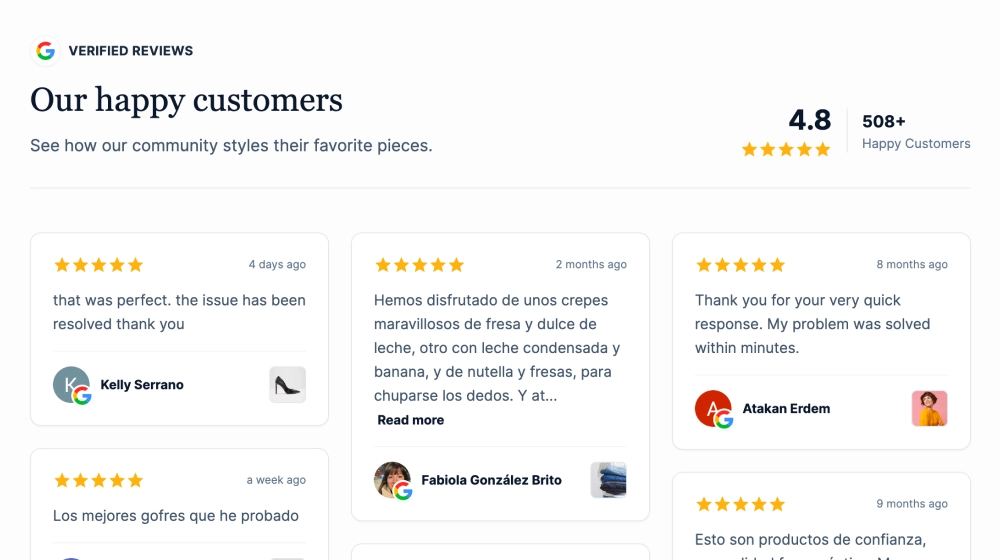
This Google reviews widget gives visitors a quick read on your reputation without making them dig through a long list of testimonials. It opens with an overall rating summary, then shows individual review cards in a clean carousel, making it easy to browse feedback, spot review quality, and click through for more.
What makes it work
-
Review summary header: The score, stars, and total review count give visitors an immediate trust signal before they read a single testimonial.
-
Compact review cards: Each review is easy to scan, with just enough content to capture the main impression.
-
Read-more preview style: Longer reviews stay tidy while still inviting people to keep reading.
-
Reviewer identity block: Profile photos, names, and timestamps help each testimonial feel real and recent.
-
Google source cue: The Google icon on each card reinforces where the reviews come from.
-
Carousel navigation: Side arrows let visitors browse more feedback without turning the section into a long wall of text.
-
Review CTA: The Leave a Review button makes the widget useful for both credibility and review generation.
Best fit for
-
Restaurant and hospitality websites
-
Local business homepages
-
Service pages that need fast social proof
-
Landing pages where space matters
-
Brands that want a lighter review layout with multiple testimonials visible at once
How to embed it
-
Connect your Google Business profile reviews in EmbedSocial.
-
Choose the classic carousel-style Google reviews template.
-
Customize the heading, rating summary, card layout, and CTA button.
-
Set how many review cards should appear at once and how the carousel should rotate.
-
Copy the embed code.
-
Paste it into your website, booking page, or CMS and publish.
Show your Google reviews in a format that feels clear, familiar, and easy to browse in a few seconds.