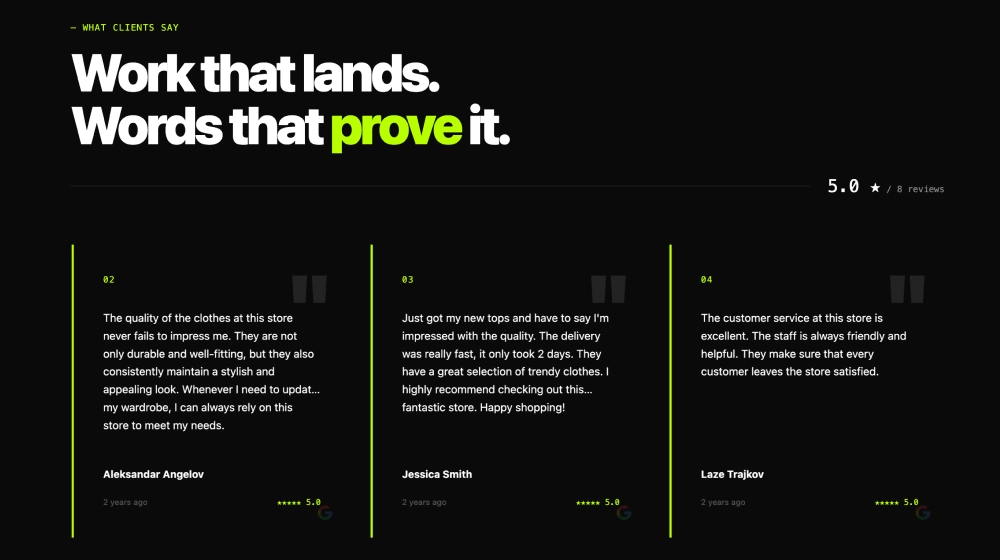
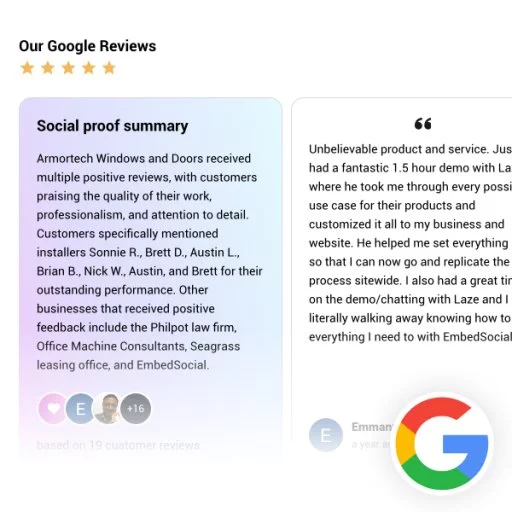
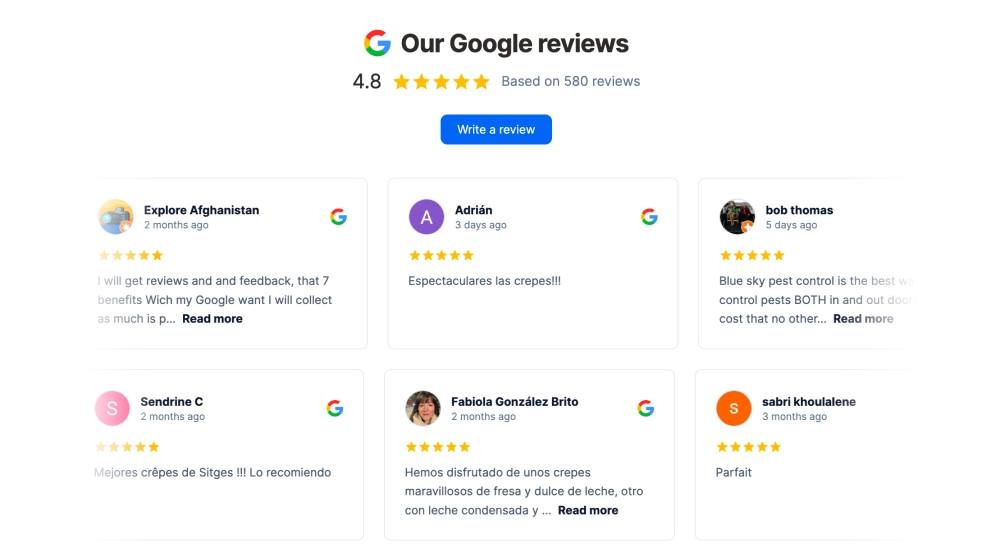
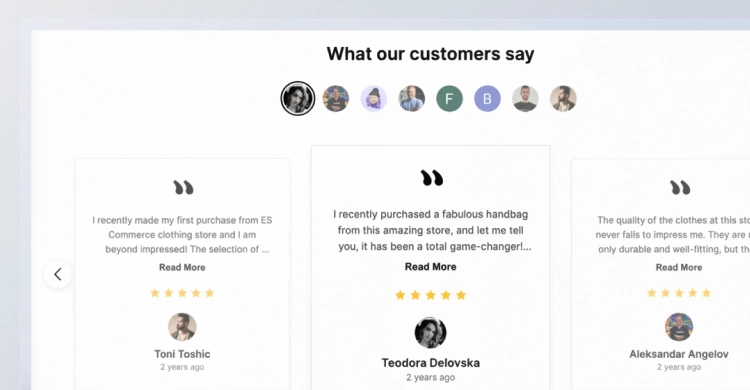
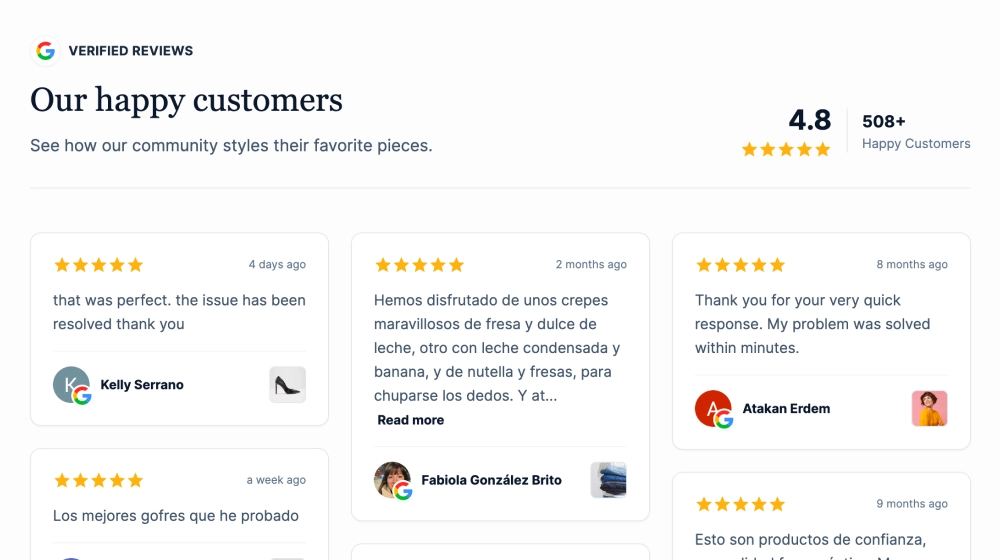
The Dark Google Reviews & Ratings Section is a premium, high-contrast widget that combines a bold headline with a live Google rating display and a swipeable carousel of reviews. It’s designed for modern SaaS and brand websites that want social proof to feel sleek, trustworthy, and conversion-ready, without looking like a basic reviews embed.
Features
-
Dark-mode, premium UI: Modern black background with clean typography for a polished, “SaaS-grade” look
-
Google Reviews label + live data cue: Clear Google branding with “live verified data” styling for instant trust
-
Headline + supporting copy block: Perfect for sections like “What Our Customers Are Saying” with a short credibility statement
-
Rating ring widget: Circular rating badge (e.g., 5.0 out of 5) that visually anchors the section
-
Strong CTA button: “Write a Review” button to encourage new review submissions
-
Review slider/carousel: Displays multiple reviews in cards with smooth navigation dots
-
Readable review cards: Reviewer name, avatar/initial, star rating, timestamp, review text, and optional Read more truncation
-
Subtle accent borders: Thin neon-style edges on cards to add depth and separation
-
Responsive and touch-friendly: Works perfectly on mobile with swipe interactions
Use cases
-
Homepage trust block: Add credibility right after your hero or before pricing
-
Pricing pages: Reduce friction by pairing plans with verified 5-star proof
-
SaaS landing pages: Reinforce product reliability with real customer feedback
-
Agency/service sites: Showcase reputation in a bold, modern format
-
Onboarding or upsell pages: Keep confidence high with always-visible review proof
How to embed
-
Connect your Google Reviews source in EmbedSocial (Google Business Profile).
-
Choose the template from the reviews templates library.
-
Edit the section headline, supporting text, and enable the Write a Review CTA.
-
Adjust slider settings (reviews per view, autoplay, and text length with Read more).
-
Copy the embed code (JavaScript or iFrame).
-
Paste it into your site (Webflow, WordPress, Shopify, Wix, Squarespace, or custom HTML) and publish.
Make your social proof look as premium as your product, embed the Dark Google Reviews & Ratings Section to showcase live 5-star credibility and drive more reviews with a built-in Write a Review button.