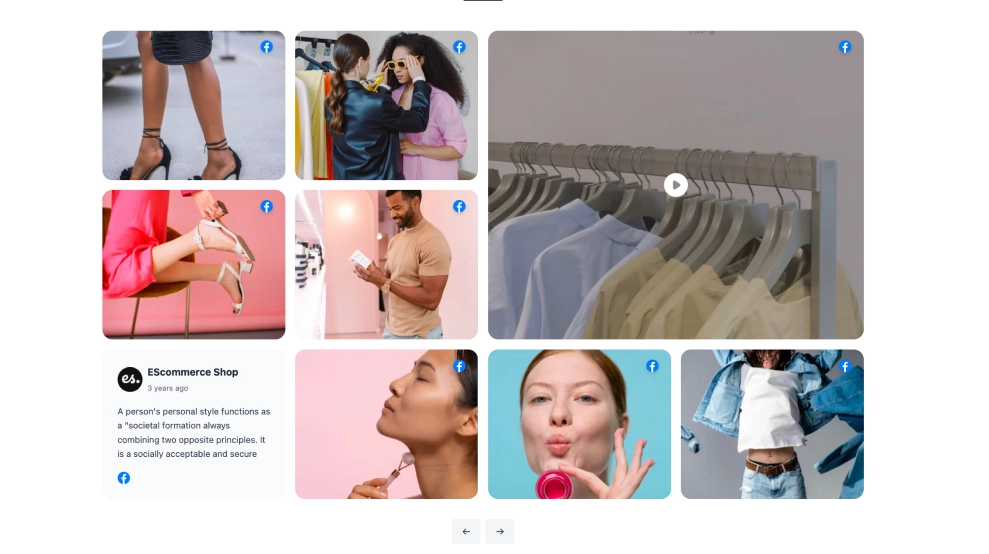
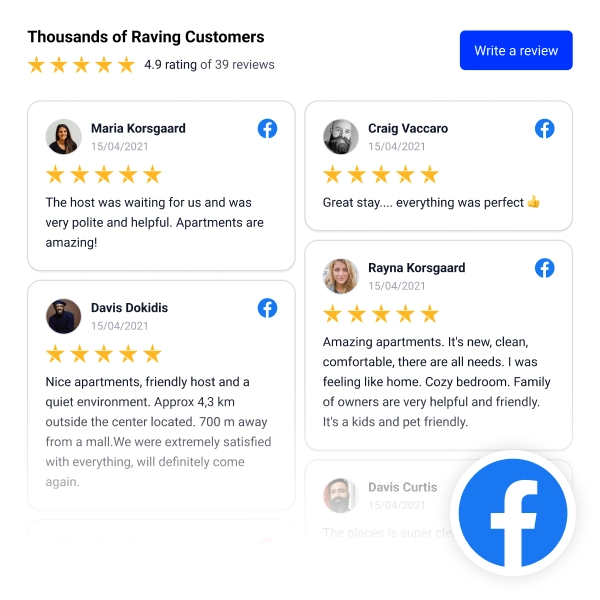
The Facebook Masonry Shop is a “Shop the Look” style feed that displays Facebook content in a clean masonry grid, mixing photos and videos while highlighting shoppable posts. It’s designed for brands that want community-style visuals on-site, with a clear path from inspiration to purchase.
Features
-
Masonry grid layout: Mixed-size tiles for a modern, editorial gallery feel
-
Shop the Look header: Section label + title (e.g., Community Style: Shop the Look) to set shopping intent
-
Dual CTAs in the header:
-
View All to open the full gallery
-
Follow Us to grow your Facebook audience
-
-
Video support: Video posts show a play overlay for instant recognition
-
Shoppable product overlay: Featured product panel on posts (name + price + Shop Now button)
-
Page attribution: Shows the Facebook page/handle for authenticity and trust
-
Clean, storefront-ready styling: Minimal UI, strong imagery, and plenty of whitespace
-
Responsive layout: Tiles rearrange smoothly across desktop and mobile
Use cases
-
Homepage social commerce section: Turn Facebook content into a shoppable community gallery
-
Collection & campaign pages: Feature UGC-style posts tied to a specific drop or promotion
-
Product discovery blocks: Help shoppers browse visually and click “Shop Now” from the feed
-
Brand community pages: Showcase real customer styling and increase follows
-
Landing pages for paid traffic: Reduce friction by linking content directly to products
How to embed
-
Connect your Facebook Page as a source in EmbedSocial.
-
Choose the template from the templates library.
-
Customize the header (title, subtitle) and enable View All + Follow Us buttons.
-
Map products to posts (product name, price, and destination URL) to enable Shop Now overlays.
-
Copy the embed code (JavaScript or iFrame).
-
Paste it into your website builder/CMS (Shopify, WordPress, Webflow, Wix, Squarespace, or custom HTML) and publish.
Embed the Facebook Masonry Shop Widget and let visitors shop the look directly from your community feed.