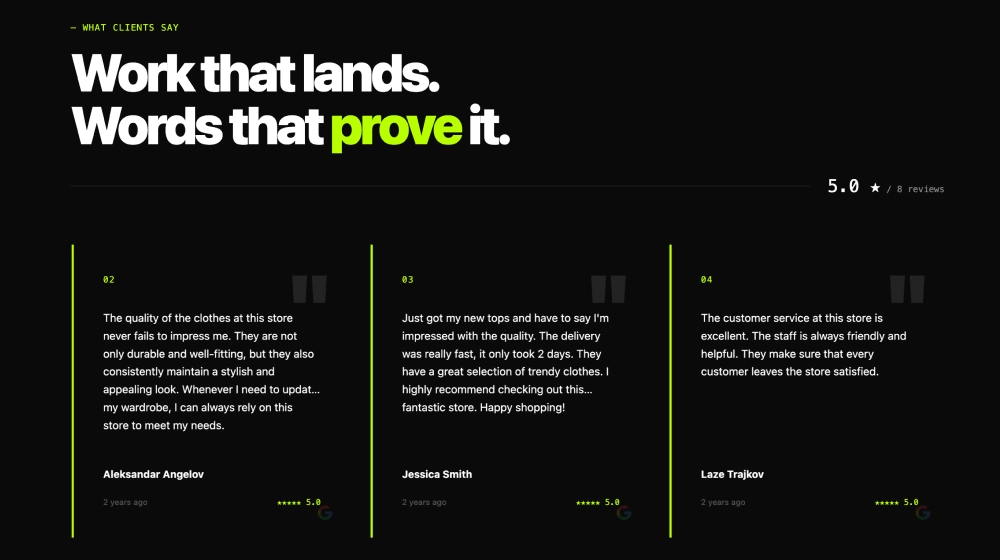
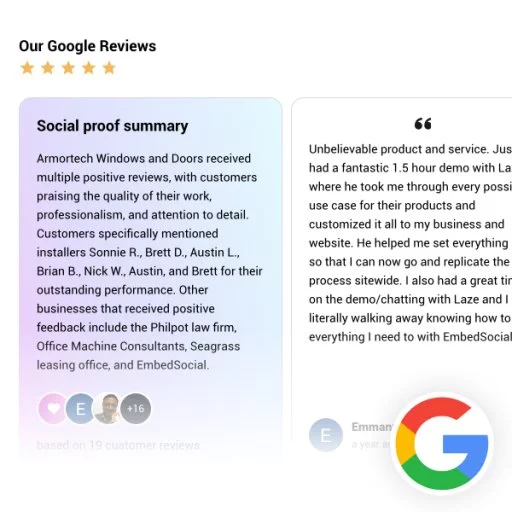
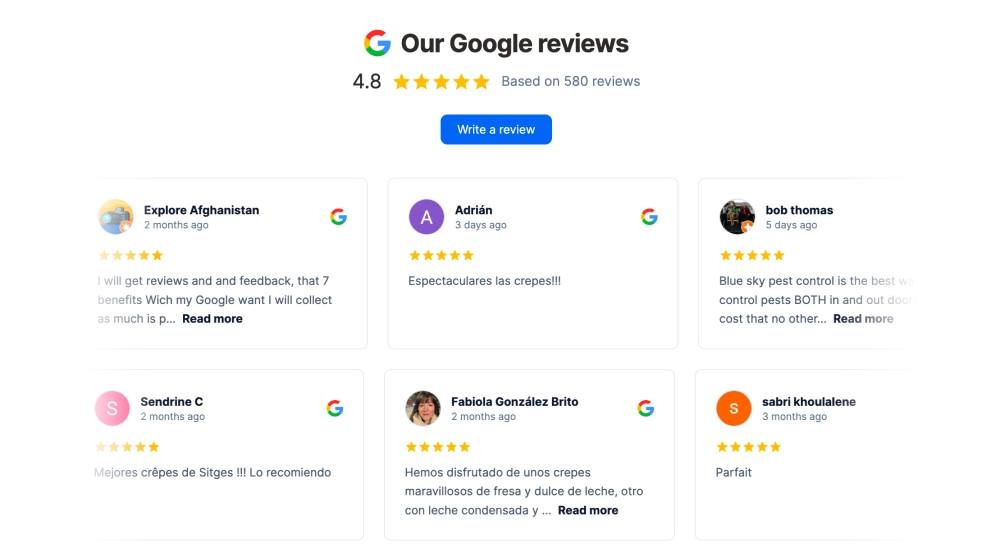
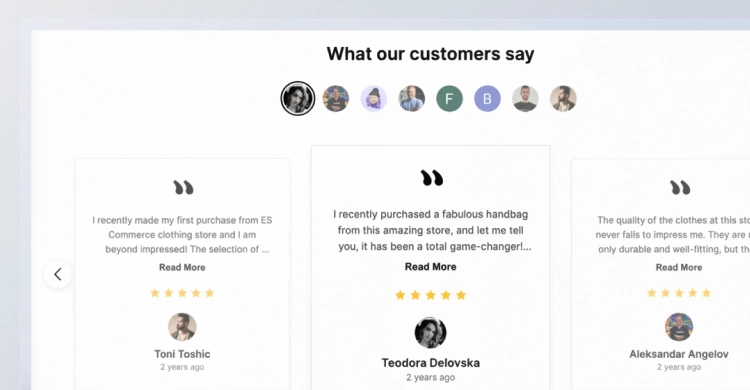
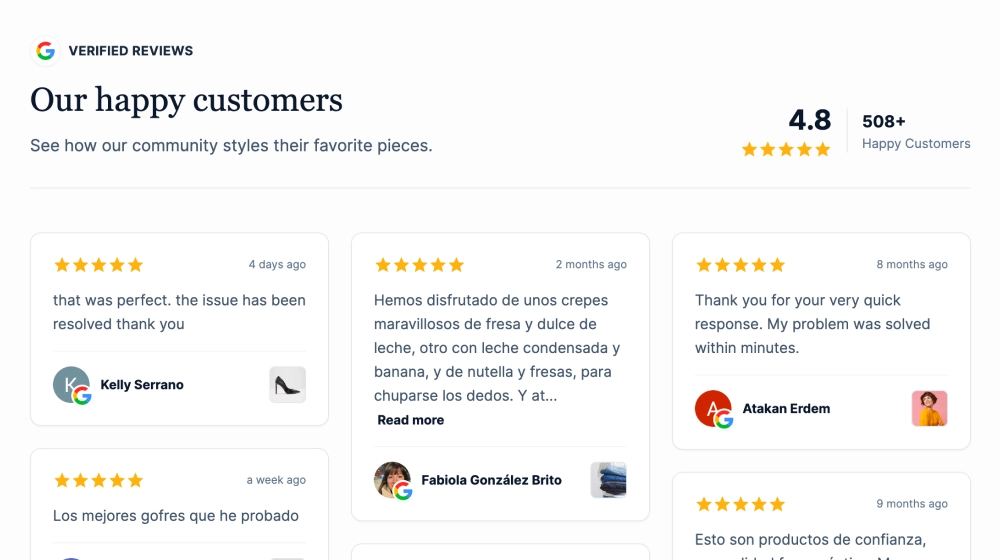
Show off your Google rating in a clean, compact badge that instantly builds trust. This template displays your Google logo, star rating, and total number of reviews inside a sleek card with a Google-colored border accent, making it perfect for high-visibility placement without taking up much space.
Features
-
Minimal “trust badge” layout: Google icon + star rating + review count in a single line/card
-
Google brand-inspired border: Subtle multi-color border detail that stands out without being distracting
-
Editable text elements: Customize label copy (e.g., “rating from reviews”) to match your site tone
-
Responsive & lightweight: Looks great on desktop and mobile, ideal for headers, footers, and sidebars
-
Matches modern UI: Clean typography and spacing designed to blend with most website styles
Link to location
-
The badge can include a clickable link to your Google Business Profile / Google reviews URL, so visitors can:
-
verify authenticity
-
read reviews on Google
-
leave a new review (if you link to the review form)
-
(In EmbedSocial, you typically set this as the CTA/link action for the widget or badge.)
Auto updates
-
Pulls your latest rating and review count automatically from your connected Google source
-
Updates happen without manually editing your site. Your badge stays current as new reviews come in
Use cases / where to embed
-
Homepage (near hero section, above the fold)
-
Contact page (next to map/address info)
-
Booking / Checkout pages (reduce last-minute hesitation)
-
Footer (persistent social proof site-wide)
-
Sidebar (on service pages or blog posts)
-
Landing pages (ads, campaigns, or location-specific pages)
Best for: local businesses, clinics, salons, restaurants, agencies, home services, anyone relying on reputation.
How to embed
-
Connect your Google reviews source in EmbedSocial (Google Business Profile).
-
Choose the Google Reviews Badge template (the border-style badge).
-
Customize:
-
text label
-
size, spacing, and alignment
-
link behavior (open in new tab, direct to location/reviews)
-
-
Click Embed and copy the generated code:
-
JavaScript embed (recommended for easiest auto-updates), or
-
iFrame embed (simple drop-in option)
-
-
Paste the code into your website builder/CMS:
- Shopify, WordPress, Webflow, Squarespace, Wix, custom HTML, etc.
-
Publish - updates will display automatically going forward.
Add instant credibility in seconds: Embed your Google rating badge today and turn visitor trust into more calls, bookings, and sales.