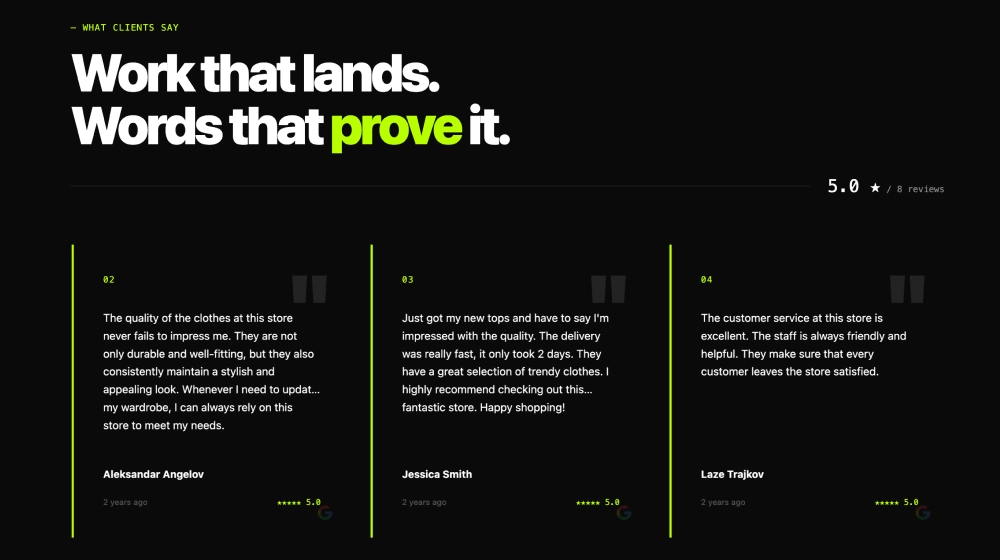
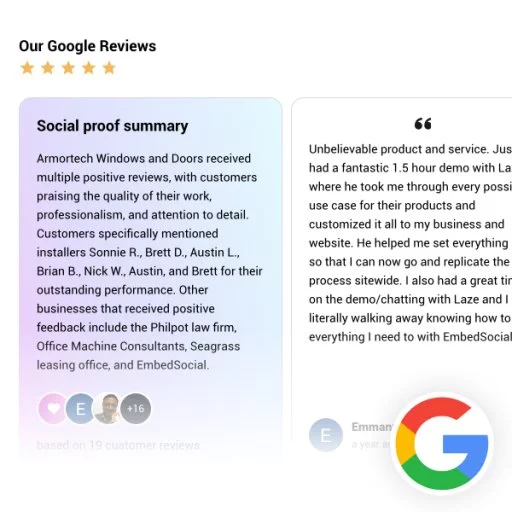
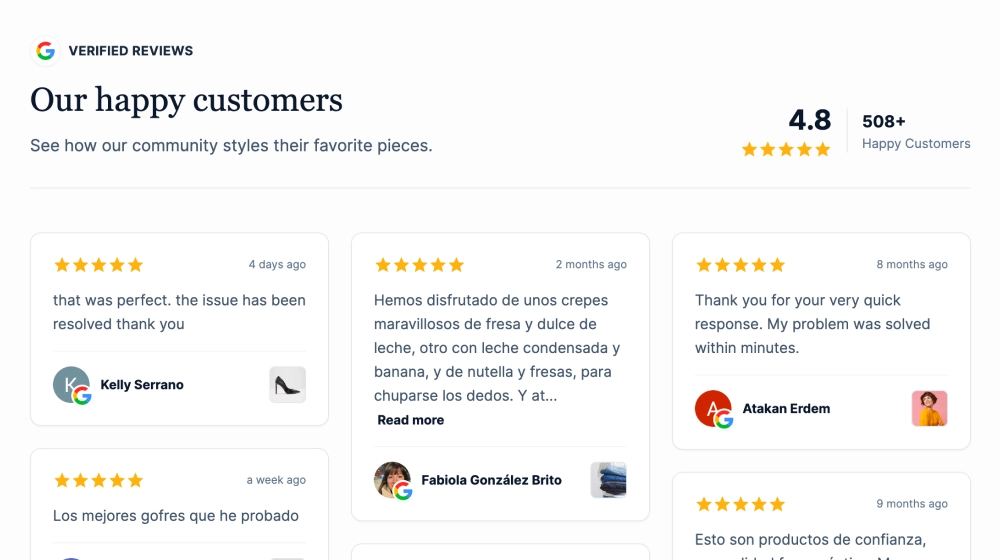
The Google Reviews Marquee Slider is a sleek, dark-mode social proof section that showcases verified Google reviews in a continuous, horizontally scrolling “marquee” row. With a bold headline (e.g., “Don’t just take our word for it”) and clean review cards, it’s built to keep trust signals moving across the page, perfect for modern SaaS and brand websites.
Features
-
Marquee-style auto scroll: Reviews glide horizontally in a continuous loop for a dynamic, always-on trust bar
-
Dark premium theme: High-contrast background and soft card shadows for a modern look
-
Headline + badge label: Optional “Google Customer Reviews” pill above the title for instant credibility
-
Review cards with star ratings: Each card shows the star rating up front for quick sentiment scanning
-
Reviewer identity: Name + avatar/initial badge, plus “Verified buyer” label for authenticity
-
Multi-language friendly: Works great with international reviews and varying text lengths
-
High-density social proof: Shows many reviews without taking vertical space
-
Responsive & touch-friendly: Smooth on desktop and mobile, with swipe/scroll behavior supported
Use cases
-
Homepage trust section: Add motion and credibility right below the hero or above pricing
-
SaaS landing pages: Reinforce reliability and customer satisfaction without a long testimonials block
-
Checkout / signup pages: Reduce hesitation with continuously visible proof
-
Agency & service sites: Showcase reputation in a modern, non-static way
-
Product launch pages: Keep positive feedback flowing as visitors scroll
How to embed
-
Connect your Google Reviews source in EmbedSocial (Google Business Profile).
-
Choose the Google Reviews Marquee Slider template from the reviews templates library.
-
Customize the headline, enable the Google badge label, and set how many reviews are shown.
-
Configure marquee behavior (speed, direction, pause-on-hover, and card spacing if available).
-
Copy the embed code (JavaScript or iFrame).
-
Paste it into your website (Webflow, WordPress, Shopify, Wix, Squarespace, or custom HTML) and publish.
Keep trust in motion. Embed the Google Reviews Marquee Slider to display verified 5-star feedback in a sleek, continuously scrolling row that builds confidence and boosts conversions.