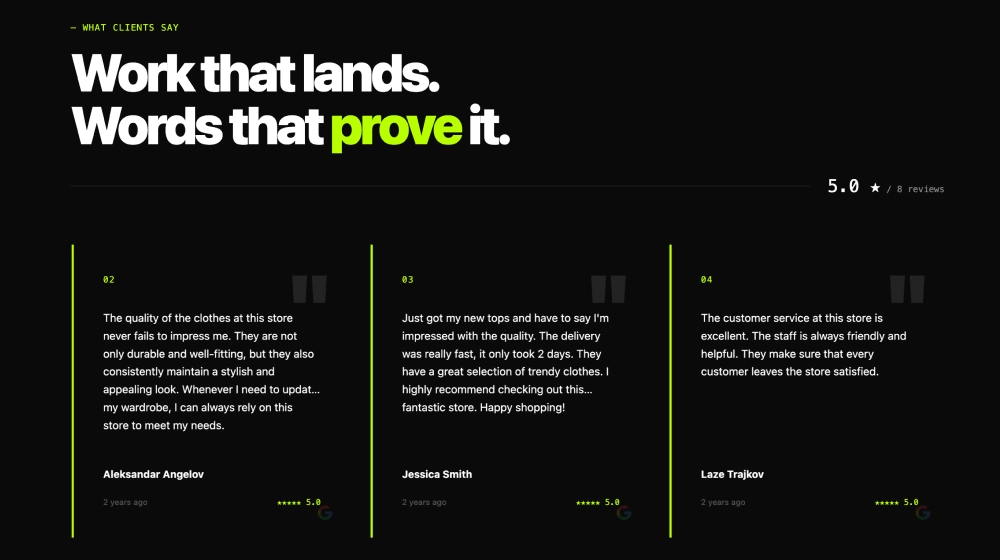
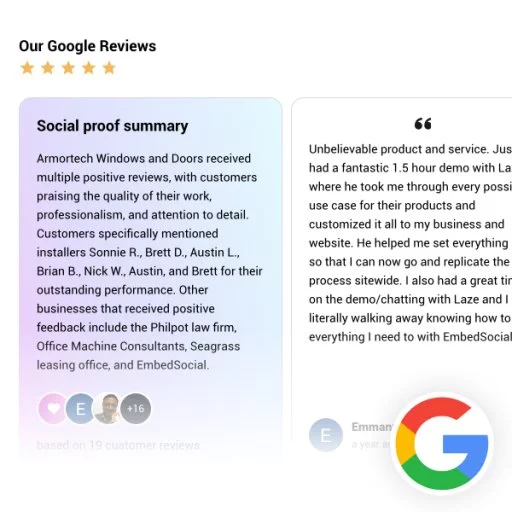
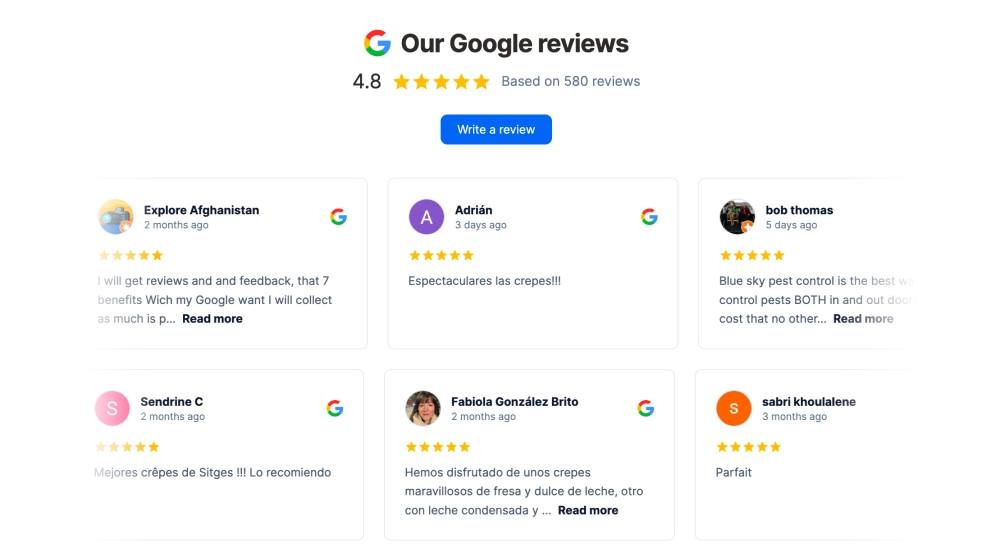
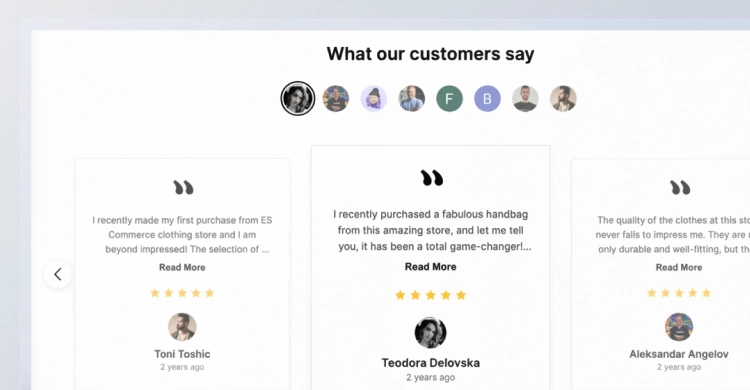
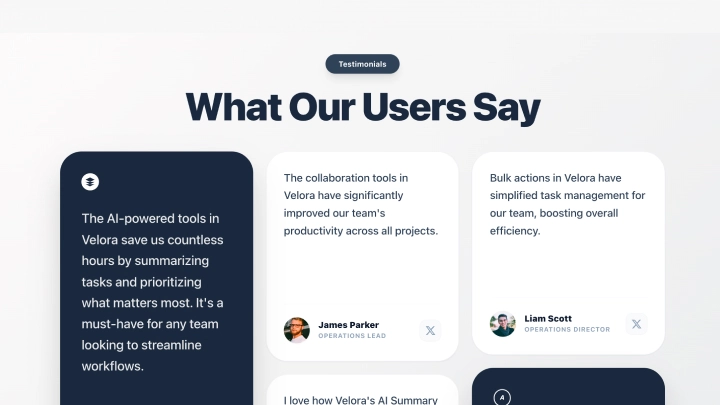
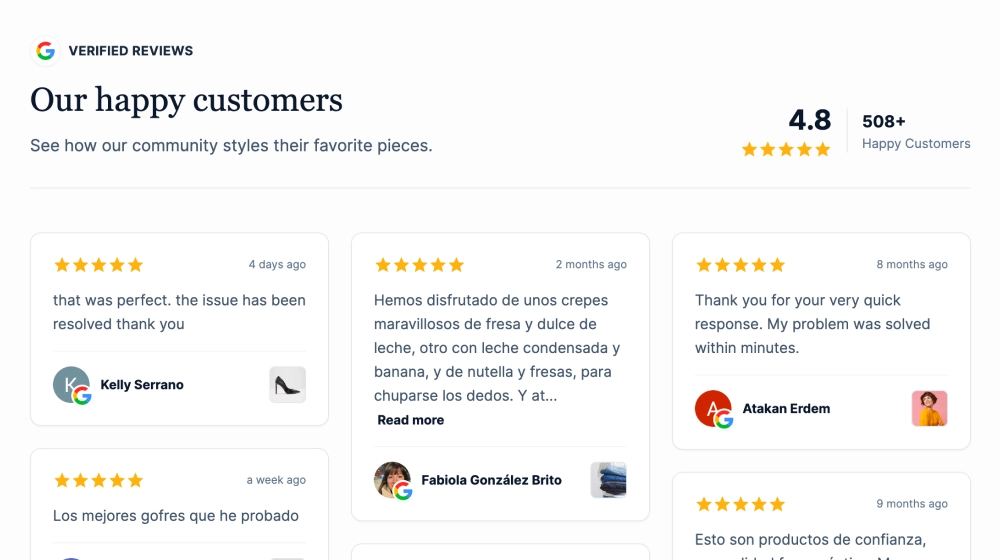
The Google Reviews Avatar Orbit is a story-driven testimonial slider that showcases one featured Google review while surrounding it with a “community orbit” of customer avatars. The dotted path and floating profile circles create a light, friendly sense of motion, making reviews feel like real people, not just text on a page.
Features
-
Avatar orbit layout: Customer profile circles arranged along a dotted path to visualize community and momentum
-
Single review spotlight: One long-form review displayed at a time for maximum readability
-
Google attribution: Star rating and Google icon under the testimonial for instant trust
-
CTA-ready header: Big section title (e.g., “What Our Customers Say”) with optional subtitle
-
Primary action button: Prominent CTA like Book Now to drive conversions from the section
-
Carousel navigation: Left/right arrows + dot indicators for browsing multiple reviews
-
Human-first design: Avatars/initials add authenticity and help the section feel personal
-
Responsive layout: Orbit compresses gracefully on smaller screens while keeping the review readable
Use cases
-
Service businesses: Booking-focused pages (salons, clinics, fitness, home services) where trust drives calls/appointments
-
SaaS & agencies: Highlight client quotes in a clean, story-like layout
-
Ecommerce “Customer stories” section: Show longer reviews with a community feel
-
Landing pages: Pair social proof with a strong CTA (book, demo, consult) to reduce hesitation
-
About / testimonials pages: Turn standard reviews into a more engaging narrative section
How to embed
-
Connect your Google Reviews source in EmbedSocial (Google Business Profile).
-
Select the template from the templates library.
-
Customize the header text and set your main CTA button (e.g., Book Now) with your destination link.
-
Choose how reviews rotate (latest, best, or pinned, if available) and adjust excerpt length.
-
Copy the embed code (JavaScript or iFrame).
-
Paste it into your website (Webflow, WordPress, Shopify, Wix, Squarespace, or custom HTML) and publish.
Make your reviews feel like a community.
Embed the Google Reviews Avatar Orbit to spotlight real customer stories and drive more bookings with a clear, conversion-focused CTA.