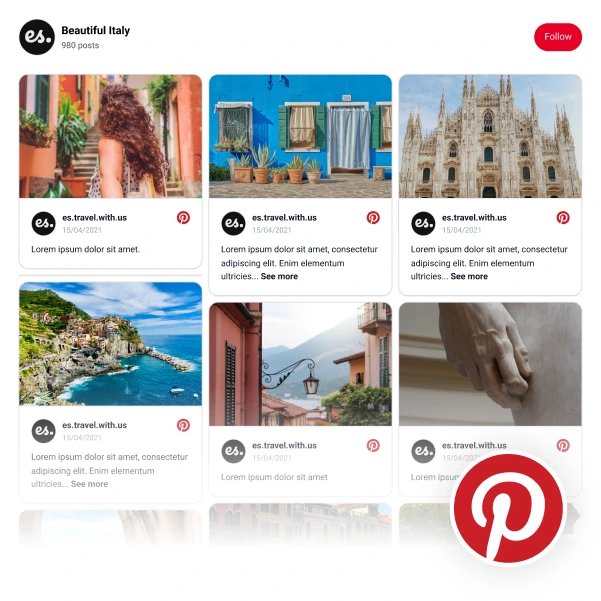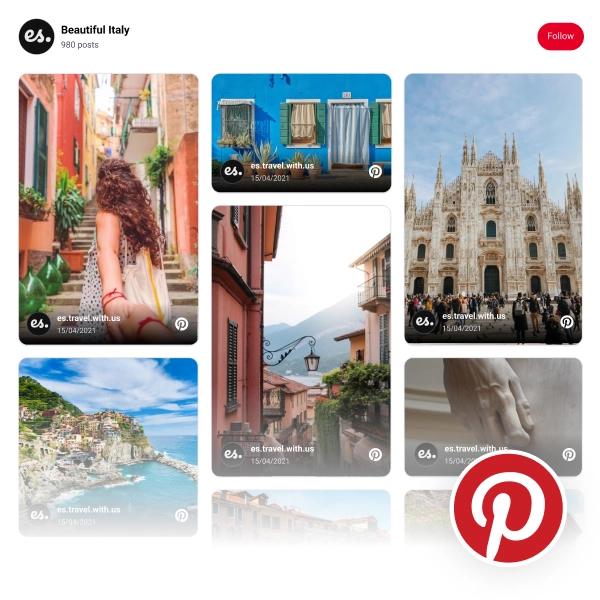
If you’re looking for a creative way to display your Pinterest boards on your website or blog, consider using a collage layout. Collage layouts are a great way to showcase a variety of images in one place, and they can be easily customized to fit your needs.
To create a collage widget with your Pinterest boards, choose this template, connect your Pinterest account, and copy/paste the provided embeddable code on your website.
For further customization, you can use the following settings:
-
Edit the posts’ box border-radius
-
Set the number of posts per page
-
Change the pagination type: Load or numeral pagination
-
Edit the ‘Follow us’ button link or design
-
Edit link on photos: lightbox or original source.
-
Choose a dark or light mode
-
Filter posts by date or type
-
Change lightbox mode: vertical or horizontal
-
Use Custom CSS to edit the overall design.
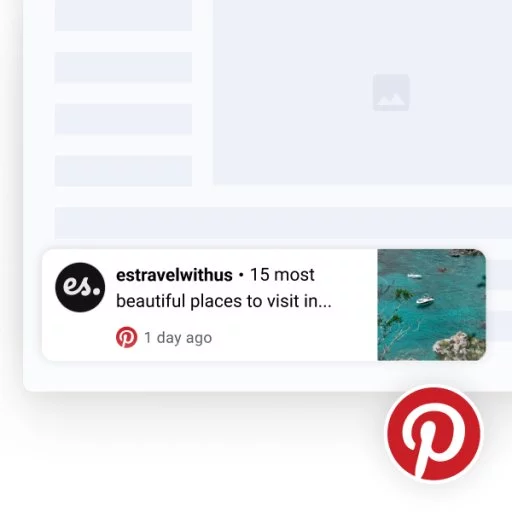
And finally, note that every time you post an image on Pinterest it will automatically sync and appear in the widget.