This social media photo contest landing page feels less like a campaign form and more like a curated digital exhibition. It opens with a bold editorial headline, introduces the contest as a community-shaped showcase, and then moves visitors from inspiration to action with featured submissions, a clear call for entries, and an awards section that explains what participants are competing for.
What makes this page work
-
Exhibition-style hero: The oversized serif headline gives the contest a more premium, gallery-like identity from the first screen.
-
Strong event framing: Date, subheading, and short curator-style copy make the page feel like a real happening, not just a submission form.
-
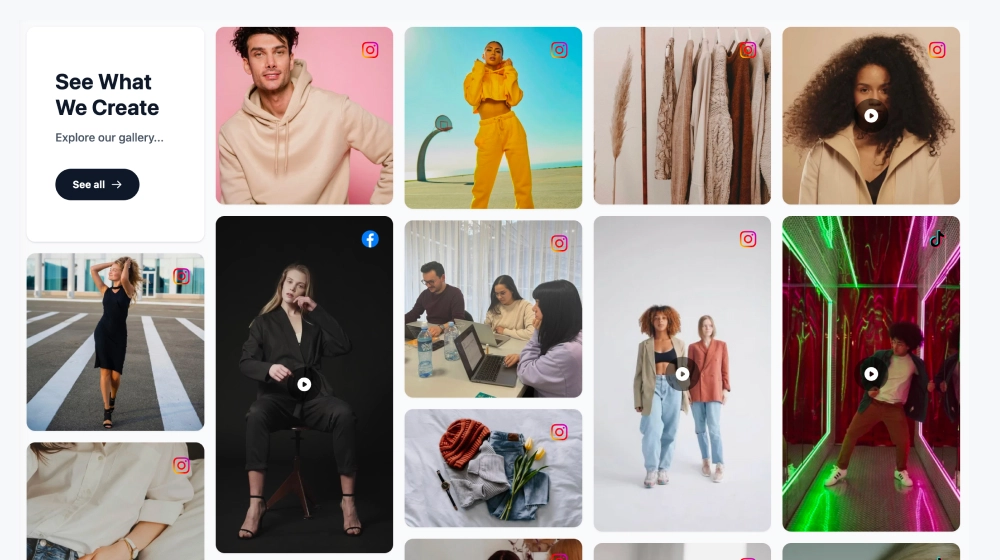
Visual submission gallery: Large image blocks help the contest feel active and credible by showing the kind of work being featured.
-
Clear entry point: The Call for Entries section puts the submission CTA, eligibility note, and deadline in one easy-to-find place.
-
Prize visibility: The awards area adds motivation by showing what selected entrants can win or be recognized for.
-
Community-first tone: Phrases like Curated by the Community and open submission messaging make the experience feel welcoming instead of gatekept.
-
Clean editorial layout: Generous spacing, restrained color accents, and focused typography help the page look polished without feeling crowded.
Best use cases
-
Instagram or hashtag-based photography contests
-
Brand campaigns built around community photo submissions
-
Creative competitions for schools, magazines, and cultural organizations
-
Seasonal UGC contests that need both discovery and submission flow
-
Digital exhibitions that combine social content with prizes or featured placement
How to set it up
-
Create your social media photo contest in EmbedSocial and connect the submission source or hashtag feed.
-
Choose a landing page layout that highlights the hero message, gallery, and submission CTA.
-
Add the contest title, date, short description, and supporting copy for the exhibition-style intro.
-
Feature selected entries or recent submissions in a visual gallery to show what the contest looks like in practice.
-
Add the submission deadline, eligibility notes, and awards section so visitors know how to enter and what they can win.
-
Publish the landing page and share it across your website, email campaigns, and social channels.
Launch a social media photo contest landing page that feels curated, credible, and easy to join from the first scroll.