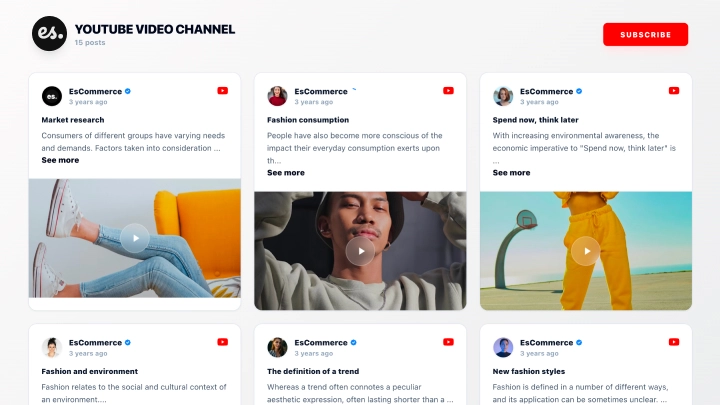
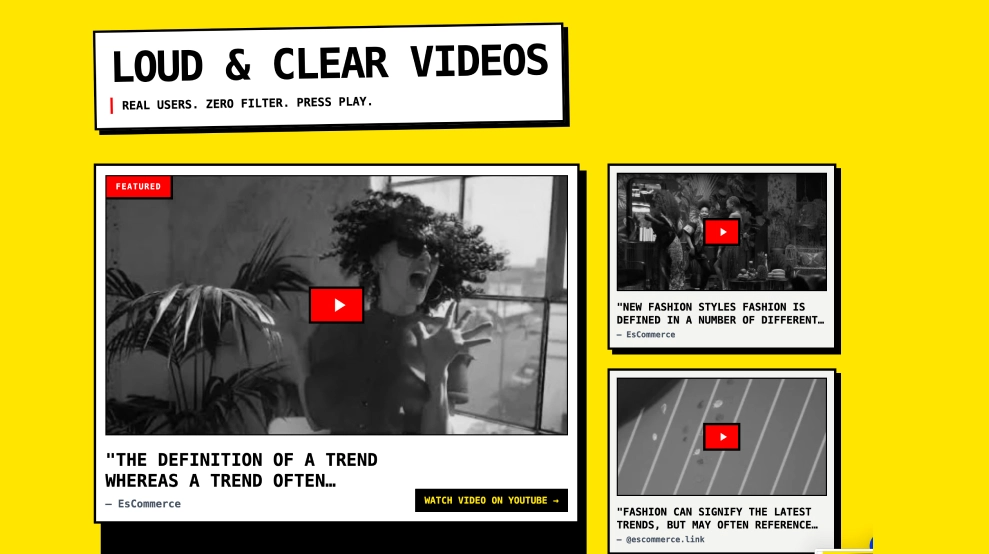
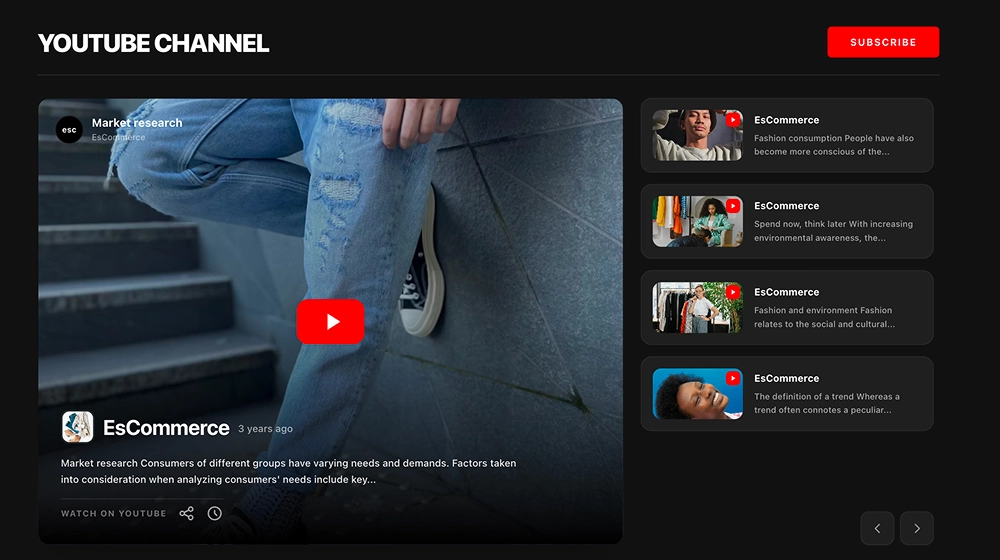
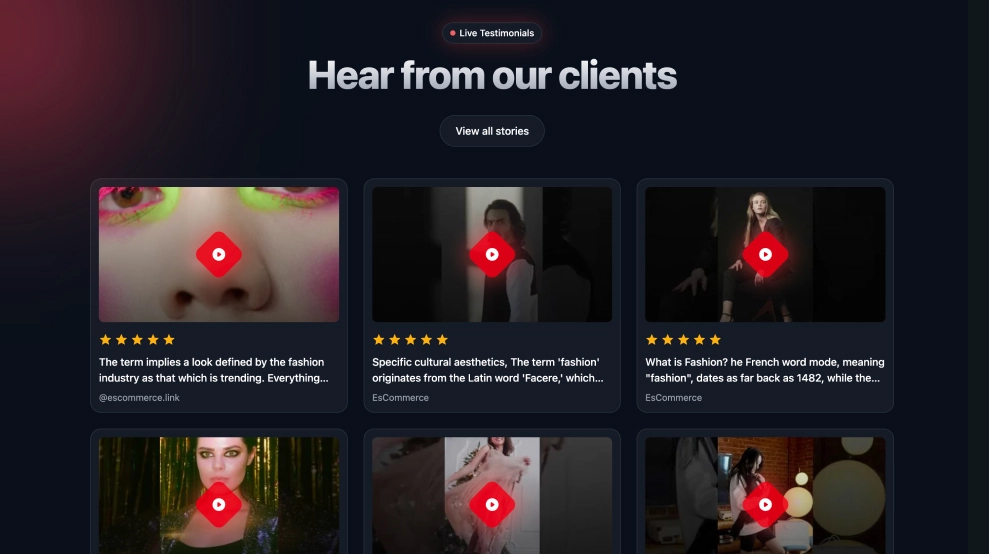
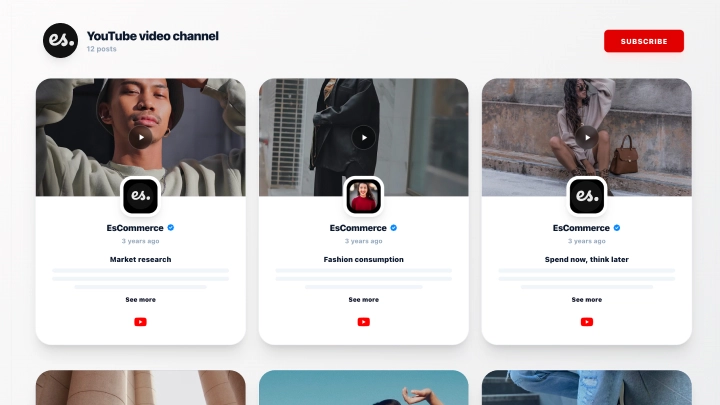
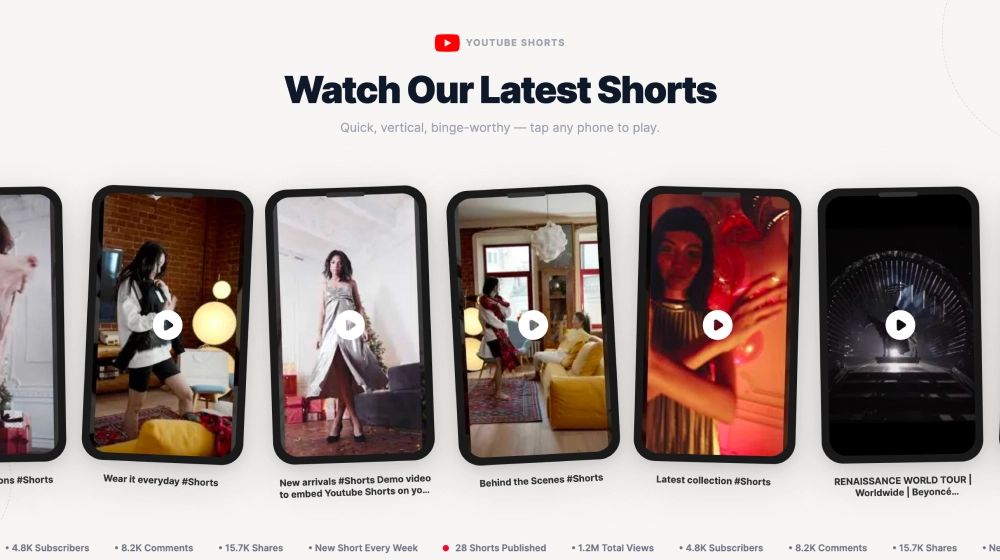
The YouTube Shorts Section template is a modern, API-powered widget designed to display short-form YouTube videos directly on your website. It automatically syncs Shorts from your YouTube channel and presents them in a visually engaging split layout that mirrors the native Shorts experience.
Layout & Structure
This template features a two-column layout for maximum engagement:
Left Column: Featured Short
-
Large vertical video preview in mobile-style format
-
Play button overlay
-
Engagement icons (likes, comments, shares)
-
Channel handle and Subscribe button
-
Caption preview with description text
This area highlights one selected Short as the primary focus.
Right Column: Scrollable Shorts Feed
-
Stacked video thumbnails
-
Video title and view count
-
Hashtag labels (e.g., #Tech, #Shorts)
-
Smooth vertical scrolling
-
“View all videos” or “More” button
This creates an organized browsing experience without overwhelming the user.
Design & Style
The template uses a clean, modern flat design with:
-
Rounded card edges
-
Soft drop shadows
-
Minimalist typography
-
Neutral background for better video focus
-
Branded red Subscribe button
The visual hierarchy clearly separates featured content from the feed list.
Customization Options
Inside the EmbedSocial editor, users can:
-
Change the section title (e.g., “Latest Shorts”)
-
Show or hide the Subscribe button
-
Toggle engagement metrics (likes, comments, views)
-
Customize button colors and fonts
-
Adjust spacing and layout alignment
-
Enable or disable hashtags display
-
Choose the featured Short dynamically
How to Add the YouTube Shorts Section
Follow these steps to create and embed this template:
Step 1: Connect Your YouTube Account
-
Log in to your EmbedSocial account
-
Go to Sources
-
Select YouTube
-
Connect your YouTube channel via API authorization
Step 2: Create a Widget
-
Navigate to Widgets
-
Click Create Widget
-
Choose the YouTube Shorts Section template
-
Select your connected YouTube source
Step 3: Customize the Layout
-
Adjust layout settings (featured video + list view)
-
Modify header text and styling
-
Toggle engagement elements
-
Set branding colors
-
Configure the Subscribe button
Step 4: Embed on Your Website
-
Click Embed
-
Copy the generated embed code
-
Paste it into your website’s HTML, CMS block, or page builder
The widget will automatically sync and display your latest Shorts.
Best For
-
Tech creators
-
Product demo pages
-
Landing pages with video storytelling
-
Influencers embedding vertical content
-
Brands promoting short-form campaigns
The YouTube Shorts Section template helps you transform your website into a dynamic video showcase, keeping visitors engaged with fast, scrollable, and automatically updated short-form content directly from your YouTube channel.