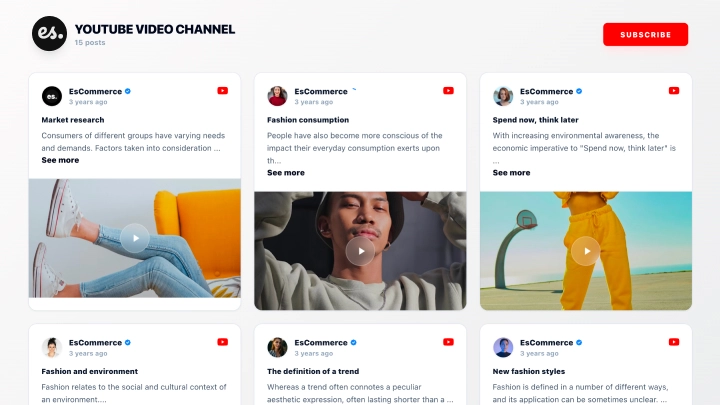
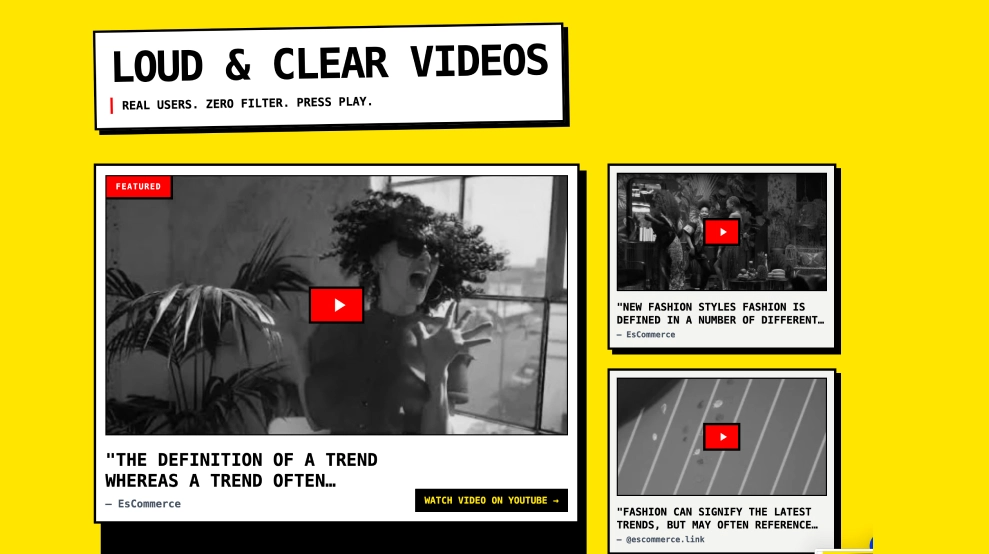
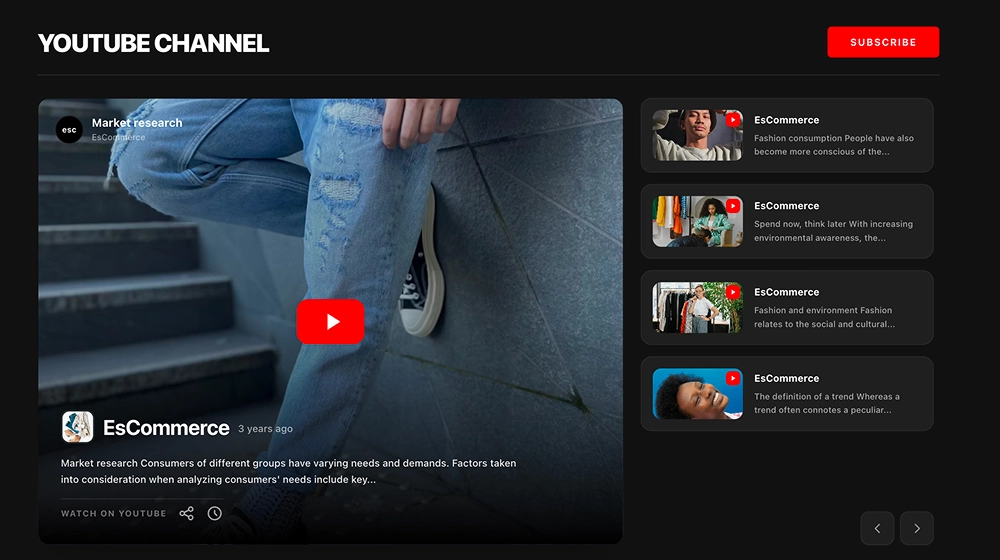
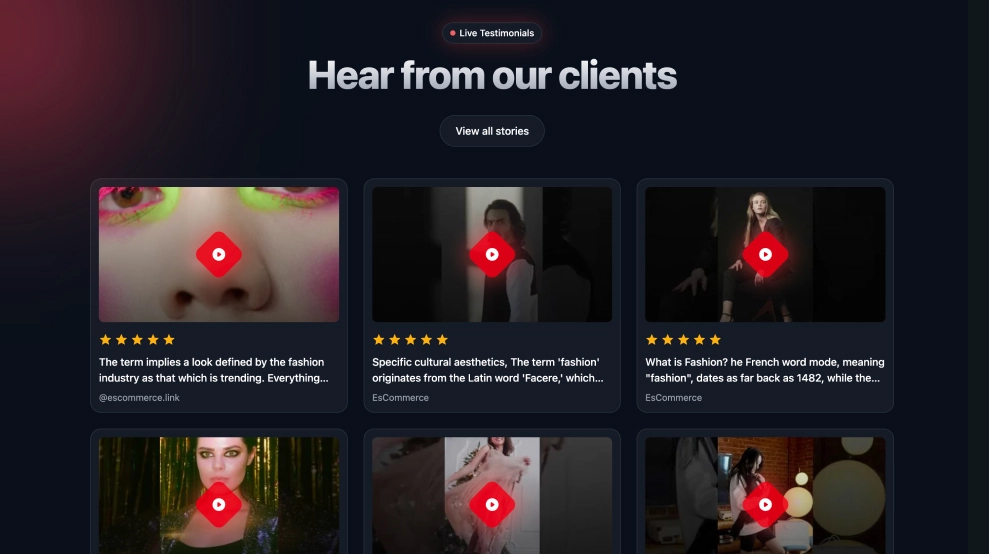
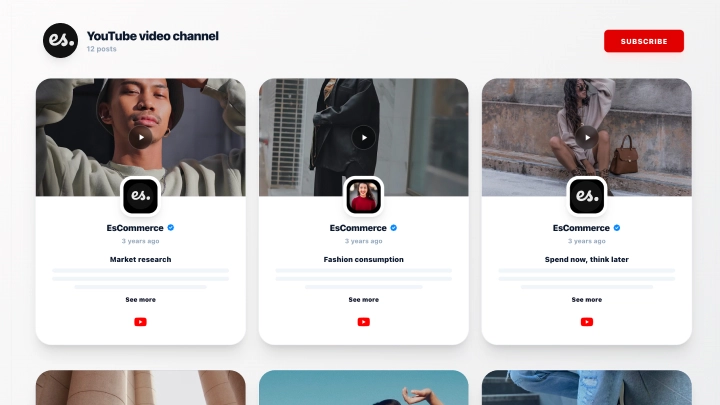
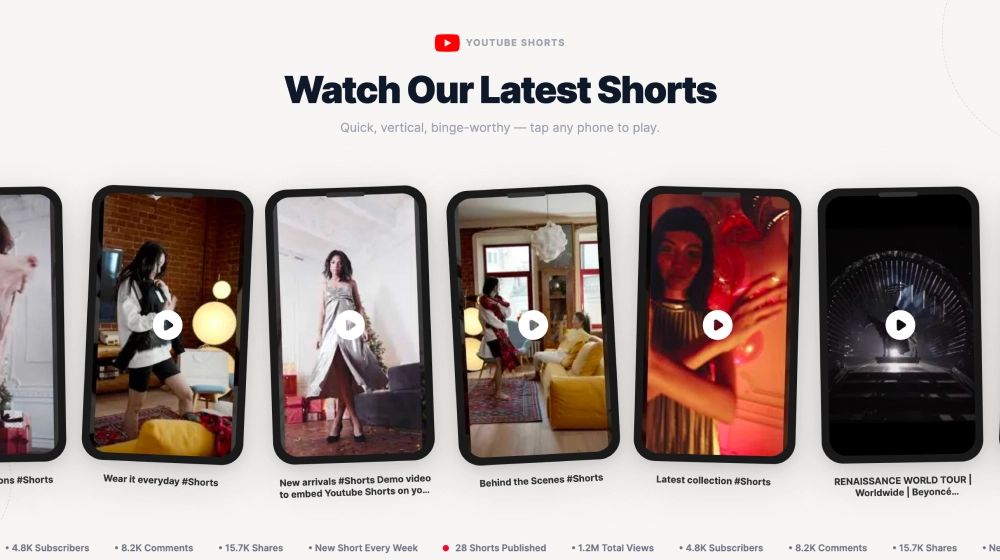
The YouTube Shorts Widget lets you showcase your latest Shorts in a clean, swipeable carousel that looks great on any website. It’s built to promote vertical video content without distractions, perfect for highlighting trending clips and turning site visitors into subscribers.
Features
-
Shorts-first layout: Displays vertical video thumbnails in a Shorts-style format
-
Carousel/slider navigation: Browse clips with arrows (and swipe on mobile)
-
Channel header section: Title + short description area for context and branding
-
Subscribe button: Prominent Subscribe CTA to grow your YouTube audience
-
Shorts badge + YouTube branding: Clear platform recognition on each video card
-
Video titles + timestamps: Shows clip title and posted time for freshness and relevance
-
Responsive design: Adapts smoothly to desktop, tablet, and mobile screens
-
Clickable playback: Visitors can open and watch the Shorts directly from the widget
Use cases
-
Homepage content section: Keep your site dynamic with fresh Shorts
-
Creator/brand websites: Promote your channel and increase subscribers
-
Ecommerce product pages: Show quick demos, styling videos, or unboxings
-
Landing pages: Add social proof and engagement without a full YouTube embed
-
Blog posts and tutorials: Pair written content with short video highlights
How to embed
-
Connect your YouTube channel (Shorts feed) in EmbedSocial.
-
Choose the template from the templates library.
-
Customize the title/description and enable the Subscribe button.
-
Select how many Shorts to show and adjust spacing/card size.
-
Copy the embed code (JavaScript or iFrame).
-
Paste it into your site (WordPress, Webflow, Shopify, Wix, Squarespace, or custom HTML) and publish.
Turn your website into a Shorts showcase, embed the YouTube Shorts Widget and help visitors discover your best clips and subscribe in one click.