Turn Pinterest boards into always-on website content
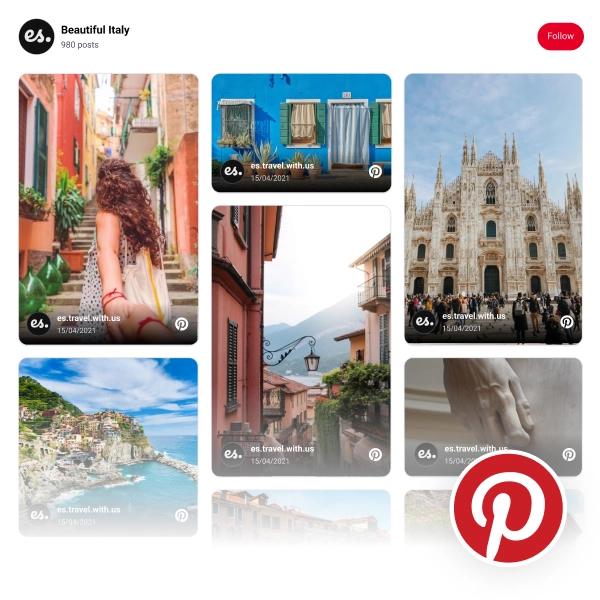
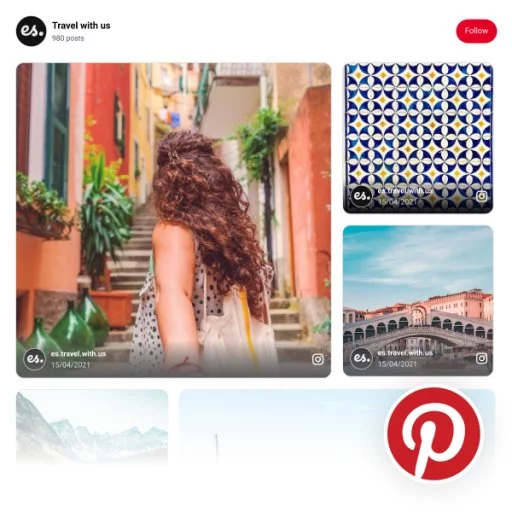
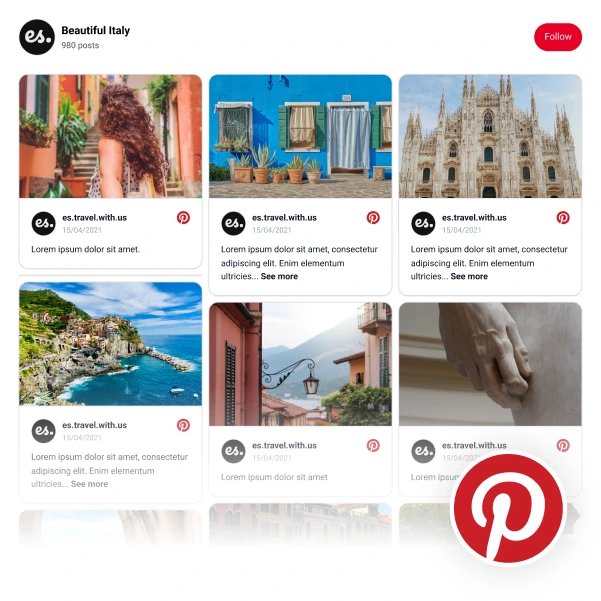
Display Pinterest boards and Pins in a layout that keeps your homepage, blog, or storefront visually fresh without building a custom gallery from scratch.
Embed Pinterest boards and Pins on any website with a customizable widget that fits your CMS, storefront, or landing page.




Loved by 400,000+ big and small brands. World-famous and local


A Pinterest widget helps you reuse your best visual content outside Pinterest, keep product inspiration visible for longer, and turn saved ideas into onsite clicks.
Display Pinterest boards and Pins in a layout that keeps your homepage, blog, or storefront visually fresh without building a custom gallery from scratch.
Use Pinterest-style layouts to show collections, lookbooks, DIY ideas, recipes, or product inspiration directly on the pages where visitors are deciding.
Pair your embedded Pinterest content with stronger layouts, product links, and landing page copy so each Pin can keep working after it is published.
Start with a Pinterest-style layout, then adapt it for boards, collections, product inspiration, or editorial content with AI and design controls.
Launch your first Pinterest widget in three steps, then refine the layout for the page where you want it to convert.
Use the EmbedSocial editor to turn Pinterest content into a publish-ready website widget instead of hand-building board layouts every time you want fresh visual content on a page.
For the board-based setup path, see the guide on how to embed a Pinterest board.

Start with the AI widget generator, then refine your layout with templates, spacing, colors, and custom CSS so the widget feels native to your site.

Use moderation controls, AI tagging, UGC rights workflows, and widget analytics to keep your Pinterest widget useful, safe, and conversion-focused.
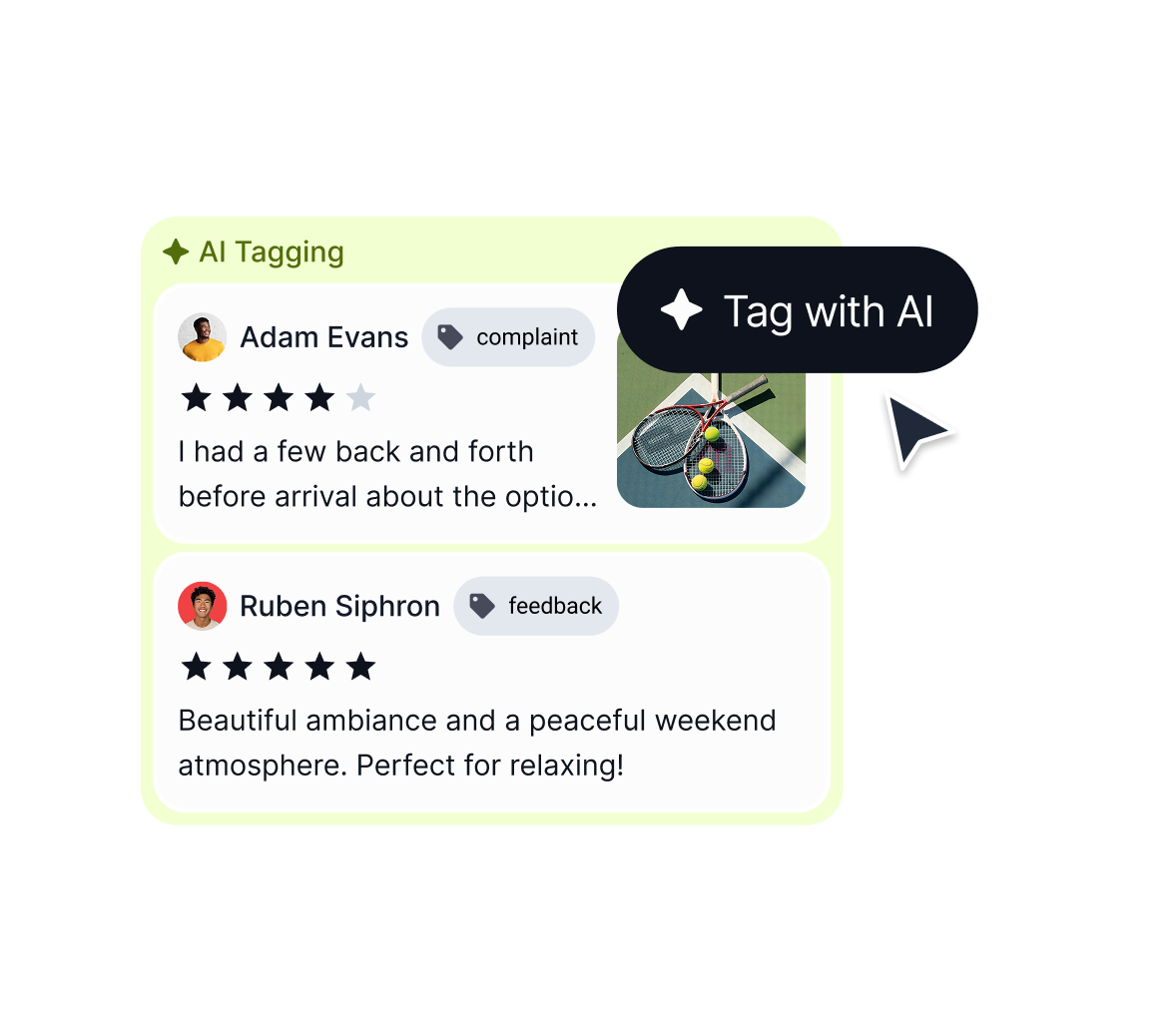
Built for ecommerce teams, publishers, agencies, and visual-first brands
Create separate Pinterest widgets for homepages, product collections, blog posts, and campaign pages.
Use the same widget code pattern on any website that supports JavaScript or iframe embeds.
Generate layouts from a short prompt, then fine-tune the widget visually.
Organize Pins by keyword, category, or campaign logic before publishing.
Refine colors, spacing, and typography so the widget matches your brand.
Enterprise-grade security and GDPR compliance for safe UGC display.
Use the same Pinterest widget workflow across landing pages, ecommerce stores, and CMS platforms.
Pick a category: review feeds, social walls, shoppable galleries, and section blocks. No coding required.
Show Instagram feed.
Display YouTube.
Embed X widgets.
Embed LinkedIn.
Embed Google reviews.
Embed playlist
Embed Threads.
Embed Trustpilot reviews.
Shop my feed
Social proof display
Embed hero
Link in bio page
Embed popup
Embed Reels.
Embed stories
Embed hashtag feed
Embed Facebook.
Show TikTok videos.
Embed YouTube hashtag
Embed Pinterest
Embed Vimeo
Embed FB reviews.
Embed Yelp reviews.
Display customer reviews.
Show review badges on your site.
Showcase customer love.
Embed testimonials
Embed Social wall
Embed Shorts
Embed carousel
Start with a free trial, launch your first Pinterest board widget, and refine the layout with AI, templates, and moderation tools when you are ready to scale.
29.00
month
All features included. Unlimited widgets.
EmbedSocial has official API integrations with all major social media networks.
We design interactive social media widgets that load fast on your website.
If it’s not for you, cancel or request to delete your account.
Just click the bottom left chat icon, and our team will assist you in real-time.
 4.9/5(202)
TrovaTrip increased booking conversion rates by 12% with customer testimonials in just 4 weeks
Nick Poggi
TrovaTrip
The team at Embed Social is so easy to work with. They are very quick to respond to any special requests and fast to implement account changes. Aside from the great customer service, their products are also very easy to use and offer a lot of freedom that you can’t get with other similar products. Definitely recommend.
Ryan Hazlewood
Developer
EmbedSocial allows us to showcase social media content on our web pages in a way that’s both functional and vibrant. Their library of social feed designs integrates seamlessly with our existing components and is easy to use for page editors of all skill levels.
Zanna Ollove
Boston College
The experience with EmbedSocial has been amazing. We’re always looking for ways to leverage our time, so finding a product to keep our reviews fresh automatically was a no-brainer.
Brooks Hitzfield
Seven Sons
Everything you need to know about setup, customization, moderation, pricing, compatibility, and limitations for EmbedSocial's Pinterest widget workflow.
Start with the guide on Pinterest Story Pins, or browse the ready-made Pinterest widget templates. If you are building your presence on the platform, read the beginner guide to using Pinterest for business.
Use EmbedSocial to embed Pinterest boards and Pins on any website with a customizable Pinterest widget that fits your CMS, storefront, or landing page and keeps visual content fresh.
Start free trial. * All features included.