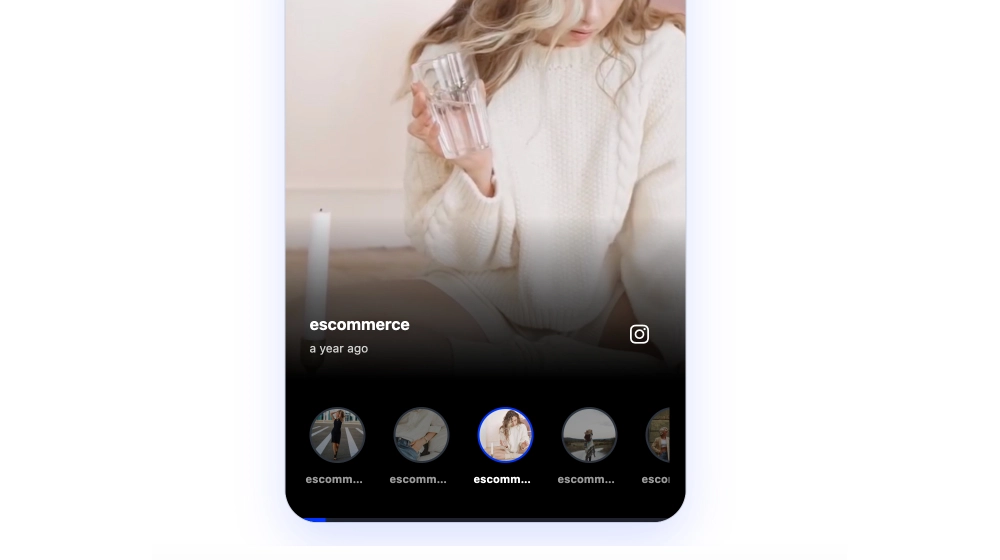
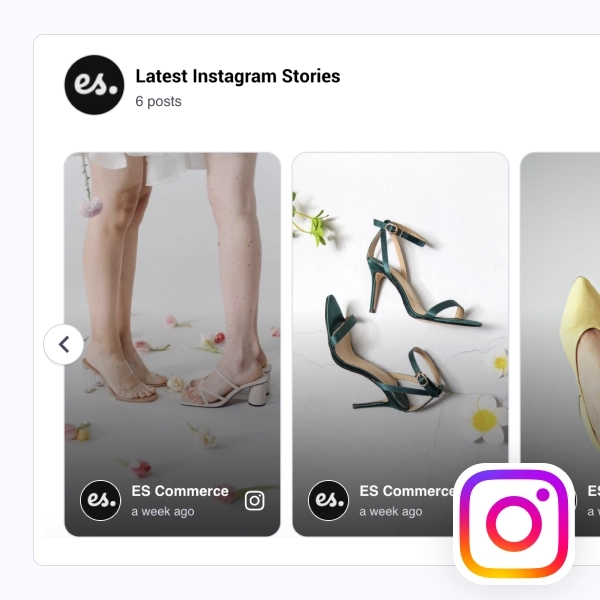
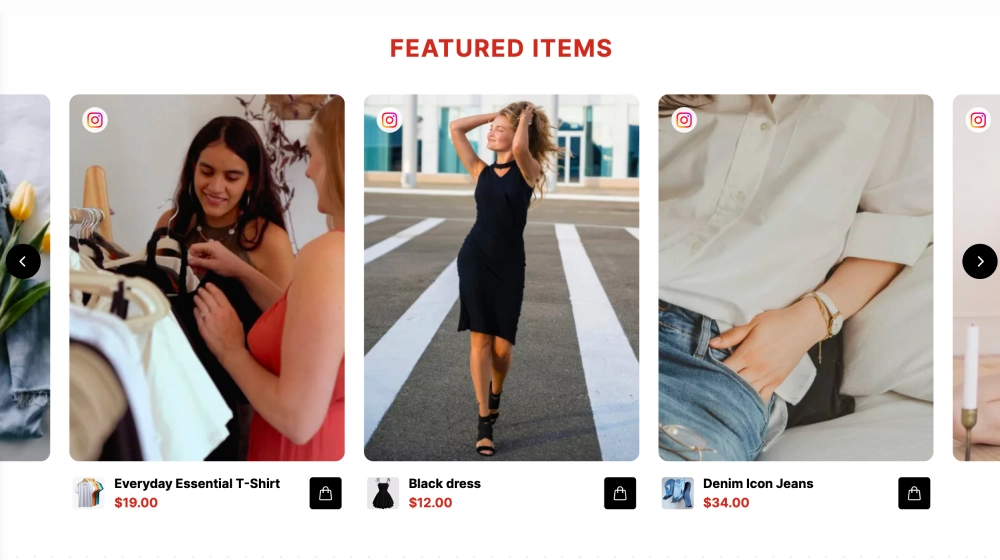
The Instagram Behind the Scenes Slider is a bold, story-led carousel that highlights your Instagram posts in a branded “editorial” section. It pairs a strong left-side narrative panel (headline + description) with swipeable post cards on the right, perfect for showcasing process, culture, and behind-the-scenes content in a way that feels like part of your website, not just an embed.
Features
-
Story + slider split layout: Text intro panel on the left, Instagram post carousel on the right
-
Editorial section label: Category tag like “Behind the scenes” to frame the content theme
-
Branded background block: High-impact color backdrop that makes the section stand out
-
Post card design: Each card shows a large image, account name, timestamp, and caption snippet
-
Instagram icon badge: Small IG marker on each post for instant platform recognition
-
Navigation controls: Left/right arrows for smooth browsing (swipe on mobile)
-
“View post” CTA per card: Encourages deeper engagement with a clear click target
-
Responsive layout: Stacks cleanly on smaller screens while keeping the carousel usable
Use cases
-
About / brand story pages: Show how you make products, run shoots, or build your team culture
-
Sustainability & process pages: Highlight factories, materials, labs, packaging, and production steps
-
Careers pages: Showcase team moments and workplace culture
-
Ecommerce homepages: Add personality and authenticity beyond product grids
-
Campaign storytelling: Create themed sliders (BTS, launches, events, creator trips)
How to embed
-
Connect your Instagram source in EmbedSocial (profile, hashtag, or mentions).
-
Choose the template from the Instagram templates library.
-
Customize the left panel: section label, headline, and description text (match your brand voice).
-
Set carousel options (posts per view, navigation arrows, caption length, and “View post” button).
-
Copy the embed code (JavaScript or iFrame).
-
Paste it into your website builder/CMS (Shopify, Webflow, WordPress, Wix, Squarespace, or custom HTML) and publish.
Turn your Instagram content into brand storytelling. Embed the Instagram Behind the Scenes Slider and give visitors a curated, swipeable look at the people and process behind your products.