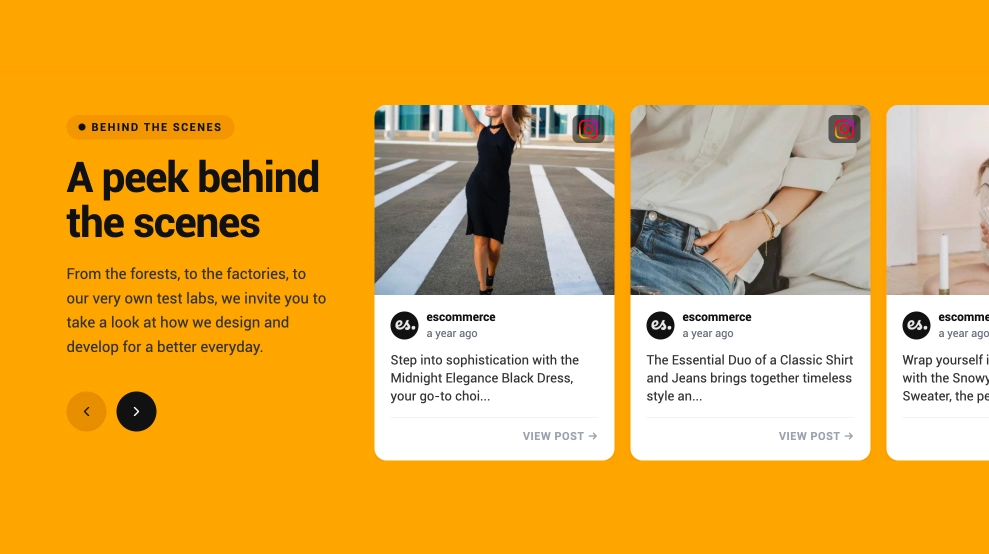
This shoppable video widget turns product discovery into a faster, more visual browse. It lines up autoplay video-style cards in a horizontal carousel, then pairs each clip with a product name, price, and quick shop icon, so visitors can move from watching to buying without leaving the section.
What makes it work
-
Autoplay-first browsing: Motion helps products catch attention earlier than a static product grid.
-
Shoppable video cards: Each visual tile is tied directly to a product, so the content feels commercial without looking like a standard catalog.
-
Product details below the media: Names and prices stay visible under each card, which keeps the shopping context clear.
-
Quick-buy icon: The bag button gives shoppers a simple next step when something catches their eye.
-
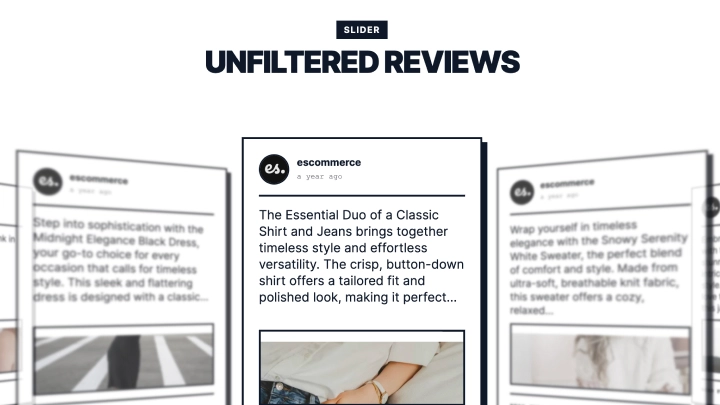
Carousel layout: Multiple items appear in one row, making it easy to browse more products without crowding the page.
-
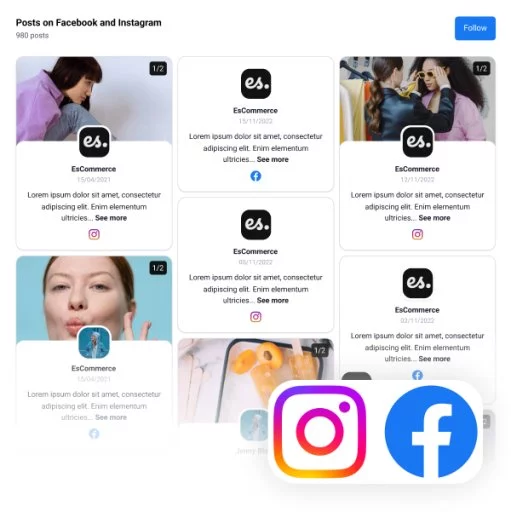
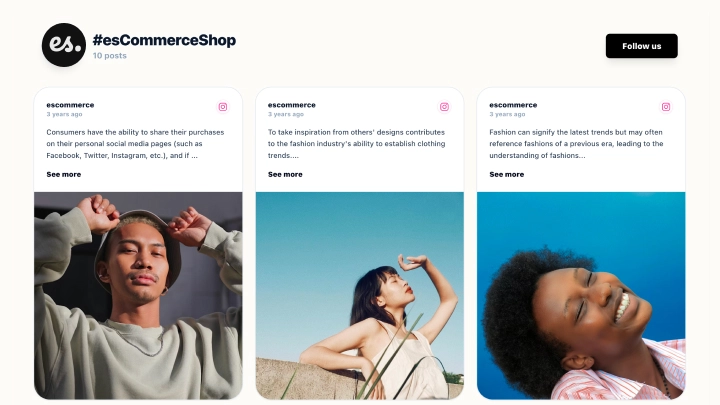
Social-style cues: Platform badges on the cards make the feed feel closer to social commerce content than traditional ecommerce blocks.
-
Featured-items framing: The section title gives the whole widget a curated, merchandised feel.
Best fit for
-
Fashion and apparel stores
-
Beauty and lifestyle ecommerce pages
-
Product launch or seasonal collection pages
-
Social commerce landing pages
-
Brands that want their product feed to feel more like content than catalog
How to embed it
-
Connect your video or social commerce source in EmbedSocial.
-
Choose the autoplay video shop template.
-
Link each video card to the matching product, price, and shopping action.
-
Customize the section title, card details, and carousel behavior.
-
Copy the embed code.
-
Paste it into your website, landing page, or storefront and publish.
Show products in motion and give shoppers a quicker path from interest to checkout.