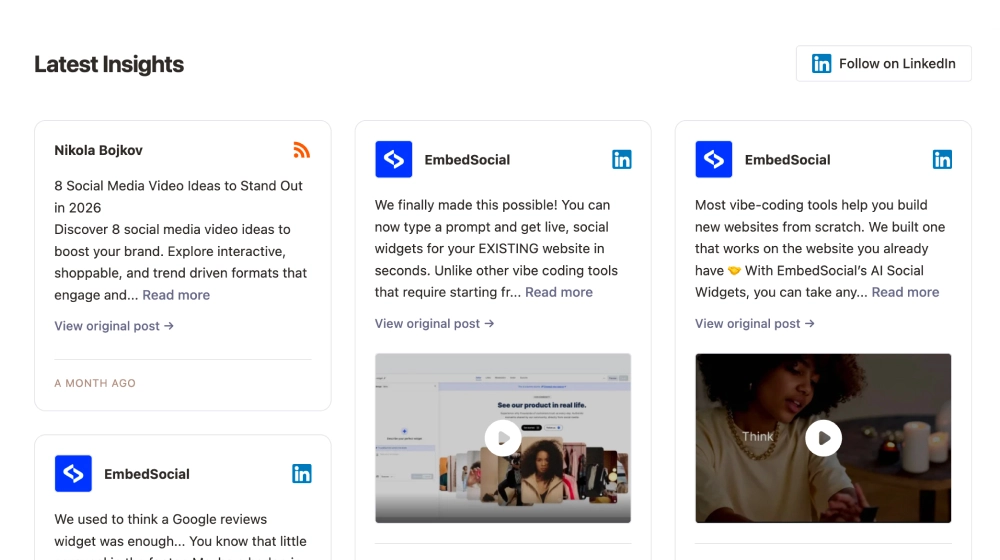
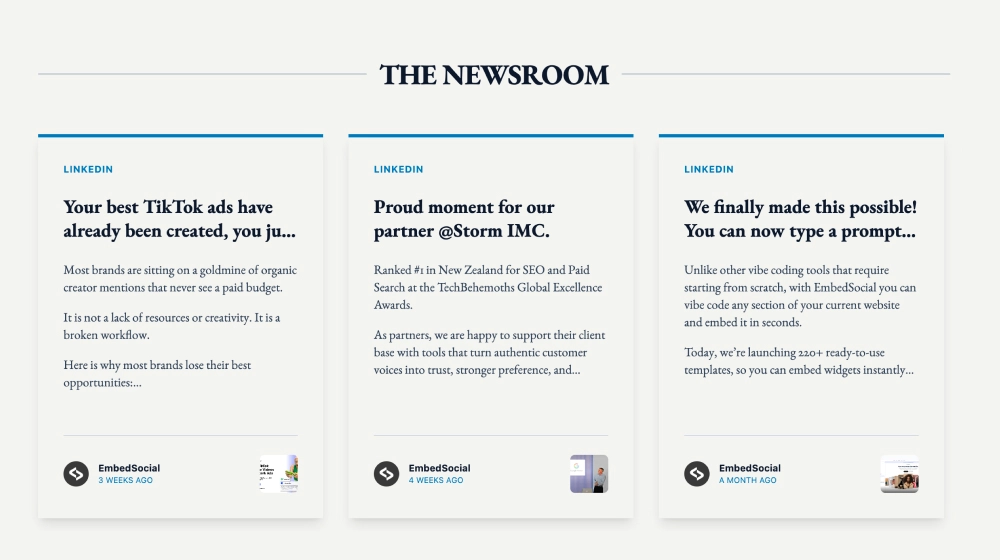
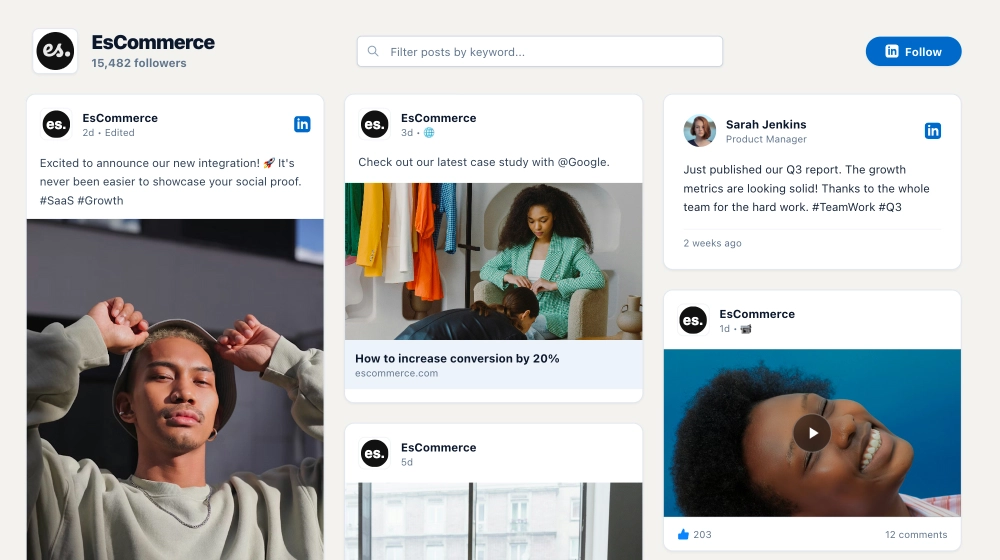
The LinkedIn Slider is an editorial-style carousel that presents your LinkedIn posts like a modern publication. With a bold “cover headline” header, structured borders, and clean post frames, it’s perfect for brands that want their LinkedIn updates to feel like curated company news: professional, readable, and easy to browse.
Features
-
Magazine-style header: Section label (e.g., LinkedIn Highlights), oversized title, and short subtitle for context
-
Company info block: Shows brand name/logo and post count for credibility (e.g., “9 posts”)
-
Follow CTA button: Prominent Follow on LinkedIn button in the header area
-
Carousel post layout: Multiple posts displayed side-by-side with Prev / Next navigation
-
Framed post cards: Clean borders and spacing that mimic a print-layout “magazine grid”
-
Post attribution & timestamp: Includes page name and “months ago” timing inside each card
-
LinkedIn branding: Small LinkedIn icon markers for instant platform recognition
-
Dual interaction CTAs: Buttons like View full post and Open popup for deeper engagement without leaving the page
-
Responsive structure: Maintains the editorial feel while adapting to smaller screens
Use cases
-
Company updates section: Turn LinkedIn posts into a “Latest by our company” newsroom block
-
SaaS & B2B homepages: Add credibility with structured, announcement-ready content
-
Press / media pages: Showcase milestones, partnerships, and product news in a publication format
-
Careers pages: Highlight culture posts and hiring updates in a polished layout
-
Investor/brand pages: Present consistent updates in a clean, corporate-friendly design
How to embed
-
Connect your LinkedIn company page as a source in EmbedSocial.
-
Choose the LinkedIn Slider template from the LinkedIn templates library.
-
Customize the header (title, subtitle, company label) and enable the Follow on LinkedIn button.
-
Set carousel options (posts per view, navigation style) and enable popup view if desired.
-
Copy the embed code (JavaScript or iFrame).
-
Paste it into your website (Webflow, WordPress, Shopify, Wix, Squarespace, or custom HTML) and publish.
Give your LinkedIn updates a newsroom-quality presentation, embed the LinkedIn Slider and showcase company posts in a clean, editorial carousel that drives clicks and followers.