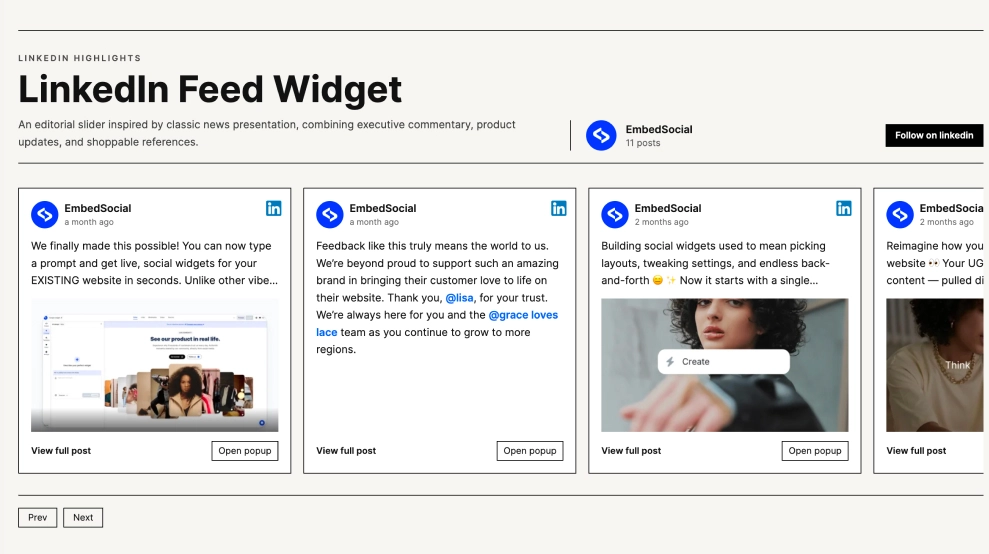
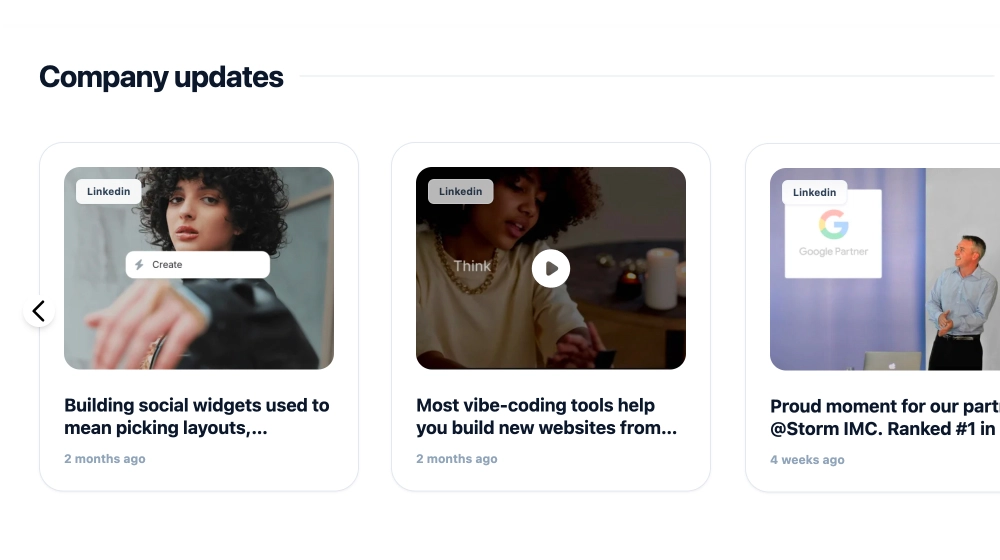
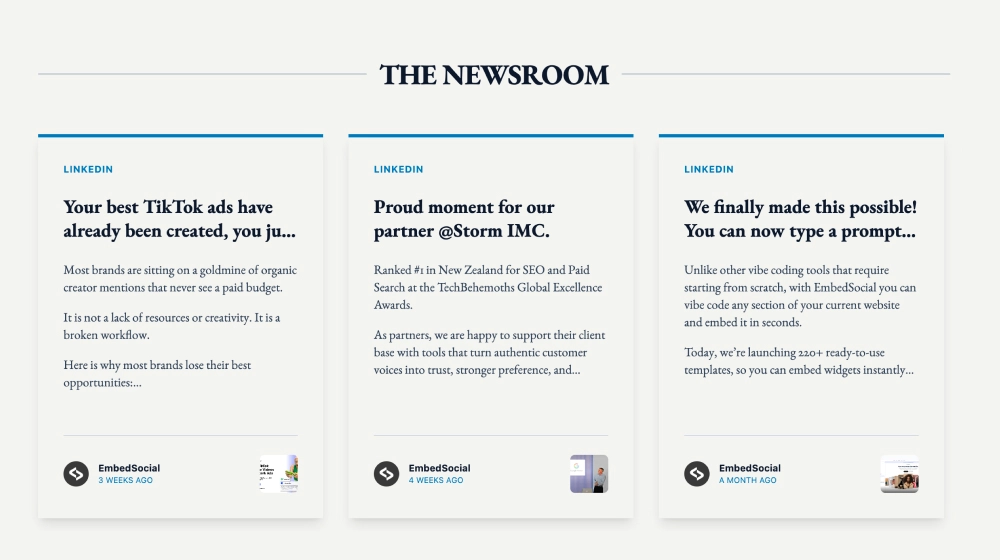
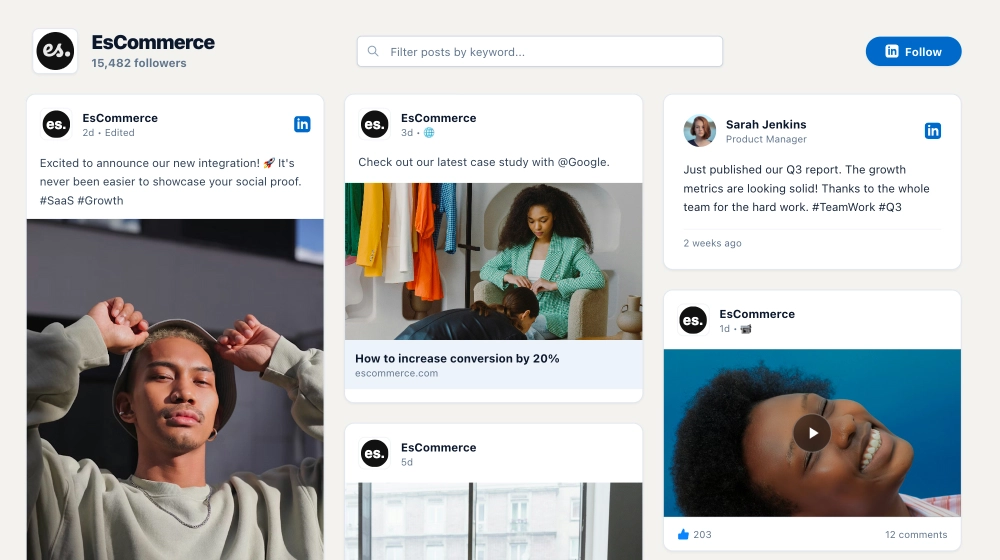
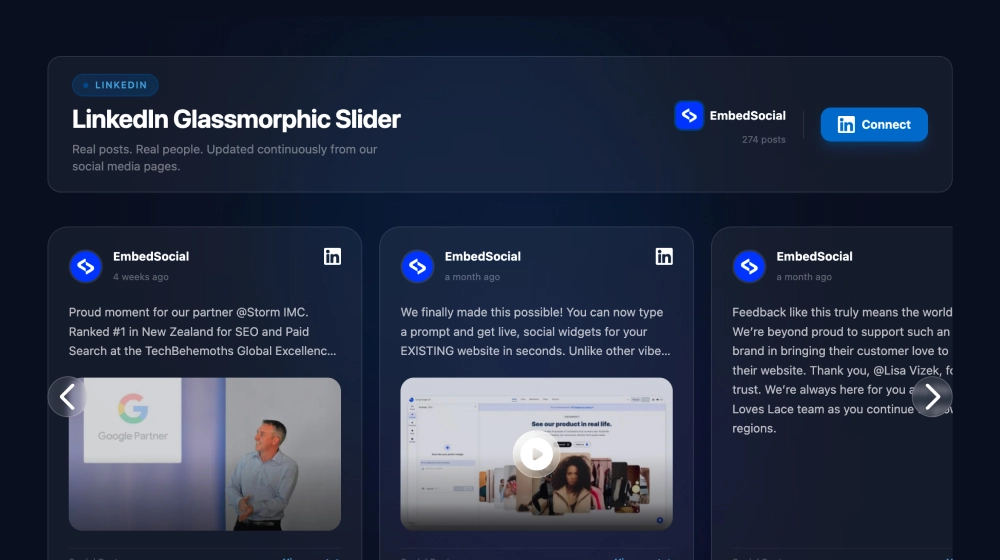
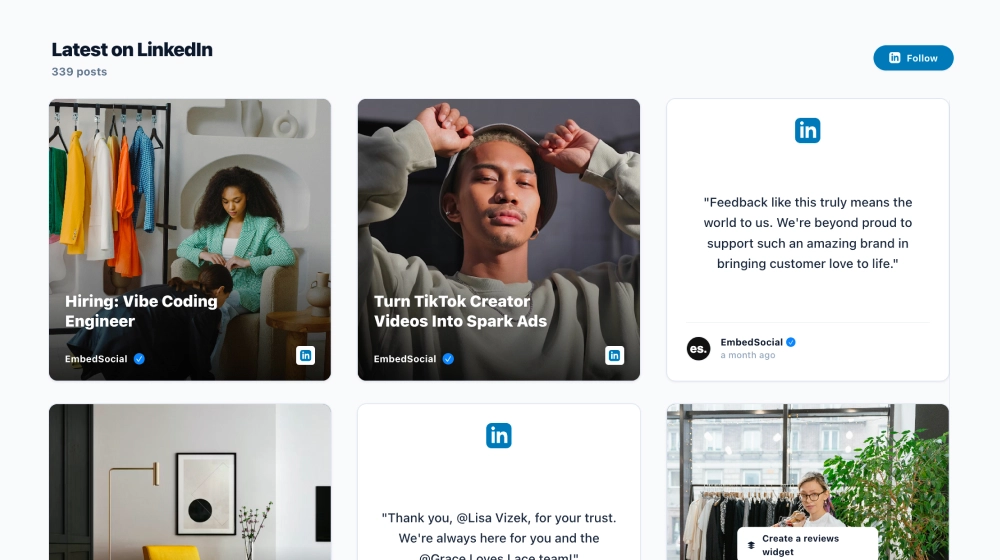
This LinkedIn feed widget gives your latest posts a more organized, editorial presentation on your website. Instead of dropping social content into a generic stream, it arranges updates into clean content cards with author details, post previews, media thumbnails, and direct links back to the original LinkedIn post.
What makes it work
-
Insight-first layout: The feed feels more like a content hub than a social embed, which suits professional brands and B2B websites.
-
Clean post cards: Each update has enough room for the headline, preview text, and source details without looking crowded.
-
Mixed content support: Text-only posts and media-based posts can appear together in the same feed.
-
Source clarity: LinkedIn badges and profile branding make it obvious where the content comes from.
-
Original-post links: Visitors can click through to LinkedIn when they want the full post or discussion.
-
Follow CTA: The Follow on LinkedIn button gives readers a clear next step beyond browsing the feed.
-
Professional structure: The spacing, card format, and simple hierarchy make the section feel credible and easy to scan.
Best fit for
-
B2B company websites
-
Founder and executive thought-leadership pages
-
SaaS product and update pages
-
Resource centers and blog side sections
-
Agencies or consultants sharing insights, launches, and case-study content
How to embed it
-
Connect your LinkedIn content source in EmbedSocial.
-
Choose the LinkedIn RSS Feed or LinkedIn feed-style template.
-
Customize the section title, visible post details, media display, and follow button.
-
Set how many posts should appear in the feed and how they should be arranged.
-
Copy the embed code.
-
Paste it into your website, blog, or CMS and publish.
Keep your latest LinkedIn content visible on your website in a format that feels more like a curated insights feed than a social afterthought.