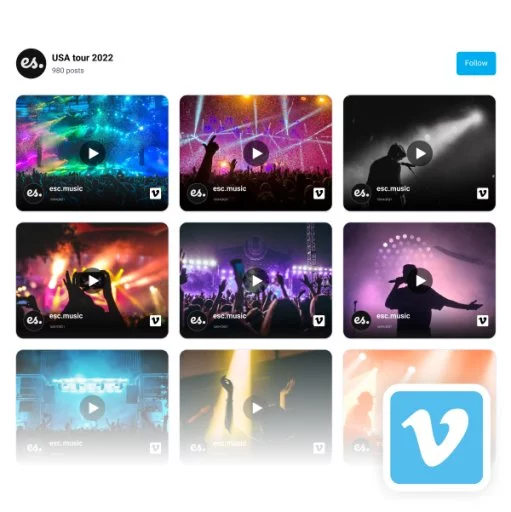
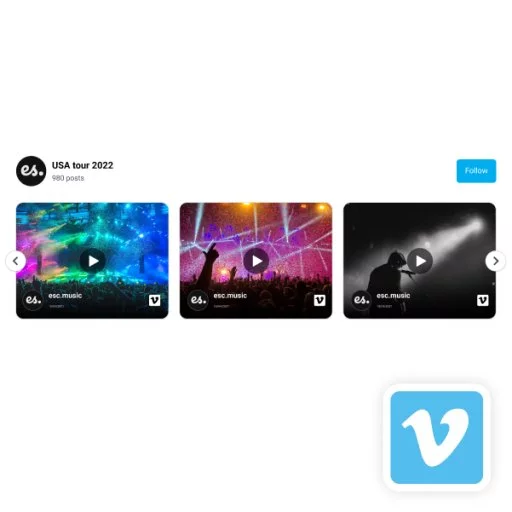
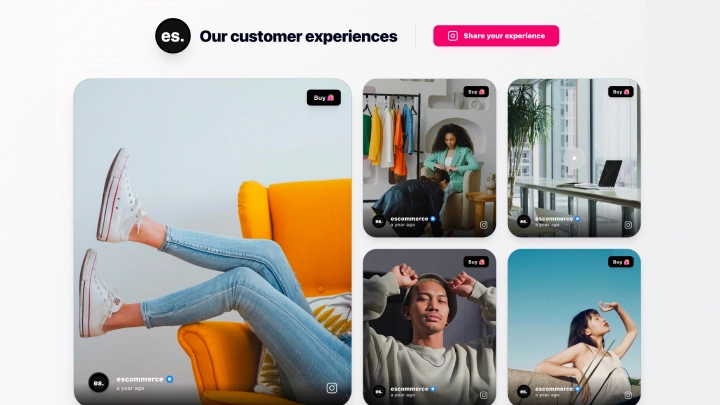
One great way to display a Vimeo video feed on your website is to use a collage widget. This will allow you to display multiple videos in a grid-like layout and can be customized to fit your specific needs. To start, select this collage widget and connect your Vimeo account.
For further customization, you can use the following settings:
-
Edit the posts’ box border-radius
-
Set the number of videos per page
-
Change the pagination type: Load or numeral pagination
-
Edit the ‘Follow us’ button link or design
-
Edit link on videos: lightbox or original source.
-
Choose a dark or light mode
-
Filter videos by date or type
-
Change lightbox mode: vertical or horizontal
-
Use Custom CSS to edit the overall design.
And finally, note that every time you post a video on your Vimeo account, it will automatically sync and appear in the widget.