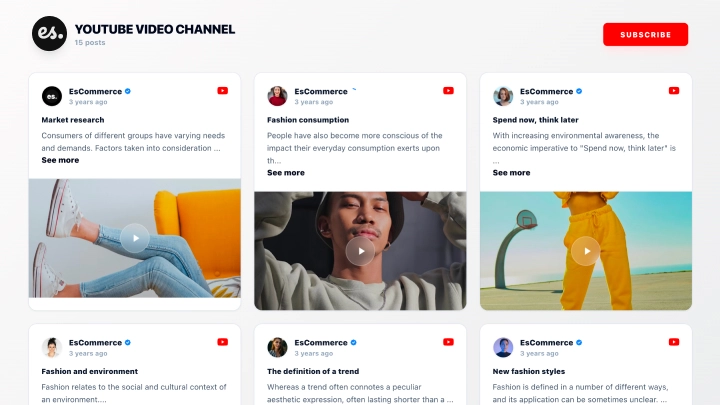
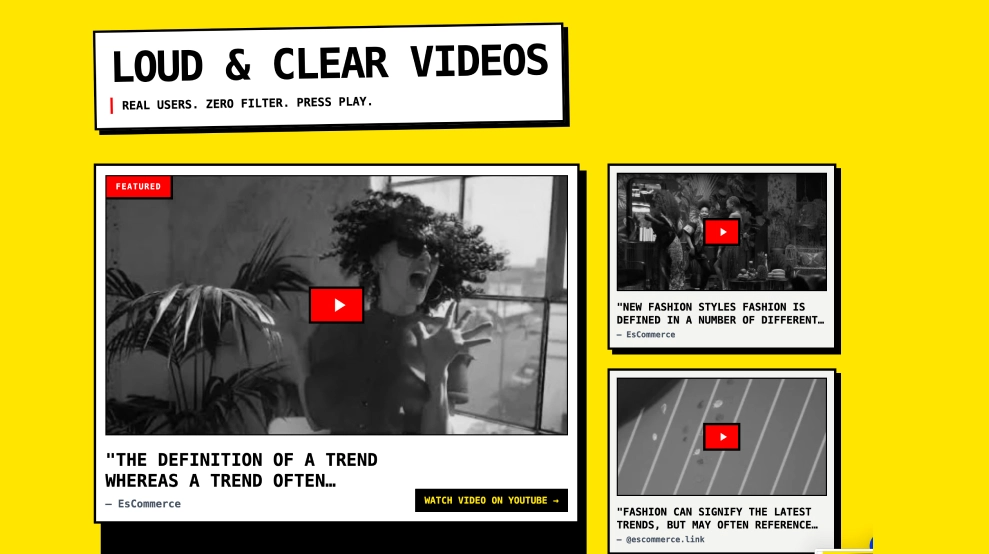
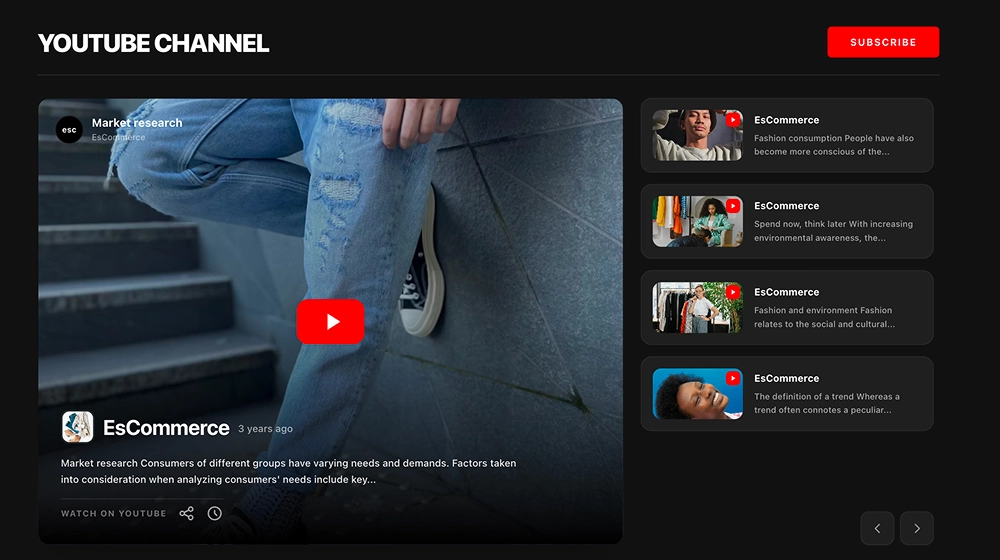
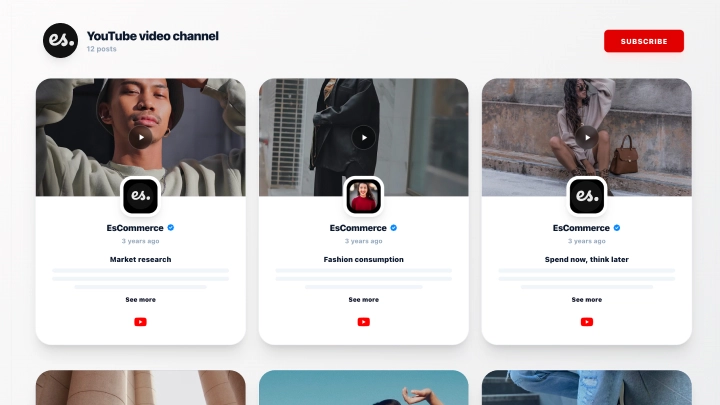
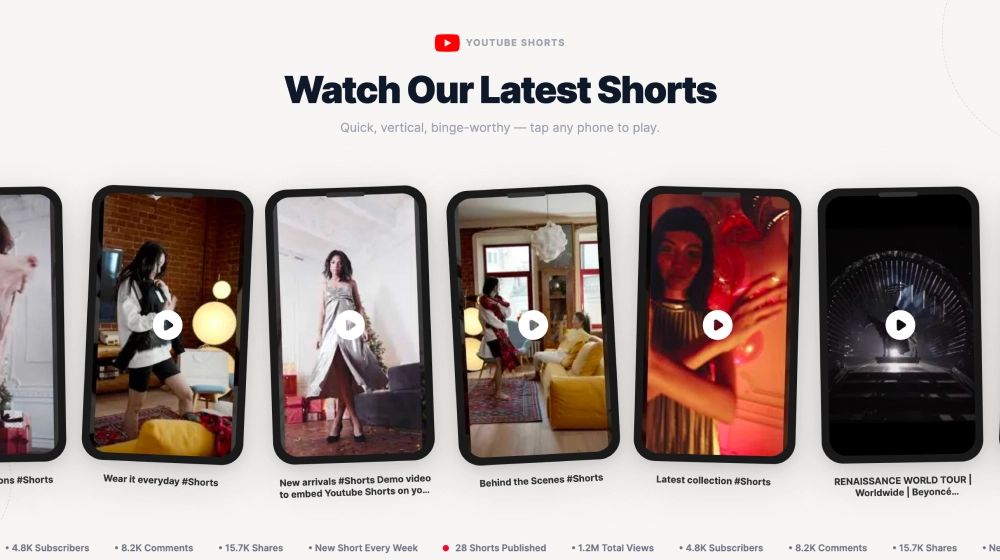
This YouTube channel slider gives your latest videos a clean, website-friendly format without losing the familiar feel of YouTube. It highlights recent uploads in a horizontal card layout with video thumbnails, play buttons, channel details, and a visible Subscribe CTA, so visitors can browse your content and follow the channel from the same section.
What makes it work
-
Latest-video focus: The widget keeps recent uploads front and center, which makes the section feel current and active.
-
Clean video cards: Each video gets its own card with a thumbnail, title, and channel details, making the content easy to scan.
-
Play-first layout: Large preview images with centered play icons make it obvious that each card is ready to watch.
-
Channel identity: Profile image, channel name, and publish timing help the content feel more credible and recognizable.
-
Horizontal slider structure: The layout lets you show several videos in a row without taking over the entire page.
-
Subscribe CTA: The red Subscribe button adds a clear next step for visitors who want more than one video.
-
Website-ready presentation: The simple white background and rounded cards help the slider sit naturally on landing pages, homepages, and content sections.
Best fit for
-
Creator and personal brand websites
-
Business sites with active YouTube channels
-
Product pages featuring tutorials or behind-the-scenes videos
-
Homepage sections for recent uploads
-
Campaign or landing pages that need lightweight video content
How to embed it
-
Connect your YouTube channel in EmbedSocial.
-
Choose the YouTube Channel Slider Widget template.
-
Customize the section title, visible video details, and subscribe button.
-
Set how many videos should appear in the slider and how the carousel should behave.
-
Copy the embed code.
-
Paste it into your website, landing page, or CMS and publish.
Keep your newest YouTube videos easy to browse on your website and give visitors a direct path to subscribe.