

Most social media managers know that managing conversations across multiple platforms is overwhelming. After all, they have to deal with countless messages, comments, reviews, and mentions flooding in from every direction.
That’s where social inbox tools come in. They bring all those interactions into one place, making it easier to respond, organize, and track everything.
So, whether you’re a solo marketer or part of a busy team in a company, the right social media management tool can save you hours and a lot of effort!
Below, I go over several such tools and tell you need them!
What is a social inbox?
A social inbox is a centralized hub where all your social media conversations come together. With it, you don’t log into each platform separately to check messages, comments, mentions, and reviews, as you can respond to them from a single dashboard.
‘Social Inbox’ definition
This type of tool works by integrating directly with your connected accounts, pulling in conversations from multiple social media platforms, such as Facebook, X, or Instagram.
If your brand is active across multiple channels, you need this tool!
You can look at your social inbox as a management system for your audience interactions, as it allows you to categorize your conversations and even assign team members to handle them. Some tools even include AI agents that reply on your behalf using your brand voice.
Why you need a social inbox tool?
Adding a social media inbox tool to your workflow transforms the way you handle customer conversations, thanks to several benefits:
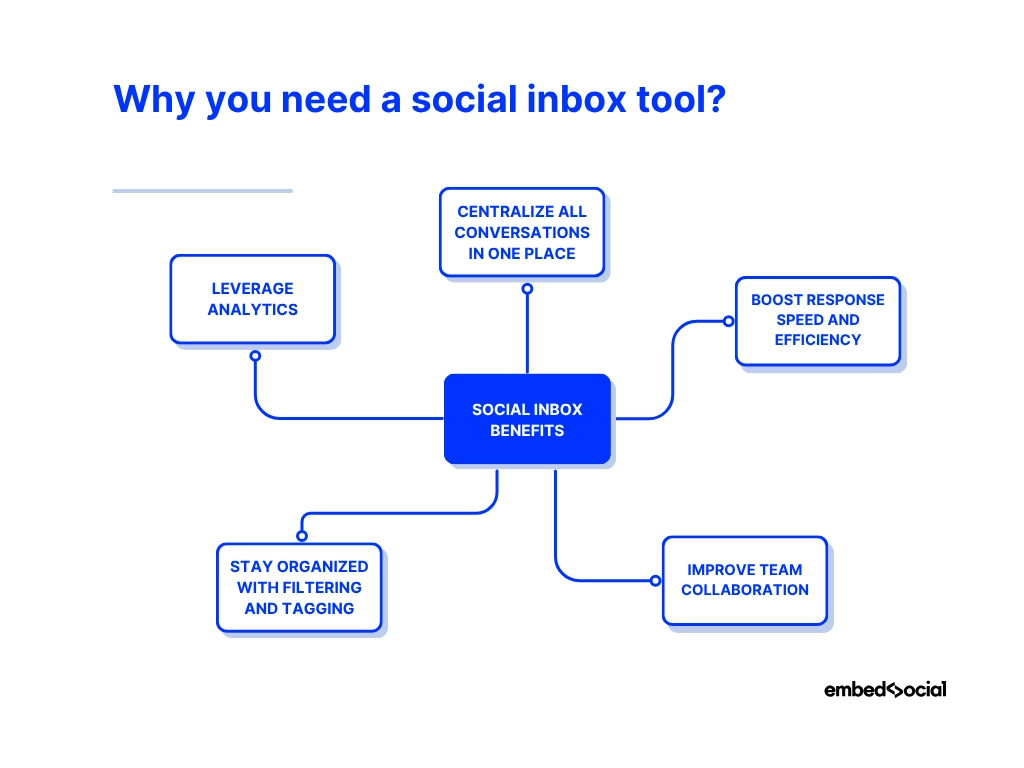
- Centralize all conversations in one place - eliminate the need to log in to multiple accounts by pulling in DMs, comments, mentions, and reviews from every social network into a single, easy-to-manage dashboard;
- Boost response speed and efficiency - view, sort, and reply to messages in real time, cutting down on delays and ensuring customers get timely answers;
- Improve team collaboration - assign messages to specific team members, track progress, and keep everyone aligned without overlap or missed replies;
- Stay organized with filtering and tagging - categorize messages by topic, sentiment, or priority so you can focus on what matters most first;
- Leverage analytics for better decision-making - track response times, message volumes, and brand sentiment to optimize your engagement strategy.
Evidently, the right tool helps you build stronger relationships with your customers and improves every touchpoint you have with them.
The 9 best social media inbox tools to consider
With so many social inbox tools on the market, finding the right one comes down to your specific needs, budget, and workflow. Here are several standout options, each bringing unique strengths to help you manage social media conversations more effectively.
1. EmbedSocial – best for integrating UGC and social media engagement in one platform
EmbedSocial combines powerful social inbox capabilities with advanced social listening features, allowing you to monitor, manage, and respond to messages while tracking brand mentions across multiple platforms. It’s designed for brands that want to unify engagement, UGC management, and audience insights into a single, streamlined solution.

Features include:
- Unified social media inbox for Instagram DMs + monitoring section for other social media;
- Social listening to track brand mentions and hashtags across platforms;
- Real-time message filtering by reply status or social media account;
- Team collaboration with message inbox assignments;
- Upcoming AI auto-reply feature for sentiment- and tone-based responses.
EmbedSocial is the ideal choice for businesses that want a complete engagement and content management solution in one platform.
2. Hootsuite – for all-in-one social inbox management
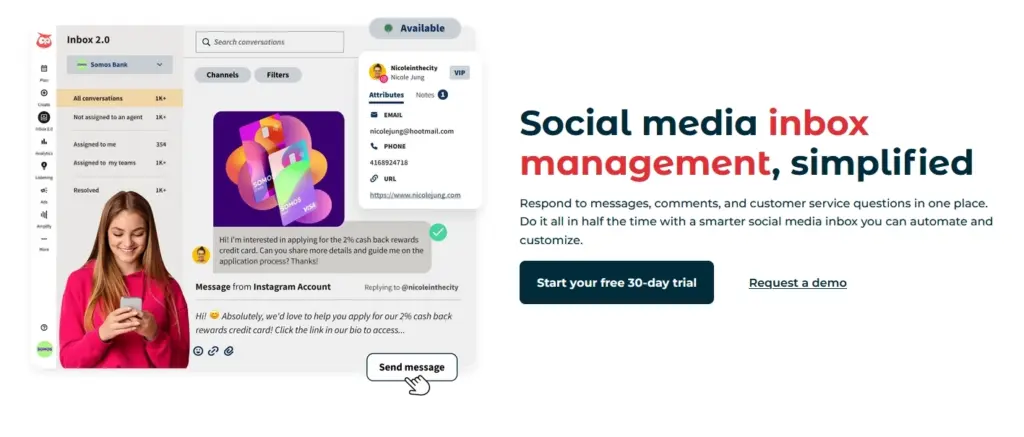
Hootsuite Inbox centralizes your messages from multiple platforms, making it easy to keep track of all customer interactions in one place. As part of Hootsuite’s larger social media management tool, it provides the convenience of handling publishing, monitoring, and engagement from a single, connected dashboard.
Features include:
- Unified view of messages, comments, and mentions;
- Saved replies for quick responses;
- CRM integration for richer customer context;
- Automated message routing to the right team member;
- Multi-platform coverage including Facebook, Instagram, X, and LinkedIn.
Perfect for teams already using Hootsuite for publishing and analytics.
3. Sprout Social – for advanced tagging and automation
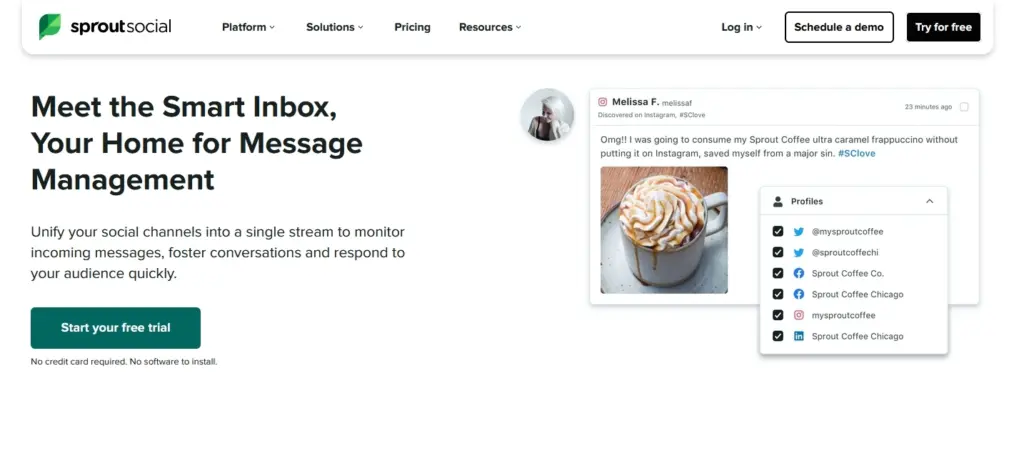
Sprout Social offers a Smart Inbox that merges powerful filtering, tagging, and automation capabilities to help teams manage high message volumes with precision. It’s particularly suited for brands that require structured workflows, detailed reporting, and advanced conversation tracking.
Features include:
- Smart Inbox view for all messages and mentions;
- Custom tagging for better organization;
- Advanced automation, including bot workflows;
- Sentiment analysis for prioritizing responses;
- Detailed inbox activity reporting.
A great fit for organizations that need deep analytics and customizable workflows.
4. Agorapulse – for managing organic and paid engagement
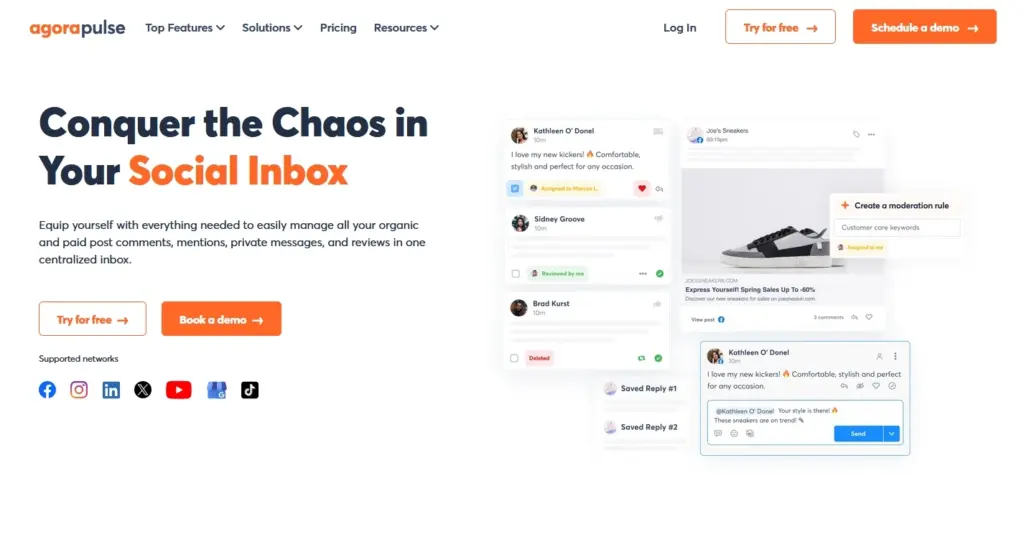
Agorapulse is known for its ability to manage both organic and paid social interactions, making it a go-to tool for advertisers. This makes it especially valuable for brands and agencies running campaigns that require equal attention to ad comments and everyday engagement.
Features include:
- Unified inbox for organic and paid comments;
- Social CRM with conversation history;
- Automated inbox rules for sorting and prioritizing;
- Shared calendars for team coordination;
- Exportable reports for clients or stakeholders.
Ideal for brands and agencies managing paid campaigns alongside regular engagement.
5. Buffer – for public engagement moderation
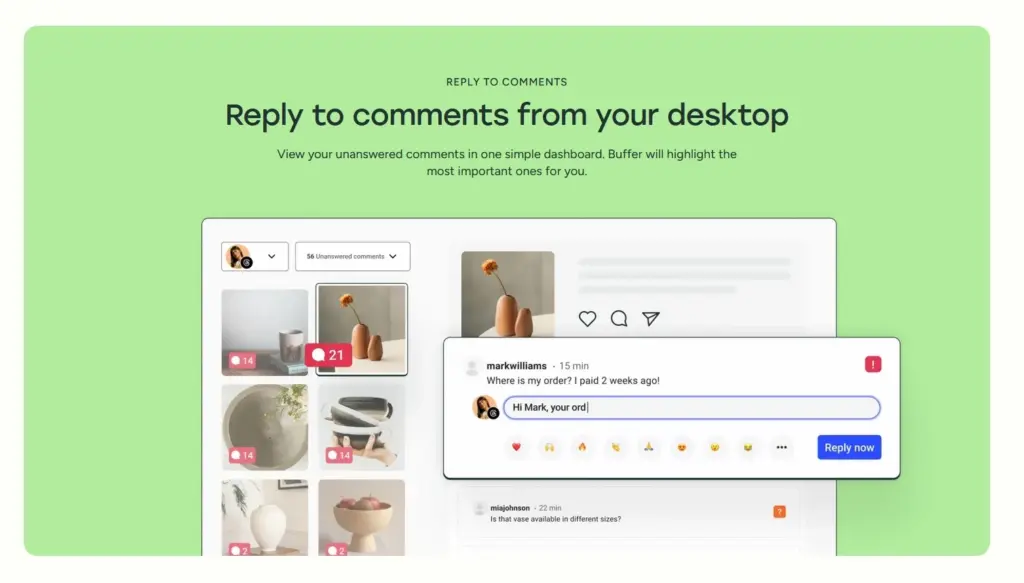
Buffer keeps things straightforward with a minimalistic inbox for public comments and replies, great for smaller teams. Its clean interface and ease of use make it appealing to those who want to focus on quick moderation without learning complex features.
Features include:
- Grid view for quick comment scanning;
- Priority indicators for important messages;
- Instagram, Facebook, and X comment management;
- Simple navigation for easy learning curve;
- Basic analytics for engagement tracking.
Best suited for smaller brands or those just starting with inbox management.
6. SocialPilot – best for team-based social inbox tool workflows
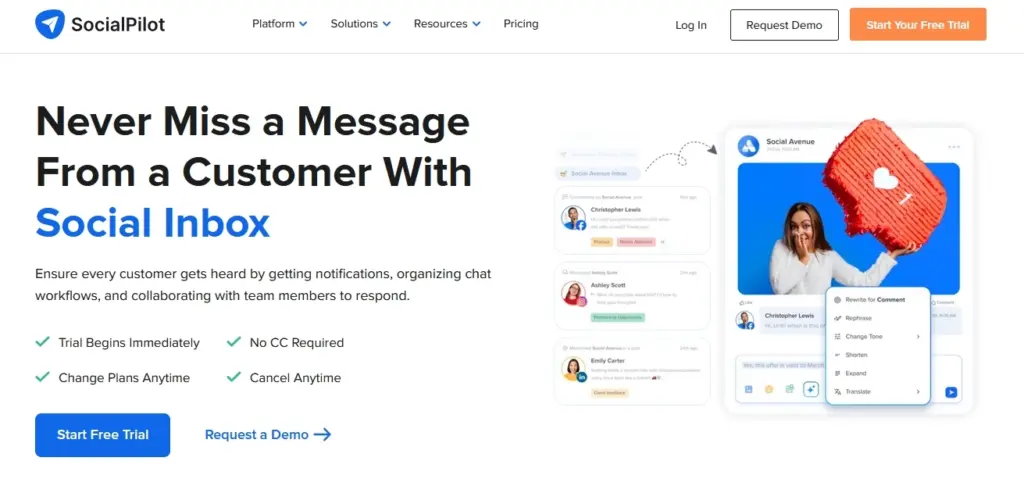
SocialPilot offers collaborative features designed to keep teams coordinated when managing multiple social media accounts. It’s a solid choice for agencies or businesses with distributed teams who need clear task assignments and a shared space for all client communications.
Features include:
- Multi-account unified inbox;
- Assign messages to specific team members;
- Draft and approval workflows;
- Message tagging and categorization;
- Easy switching between client or brand accounts.
A good option for agencies managing many clients simultaneously.
7. Sendible – for agencies and white labeling
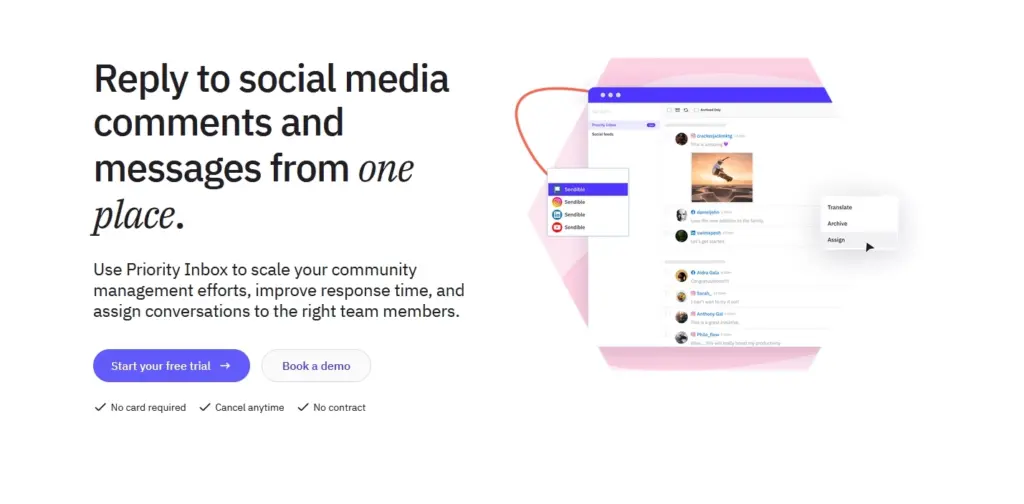
Sendible’s priority inbox and white-label capabilities make it a strong choice for agencies managing multiple brands. With the ability to brand the platform for clients, it delivers both professional presentation and robust functionality in one package.
Features include:
- Priority inbox for urgent conversations;
- White-label dashboard for client branding;
- Sentiment indicators on incoming messages;
- Customizable automation workflows;
- Integration with a wide range of social and review platforms.
Ideal for agencies needing both functionality and brand customization.
8. Pallyy – for bulk actions and content creators
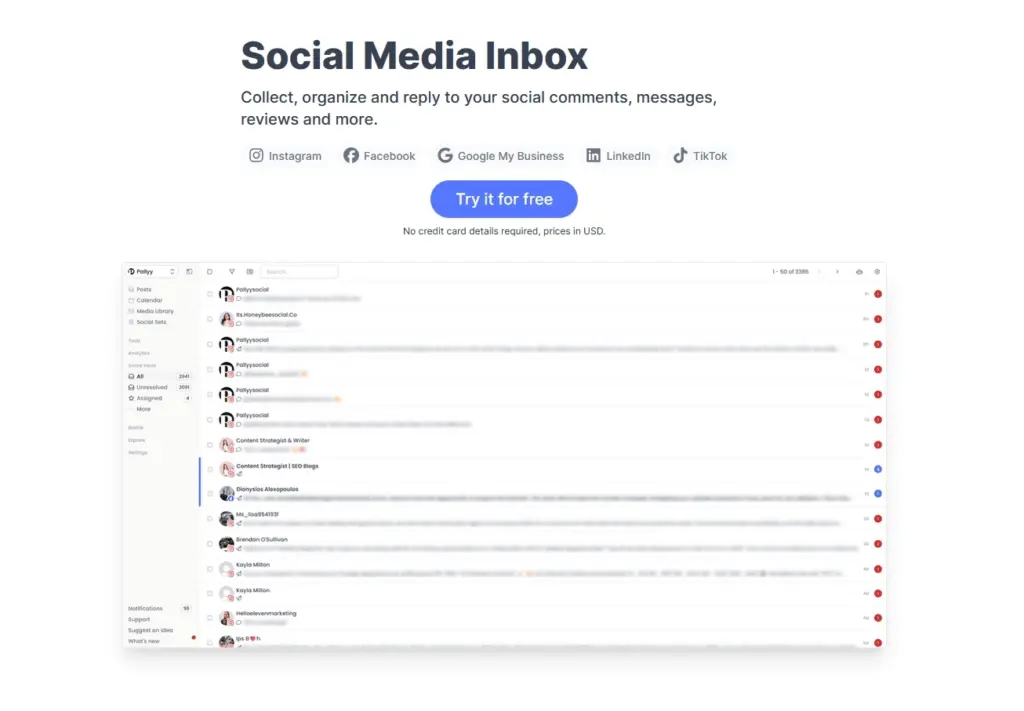
Pallyy offers an inbox with a clean, email-style interface, perfect for solo content creators or small teams. It’s especially useful for those who want to save time with bulk actions and simple automation while keeping their workflow visually intuitive.
Features include:
- Bulk message actions for quick clean-up;
- Labels and filters for organization;
- Instagram-focused engagement tools;
- Simple automation rules;
- Affordable pricing for individuals.
A strong choice for creators who value simplicity and efficiency.
9. NapoleonCat – for handling multi-platform reviews and TikTok engagement
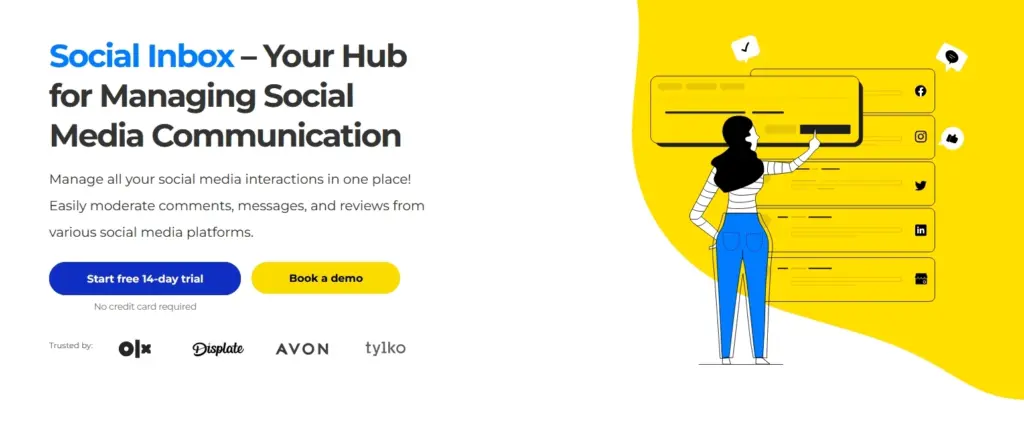
NapoleonCat stands out for its ability to manage not only social messages but also customer reviews across platforms. Its inclusion of TikTok engagement tools makes it particularly attractive to brands looking to expand their reach into short-form video platforms while keeping review management in check.
Features include:
- Unified inbox for messages, comments, and reviews;
- TikTok comment engagement support;
- Automation for repetitive responses;
- User profiles with interaction history;
- Multi-language translation for global audiences.
Perfect for businesses that value a mix of social engagement and review management.
Key features of effective social inbox tools
Managing your social media presence becomes much easier when you know exactly what to look for in a social inbox tool. The right features can help you stay organized, respond faster, and build better connections with your audience:
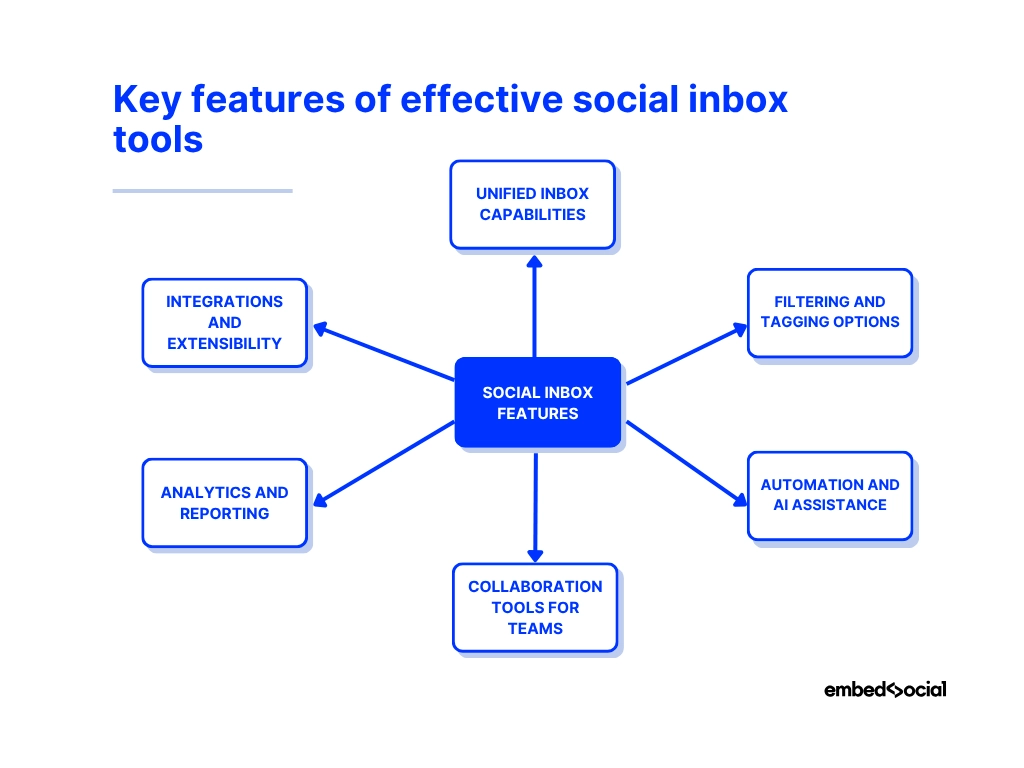
Unified inbox capabilities
A single hub to view all messages, comments, mentions, and reviews from multiple platforms, which eliminates the need to switch between accounts.
Filtering and tagging options
Tools to categorize conversations by topic, sentiment, or priority. This makes it easy to locate specific messages and focus attention on high-priority interactions first.
Automation and AI assistance
Features like saved replies, chatbots, and sentiment detection speed up responses while maintaining a consistent tone and style.
Collaboration tools for teams
Assign conversations to team members, track progress, and keep workflows organized so multiple people can manage the inbox without duplication.
Analytics and reporting
Detailed insights into message volume, response time, and engagement trends to help refine your social media performance and correspondence.
Integrations and extensibility
Connect your inbox with CRM/helpdesk systems, eCommerce, and review platforms (plus APIs or no-code connectors) to sync customer history, auto-create tickets, and streamline workflows.
Best practices for social media inbox management
Running an efficient social media inbox is about staying organized, consistent, and intentional with every interaction. Here are some best practices to help you get there:
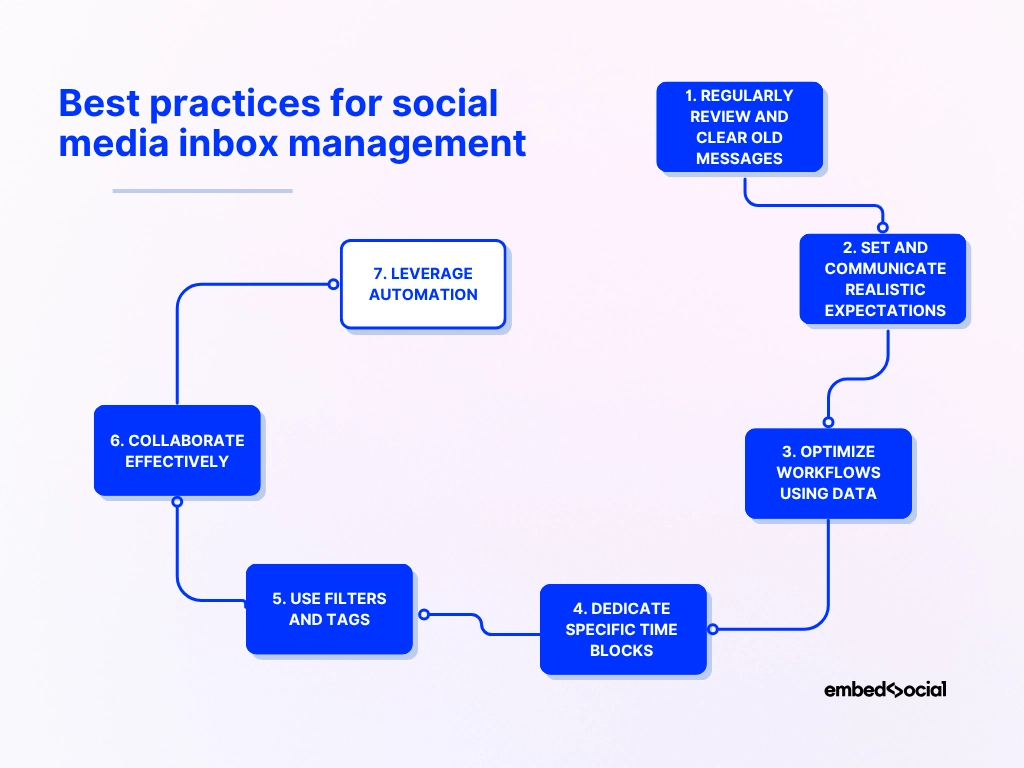
- Regularly review and clear old messages from your inbox - prevent clutter by archiving resolved conversations and keeping your workspace focused on active threads;
- Set and communicate realistic response-time expectations - let your audience know when they can expect a reply and follow through to build trust;
- Optimize workflows using data and analytics - track metrics like response times and message volume to identify bottlenecks and improve performance;
- Dedicate specific time blocks for inbox management - avoid constant context-switching by scheduling focused periods for responding to messages;
- Use filters and tags to prioritize messages - sort by urgency, sentiment, or topic to ensure high-priority issues get handled first;
- Collaborate effectively with your team - assign messages, share notes, and ensure everyone knows who’s handling what to prevent duplication;
- Leverage automation where possible - set up saved replies, chatbots, or AI prompts to handle common questions and free up time for more complex issues.
Conclusion: Unify your social messages in one inbox!
When you choose the right social inbox tool, you’ll be in total control of your social media reputation with the tools to manage all social media interactions without stress.
There are so many benefits: from centralizing messages to improving response times, handling higher volumes of conversations and maintaining a personal touch.
So, why not review your needs and choose a tool that fits your team and goals, making sure you invest in a solution that aligns with your workflow and grows with you?
You have to make your inbox work for you, not against you, by turning it into a proactive space where every conversation is an opportunity to boost engagement. Only then will your social media efforts bear real fruit and your Google business will boom.
Ready to take control of your social inbox?
Try EmbedSocial’s Social Inbox today and bring all your conversations, reviews, and mentions into one organized dashboard using the right social media tools.
Then, you will respond faster, work smarter, and keep your audience engaged.





![11 Best Social Media Widgets for Websites [+Top Use Cases]](https://embedsocial.com/wp-content/uploads/2023/03/Social-Media-Carousel-widget-template.webp)
![How to Embed Testimonials on Website in 2026 [2 Methods + Tips]](https://embedsocial.com/wp-content/uploads/2022/11/testimonials-dark-single-slider.jpg.webp)
