



About EmbedSocial: Social media aggregator

Add a shoppable Instagram feed to BigCartel shop in just a few seconds!
EmbedSocial is a complete social media aggregator.
It has official API integrations with all major social media networks and works seamlessly when it comes to real-time sync of your social media content and your websites.
The best is it’s simple and easy to use. No coding skills are required, just a simple copy-paste of one line of code.
In that relation, it works with almost every CMS or e-Commerce platform.
For BigCartel users, EmbedSocial implements by editing the code of a particular page. This option is available for BigCartel Premium users at the moment.
Continue reading below to learn about all the features and how to embed your first Instagram feed in Big Cartel.
Benefits for BigCartel
Show fresh content on your website,
Increase engagement and lower bounce rate,
Increase conversations with shoppable feeds,
Drive traffic to your Instagram accounts, and increase the number of followers.
Re-use content, and save money on content production.
Features
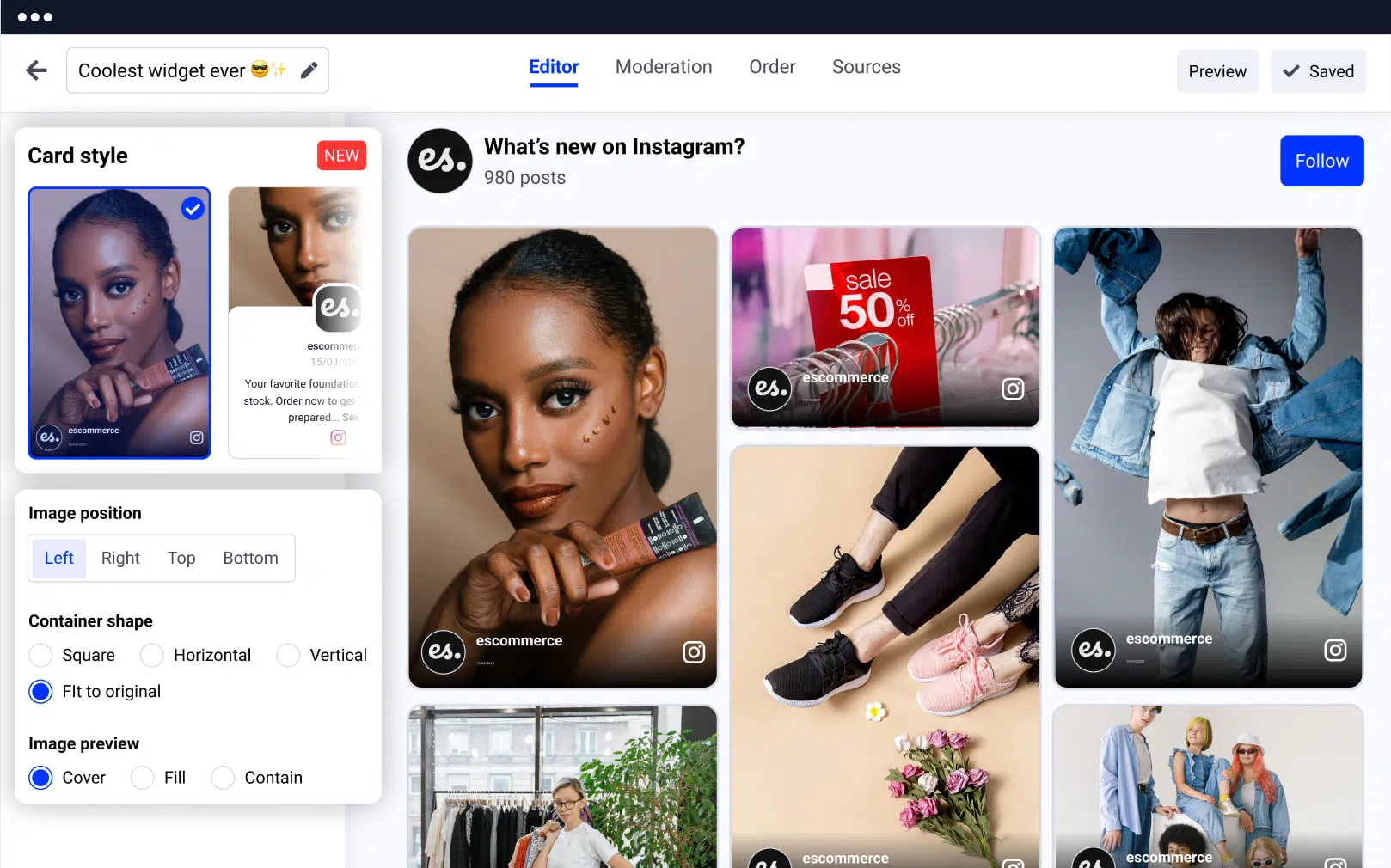
Generated social media posts, from all major social networks.
Variety of layouts, sliders, or grid templates.
Custom CSS option,
Filter by date or keywords,
Moderation with handpick functionality,
Pin or prioritize posts,
Shoppable feeds with Product Tags,
Add custom links with buttons,
Add Follow us button, to generate followers.
How to add an Instagram feed to BigCartel
Step 1: Start a free trial
Start a free trial for EmbedSocial and connect your Instagram account.
Step 2: Choose Instagram feed type
Choose the type of Instagram feed (hashtag, mentions, account).
Step 3: Create the Instagram widget
Create the Instagram widget.
Step 4: Copy the widget code
Copy the provided widget code.
Step 5: Open BigCartel Customize Design
Go to BigCartel and go to Accounts > Customize Design.
Step 6: Click the code icon
Click on the <> code icon in the top left menu.
Step 7: Click the page
Click the page where you want to embed.
Step 8: Paste the code
Paste the code you copied from EmbedSocial.
Step 9: Done and Exit
Click the Done and Exit.
Please note that once you display the Instagram Feed widget on your BigCartel site, you have full control over it and you can transform the look and feel of the widget anytime you want using your EmbedSocial account.




