



About EmbedSocial: Social media aggregator

Add Instagram feed on your Weebly website with just a few clicks!
A successful Instagram marketing strategy contains an attractive Instagram feed that visitors can’t resist. But did you know that creating an appealing Instagram feed is actually more simple than you think?
With tools like EmbedSocial, you can put together a lovely Instagram feed on your Weebly website and let your Instagram content look spot-on.
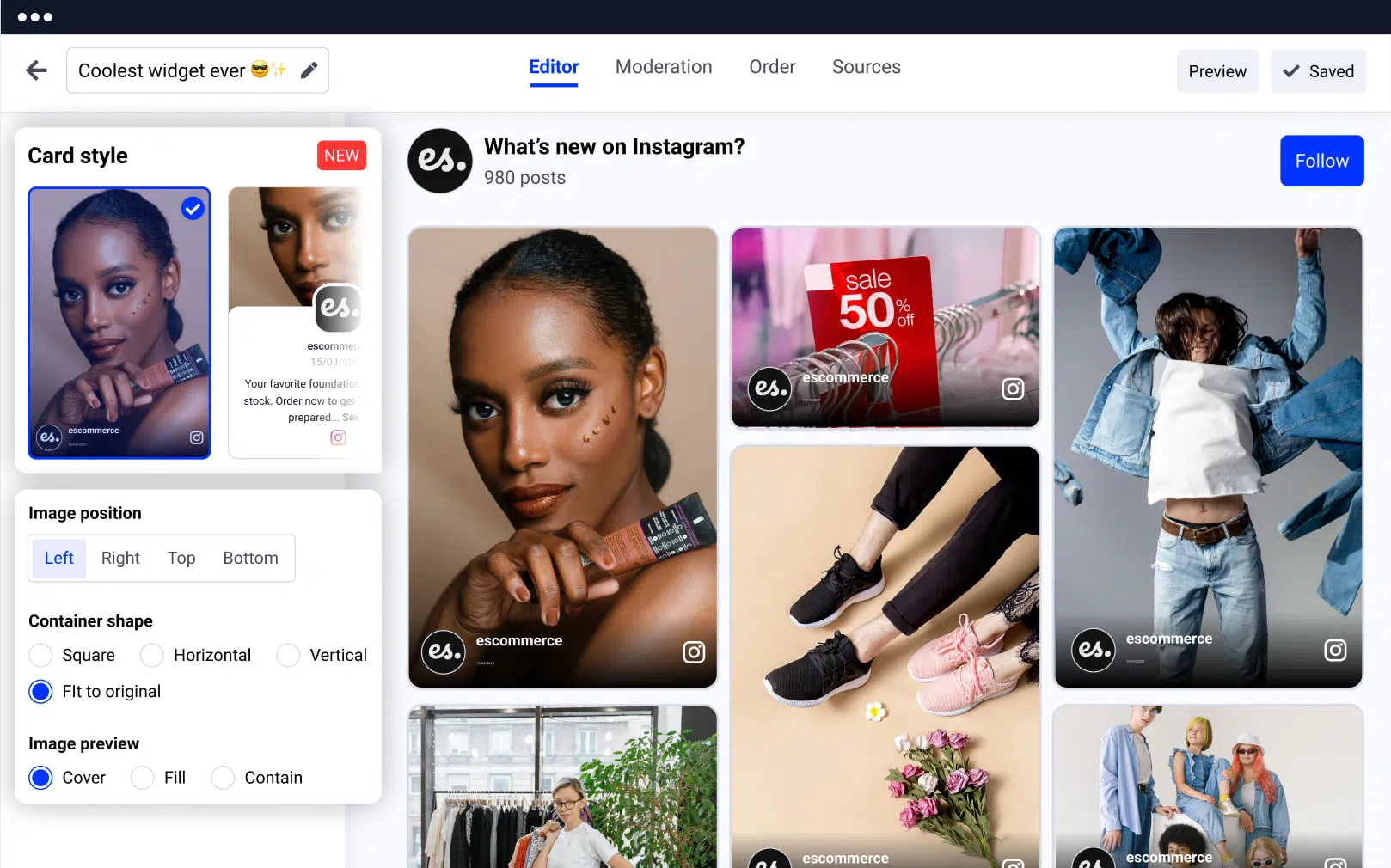
Pre-made, absolutely beautiful, and interactive Instagram feed widgets, as well as many customizations and modification options you could ever need for creating the best Instagram widget for Weebly.
Offer your website visitors a unique user experience that they can’t take their eyes off.
Benefits for your Weebly site
Boosts interactions with visitors, and increases dwell time.
Expands your Instagram reach and your followers,
Helps you build a stronger brand image, and grow user trust.
Increases conversion rates,
Instagram feed features for Weebly
No need to install or maintain a plugin,
11 Instagram feed layouts, that match any Weebly templates and designs.
Fully mobile-responsive widget,
Feed moderation option, Sort posts by priority and select which posts will be part of your widget.
Many widget customization options, and a Custom CSS editor for advanced design transformation.
Automatically add the latest Instagram posts, on your widget. or ban those that have a certain keyword.
Shoppable Instagram feed widget, with the option to add CTA buttons to each post.
Multiple Instagram feed widgets, on multiple Weebly websites.
Combo widget option, with other social media feeds like Facebook, Twitter, YouTube, Vimeo, TikTok or create a custom one.
How to embed Instagram feed on Weebly
EmbedSocial offers you an easier way to curate a stylish and cohesive Instagram widget that makes you stand out from competitors. It will take just a couple of minutes to add your Instagram feed to a Weebly website. Just follow the steps below.
Step 1: Start a free trial
Start a free trial for EmbedSocial and connect your Instagram account.
Step 2: Select Instagram feed type
Select a type of Instagram feed (hashtags, mentions, or account).
Step 3: Customize or moderate
Customize or moderate your Instagram feed.
Step 4: Copy the HTML code
Once done, copy the HTML code in the top right corner.
Step 5: Login to Weebly
Once you have the code, login to your Weebly website.
Step 6: Open Edit Website
Select the Website option from the menu and click on ‘Edit Website’.
Step 7: Drag the Embed code option
Tap the ‘Embed code’ option and drag it to the section in the editor where you want the widget to appear.
Step 8: Paste the code
Navigate to ‘Click to add custom HTML’ field and paste the code there.
That’s it! Once you display the Instagram Feed widget on your Weebly site, you can transform its looks and feel all over again within the EmbedSocial platform.
If you can figure out your way to add an Instagram Feed widget to Weebly, reach our customer support team and we will be more than happy to guide you through the process.




