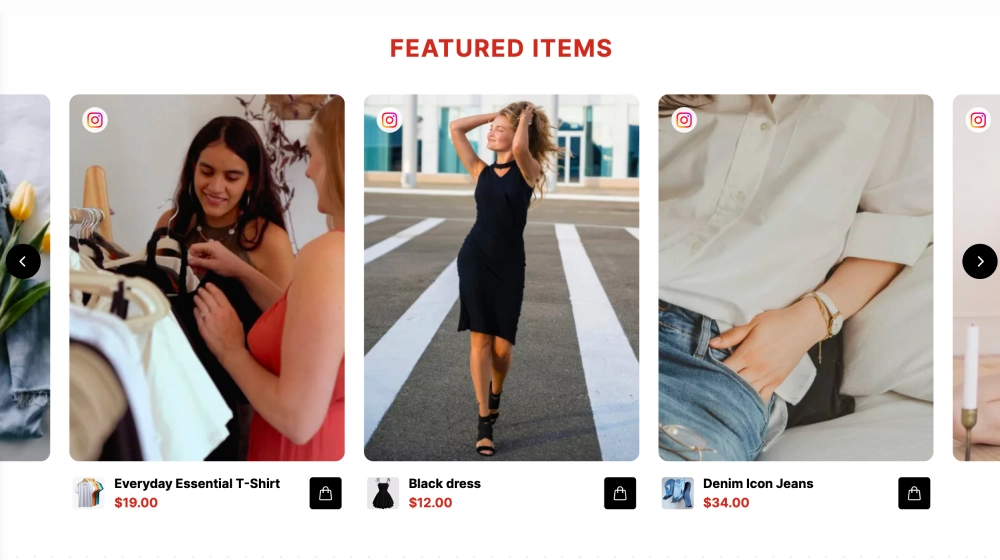
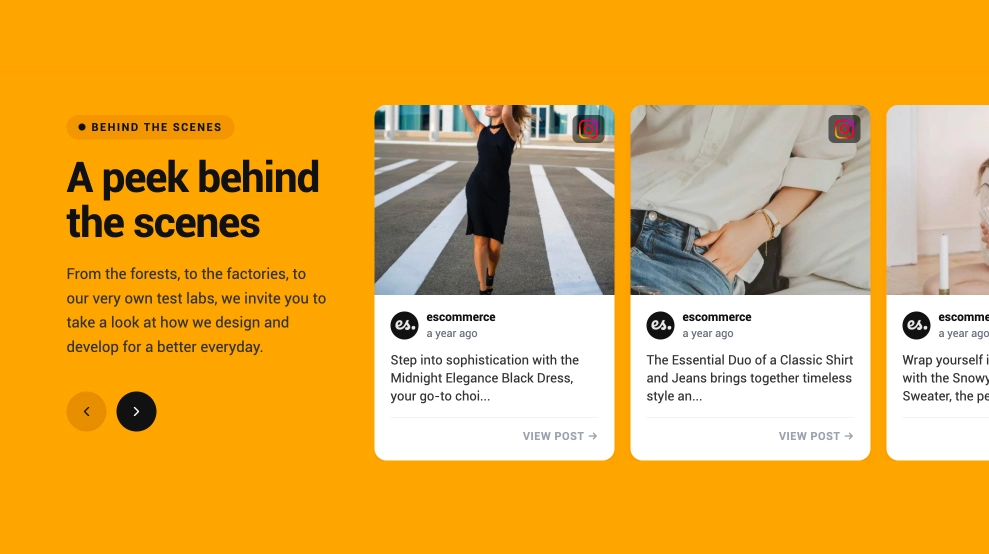
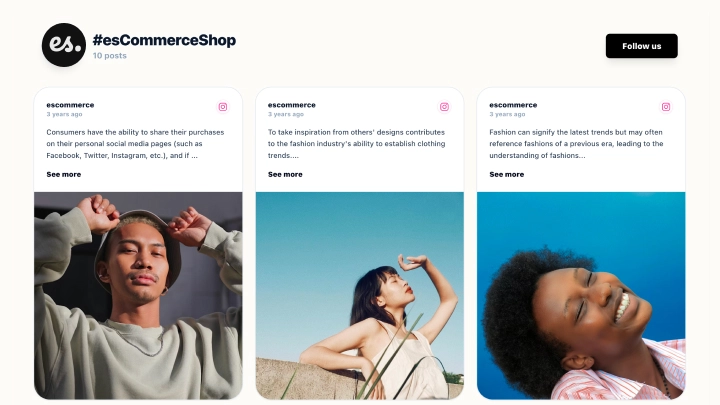
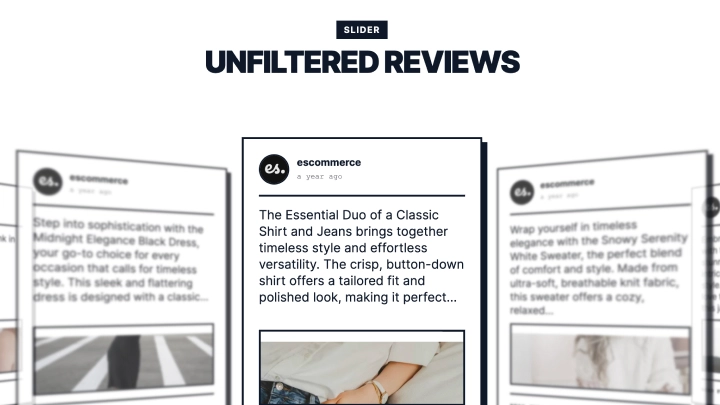
The Instagram Collage Widget showcases your UGC in a modern, mixed-size photo collage while inviting visitors to participate. With a bold headline (“Spotted in the Wild”), a hashtag prompt, and a built-in Upload Photo panel, it’s designed to grow your community gallery, not just display it.
Features
-
Collage/masonry layout: Mixed-size tiles create an editorial, “lookbook” feel with high visual impact
-
Section header + hashtag prompt: Encourages participation (e.g., #MyBrandStyle) and explains how to get featured
-
Upload CTA panel: Large left-side card that acts like a mini campaign banner
-
“Upload Photo” button: Lets visitors submit UGC directly (great for rights-ready content collection)
-
Community messaging: Copy like “Join the Community” and “We pick new winners every week!” boosts engagement
-
Rounded, modern tiles: Clean spacing and soft corners that fit ecommerce and lifestyle brands
-
Perfect for UGC programs: Built to collect content, not just show it
-
Responsive design: Collage reflows smoothly across desktop and mobile
Use cases
-
UGC gallery / “Spotted in the Wild” section: Feature customer photos in a premium collage
-
Hashtag campaigns: Drive more tagged submissions and build a consistent content pipeline
-
Ecommerce homepages: Add social proof and community vibes that increase time on site
-
Brand community pages: Encourage fans to share and get featured
-
Seasonal contests: Promote weekly/monthly giveaways with an upload-first CTA
How to embed
-
Connect your Instagram source in EmbedSocial (profile, hashtag, or mentions).
-
Choose the template.
-
Customize the header title, description, and hashtag callout (e.g., #MyBrandStyle).
-
Copy the embed code (JavaScript or iFrame).
-
Paste it into your website (Shopify, WordPress, Webflow, Wix, Squarespace, or custom HTML) and publish.
Turn your gallery into a community engine, embed the Instagram Collage Widget and invite visitors to upload photos, tag your hashtag, and get featured in your “Spotted in the Wild” wall.