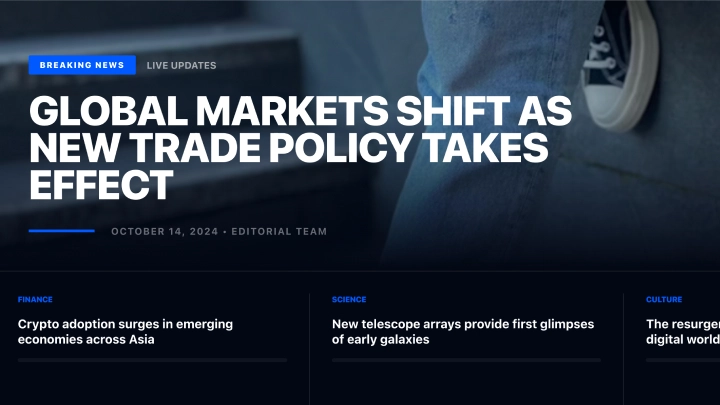
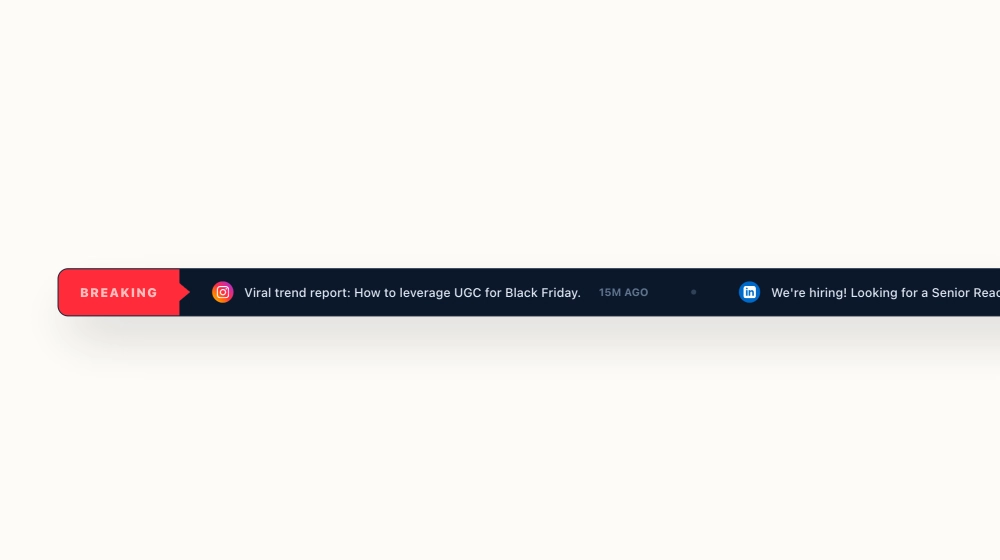
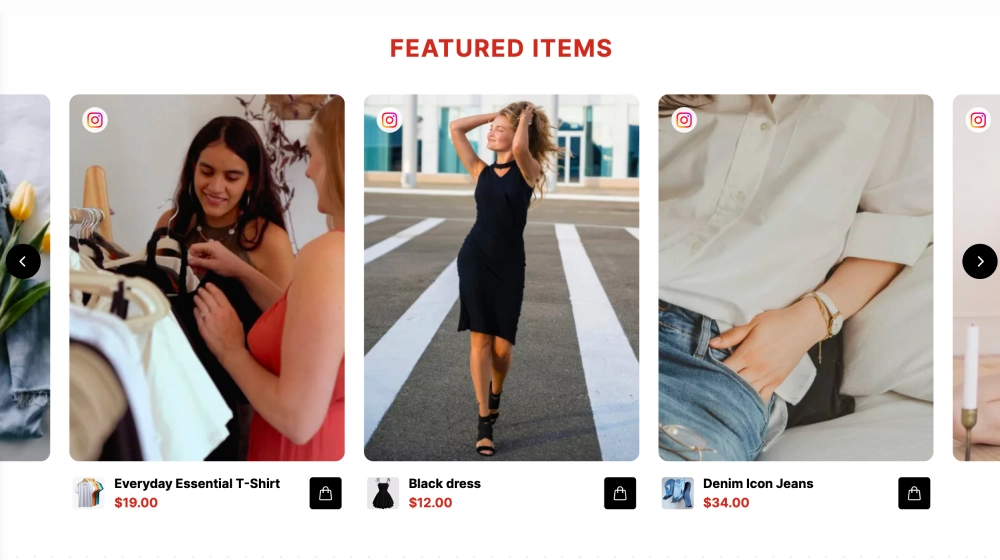
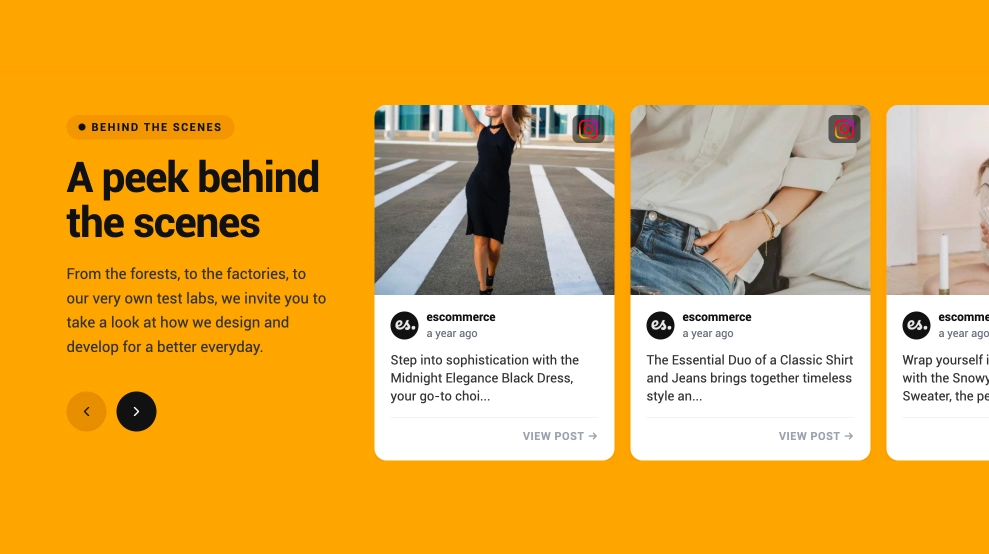
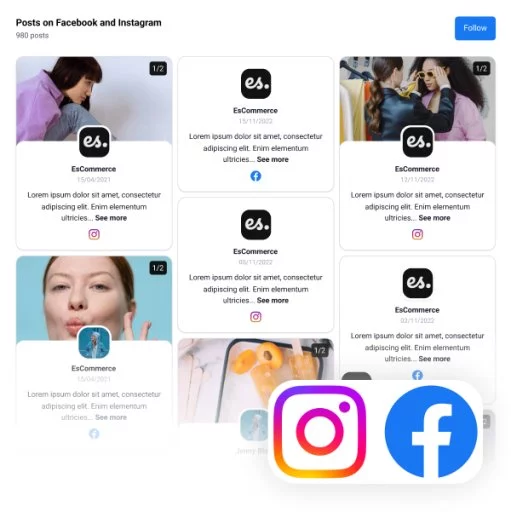
The Social News Section template helps you turn social content into a clean, editorial-style “daily briefing” block for your website. It’s ideal for brands and publishers who want a modern, magazine-like layout that highlights one featured post/article and supports it with smaller updates, keeping visitors scrolling and engaged.
Features
-
Hero-first layout: one featured story/post with a strong headline + large image
-
Secondary cards underneath to highlight multiple updates at a glance
-
Works great for UGC, social posts, or curated content (Instagram, TikTok, X, YouTube, etc.)
-
Clean typography + category labels for a newsroom feel
-
Mobile responsive with stacked cards and optimized spacing
-
Customizable design: colors, fonts, labels, spacing, and thumbnails
-
Optional CTA buttons/links to drive clicks to campaigns, blogs, or product pages
Use cases
-
“Latest updates” section for brands and ecommerce (drops, announcements, community posts)
-
Media & publishers showcasing trending stories or social headlines
-
SaaS companies sharing product updates, changelogs, and community highlights
-
Events featuring daily recaps, speaker highlights, and attendee posts
-
Nonprofits sharing news, milestones, and impact updates in a digest format
How to embed
-
Choose your source (social feed, hashtag, mentions, or curated posts)
-
Select the Social News Section layout
-
Pick the featured item + arrange supporting cards
-
Copy the embed code and paste it on your site
Give your website a modern “newsroom” feel. Embed the Social News Section and keep visitors coming back for the latest.