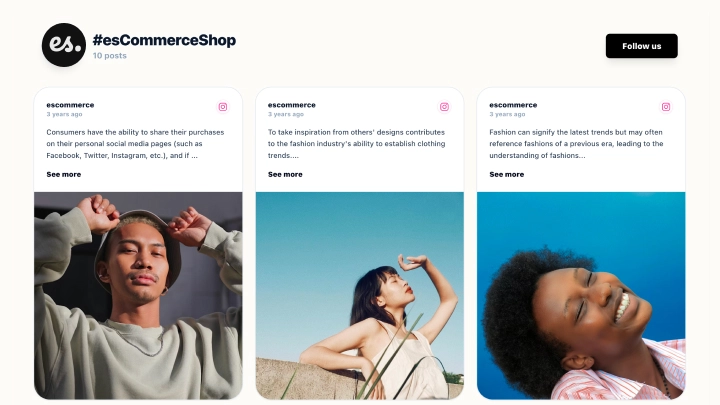
Turn your Instagram, TikTok, and social traffic into clicks with a sleek link in bio landing page built for ecommerce brands. This template combines clean buttons + a shoppable social feed so visitors can instantly browse your content and jump straight to your most important links, without friction.
Why this template works
A dark, modern layout keeps the focus on your brand and your calls-to-action, while the grid-style social section adds credibility and keeps people scrolling (and clicking).
Key features
-
Button-first layout for high clicks (Website, Latest news, Instagram, and more)
-
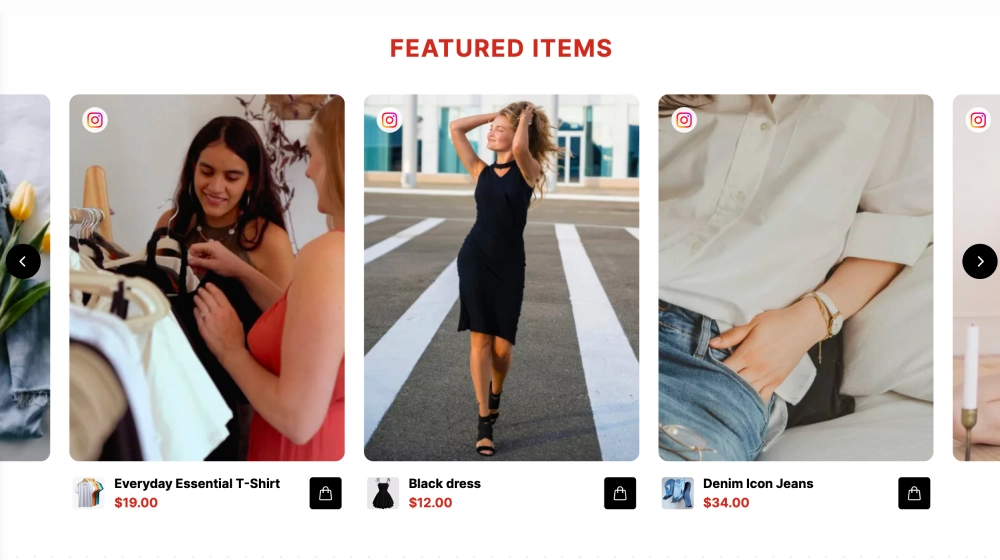
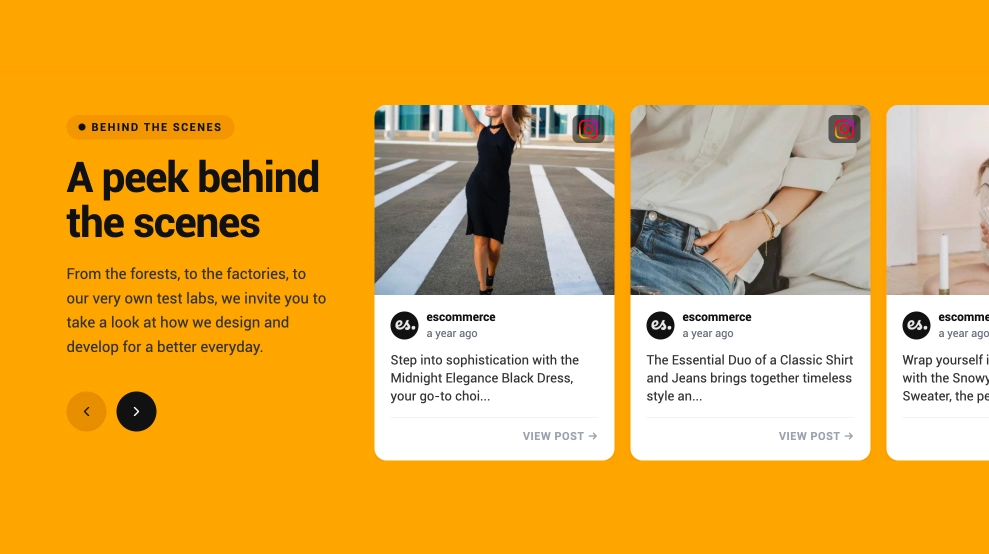
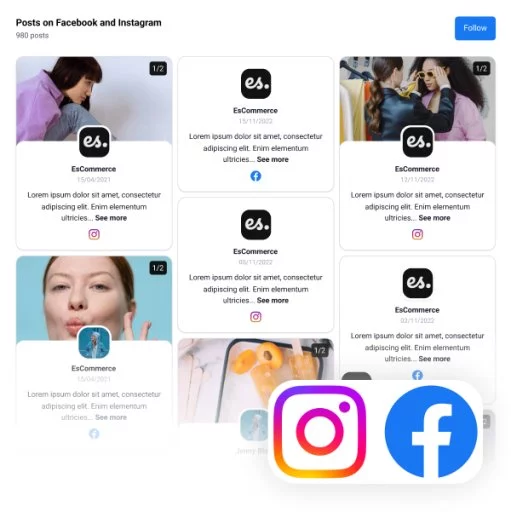
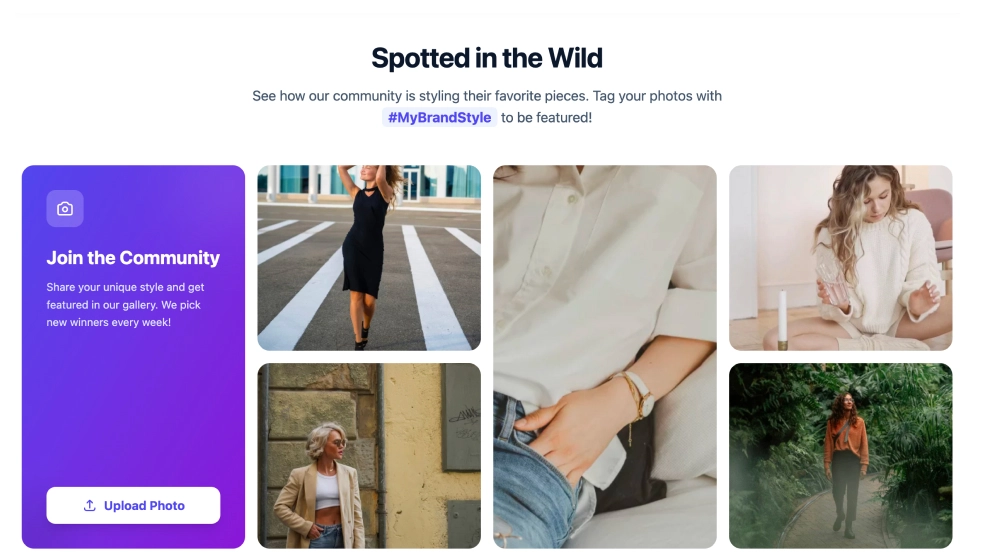
Shoppable-looking social grid to showcase recent posts or UGC
-
Mobile-first design that looks sharp on every device
-
Easy customization: change colors, fonts, button styles, and spacing
-
Add unlimited links (products, collections, blog posts, booking pages, etc.)
-
Fast loading and lightweight embed for better performance
-
Always up to date: refresh links and visuals anytime
Best use cases
-
Ecommerce brands linking to bestsellers, new drops, and seasonal collections
-
Creators & influencers organizing partnerships, affiliate links, and content hubs
-
Restaurants & hospitality promoting menus, reservations, events, and locations
-
DTC launches highlighting “Shop now,” waitlists, email signups, and press mentions
-
Brands running campaigns sending traffic to giveaways, promo pages, or featured bundles
-
SaaS & startups routing to product pages, demos, webinars, and latest updates
How to use the URL
-
Create your link in bio page in EmbedSocial
-
Add your links (buttons) and choose what to feature first
-
Connect your social feed to display posts/UGC in a grid
-
Customize the design to match your brand (dark mode, spacing, icons)
-
Got to Embed and click on the code option.
-
Here, click on URL and get the widget URL that you can use in a shortener tool to get a shorter URL for your bio sections
-
Copy the URL and paste it into your Instagram/TikTok bio
Build a link in bio page that looks premium, loads fast, and turns social visitors into customers.