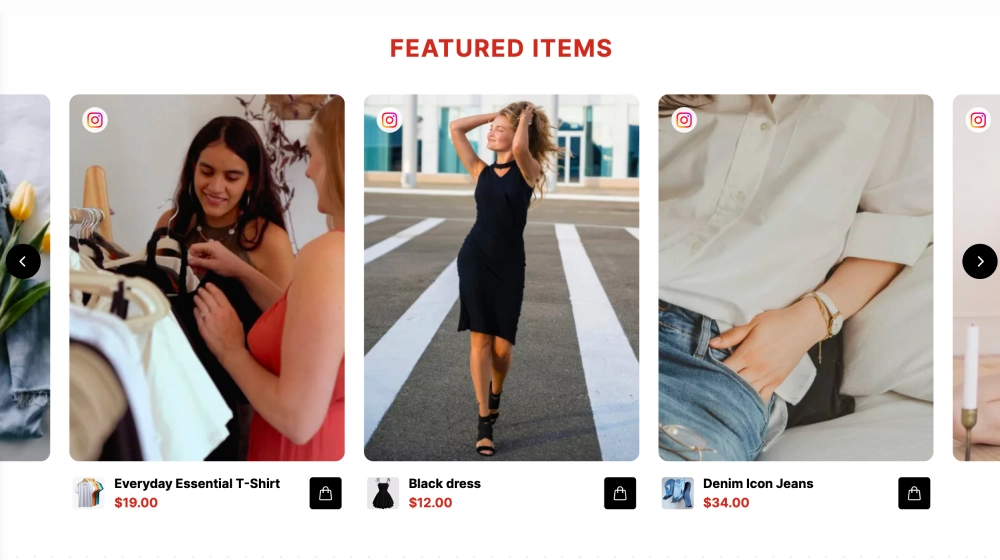
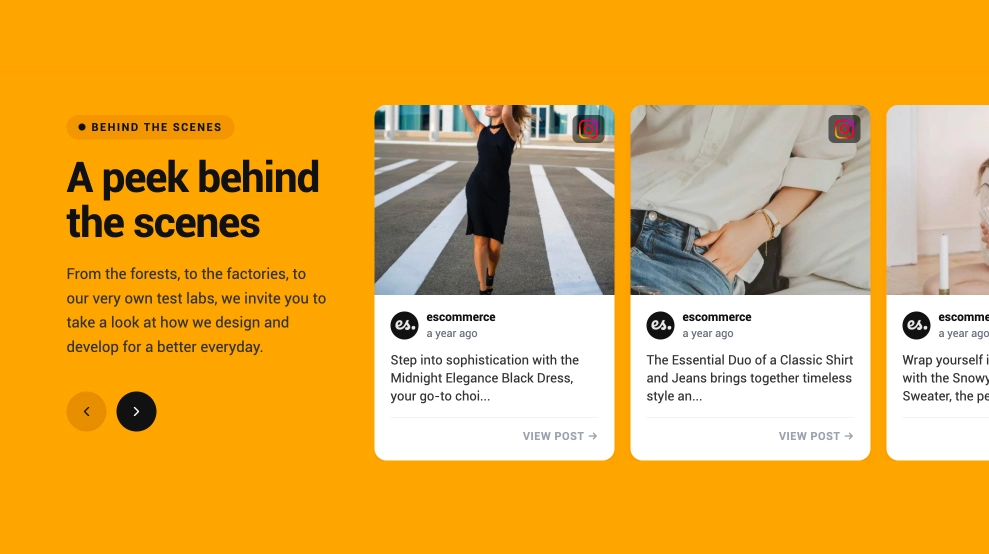
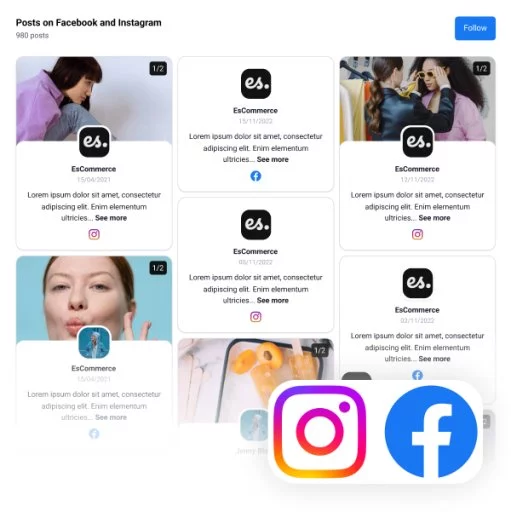
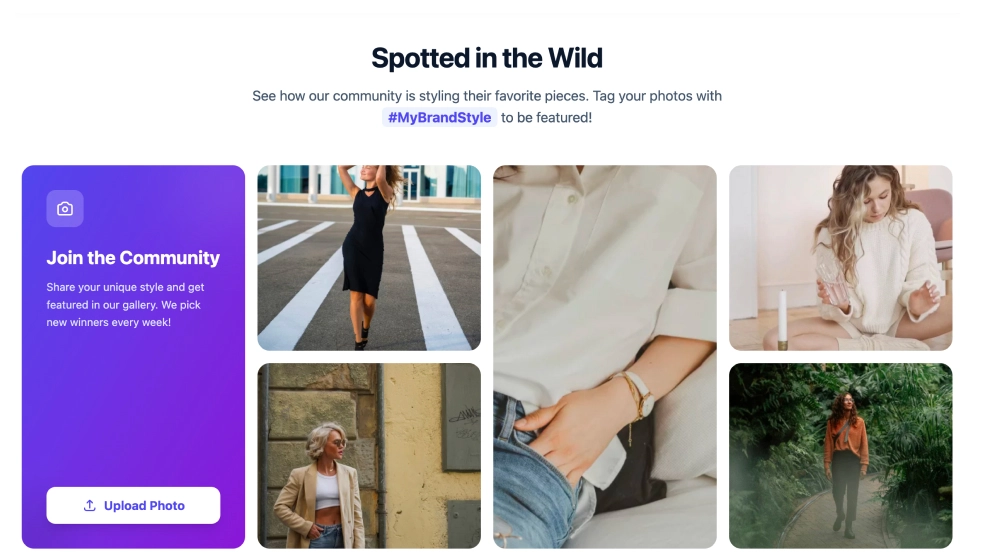
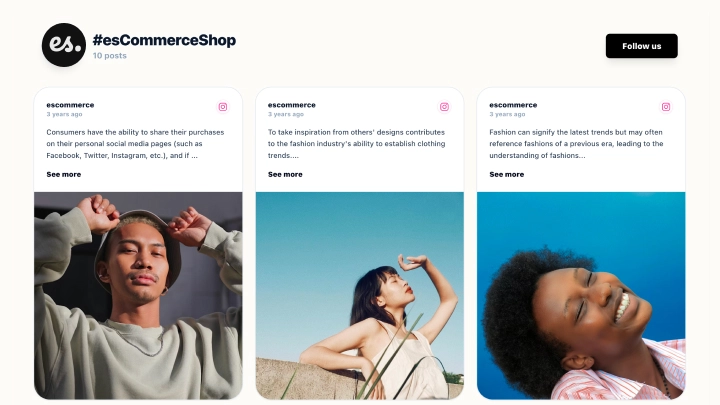
The Instagram Flat Community Grid is a clean, minimal feed layout that showcases your Instagram/UGC content in a perfectly aligned grid. With a simple header (“Shop Our Community”) and a short tagging prompt, it’s ideal for brands that want a lightweight, elegant community gallery that blends seamlessly into any ecommerce site.
Features
-
Flat grid layout: Uniform tiles in a clean 2-row grid for a tidy, modern look
-
Minimal header: Small “Spotted on IG” label + bold title for clear context without visual noise
-
Tag-to-be-featured prompt: Encourages UGC submissions (e.g., “Tag @ElevateApparel to be featured”)
-
Mixed content support: Works great for photos and can show video indicators when applicable
-
Borderless, lightweight design: No heavy frames, just clean spacing and strong imagery
-
Shoppable-ready foundation: Perfect base for adding product tagging/shoppable actions (if enabled)
-
Responsive behavior: Grid adapts smoothly for mobile screens while staying clean and aligned
Use cases
-
Homepage community section: Add a “Shop Our Community” block that feels native to your design
-
UGC lookbook: Showcase real customers styling your products
-
Product category pages: Reinforce style inspiration with community photos
-
Brand trust/social proof: Show an active community without a busy feed layout
-
Campaign pages: Feature hashtag/tagged content in a neat, curated grid
How to embed
-
Connect your Instagram source in EmbedSocial (profile, hashtag, or mentions).
-
Choose the template from the Instagram templates library.
-
Customize the header text (title + tag prompt) and choose how many items to display.
-
(Optional) Enable shoppable/product tags if you want “tap to shop” behavior.
-
Copy the embed code (JavaScript or iFrame).
-
Paste it into your website (Shopify, Webflow, WordPress, Wix, Squarespace, or custom HTML) and publish.
Keep it clean and conversion-friendly, embed the Instagram Grid to showcase real community style and invite shoppers to tag your brand and get featured.