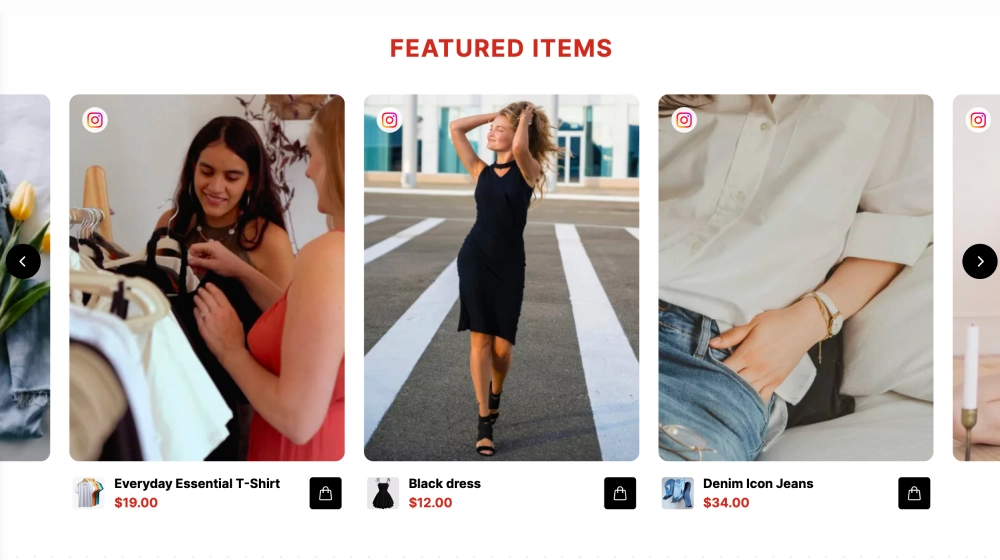
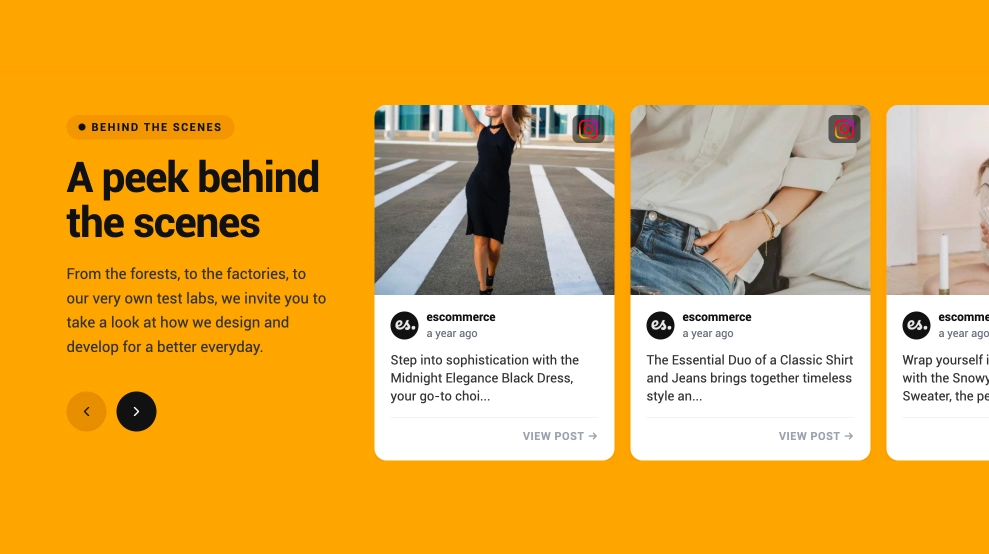
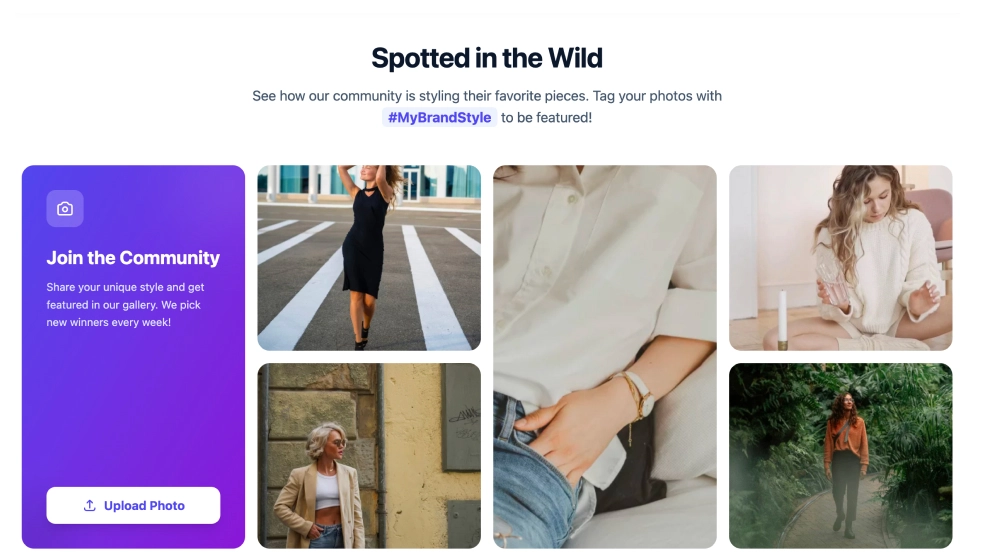
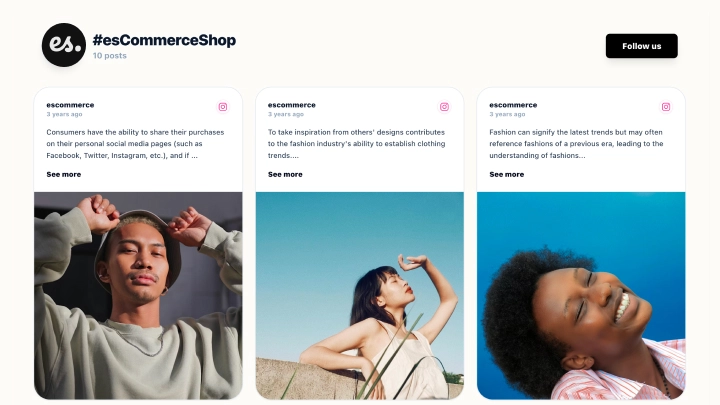
This social media slideshow turns a feed into a more focused viewing experience, with one featured post shown large and the rest available as a thumbnail strip below. Instead of asking visitors to scan a full grid, it lets them move through social content one moment at a time, with captions, source details, navigation arrows, and a direct link back to the original post.
What makes it work
-
Large featured slide: The active post gets the most space, making each photo or video feel more intentional and easier to view.
-
Overlay caption area: Text appears directly over the media, so visitors can understand the story without leaving the slideshow.
-
Thumbnail navigation: The strip below the main image makes it easy to jump between posts instead of moving only one by one.
-
Slide counter: The 6 / 15 indicator helps visitors understand where they are in the collection.
-
Previous and next controls: Side arrows keep browsing simple without cluttering the main visual.
-
Source and author details: The profile name and platform cue make the content feel connected to the original social post.
-
Original-post link: The View original action gives visitors a clear path back to the source when they want more context.
Best fit for
-
Fashion and lifestyle galleries
-
UGC campaign showcases
-
Event recap pages
-
Product storytelling sections
-
Brand homepages that need a more polished social media display
How to embed it
-
Connect your social media source in EmbedSocial.
-
Choose the Social Media Slideshow Widget template.
-
Customize the caption display, author details, thumbnail strip, and original-post link.
-
Set how many posts should appear and how visitors should move through the slideshow.
-
Copy the embed code.
-
Paste it into your website, landing page, or CMS and publish.
Give your social posts a cleaner, more immersive place on your website with a slideshow built for visual browsing.