



What is a Wix testimonial widget?

A Wix testimonial widget connects your testimonial sources to your Wix site and displays them in a beautifully designed widget. no manual copy-pasting, no coding required. EmbedSocial works directly with your Wix pages through a simple embed code, updates automatically when new testimonials arrive, and supports schema markup for rich search result snippets.
The testimonials widget can be customized to seamlessly blend with your website’s design, ensuring a cohesive look and feel. Additionally, it can aggregate reviews from multiple locations, providing a comprehensive view of customer satisfaction across different sources.
About our testimonials widget for Wix
The easiest way to generate, manage, and display your testimonials on Wix with just one line of code is by using testimonial widgets. These widgets enhance credibility, attract new customers, and improve user engagement by prominently displaying real user experiences and ratings.
EmbedSocial is an advanced review management tool that helps you grow your customer reviews and acquire new buyers thanks to the power of reviews.
Collect, filter, and display your Google testimonials on your Wix website in modern and fully customizable widgets and uplevel your local business or e-commerce.
Display your best reviews with a 5-star rating only, sort out the positives, and leave out the negative reviews at the bottom of the widget or hide them. It’s up to you.
With EmbedSocial, you don’t need any coding skills to create lovely widgets on your website.
Benefits of testimonials for Wix websites
Boost your search engine ranking,
Show instant social proof and build trust,
Show your product reviews in an engaging way,
Improve the average time visitors spend on your website,
Increase your conversion rate,
Save the time of manually adding customer reviews,
Encourage new review posting,
Testimonials Widget features for Wix
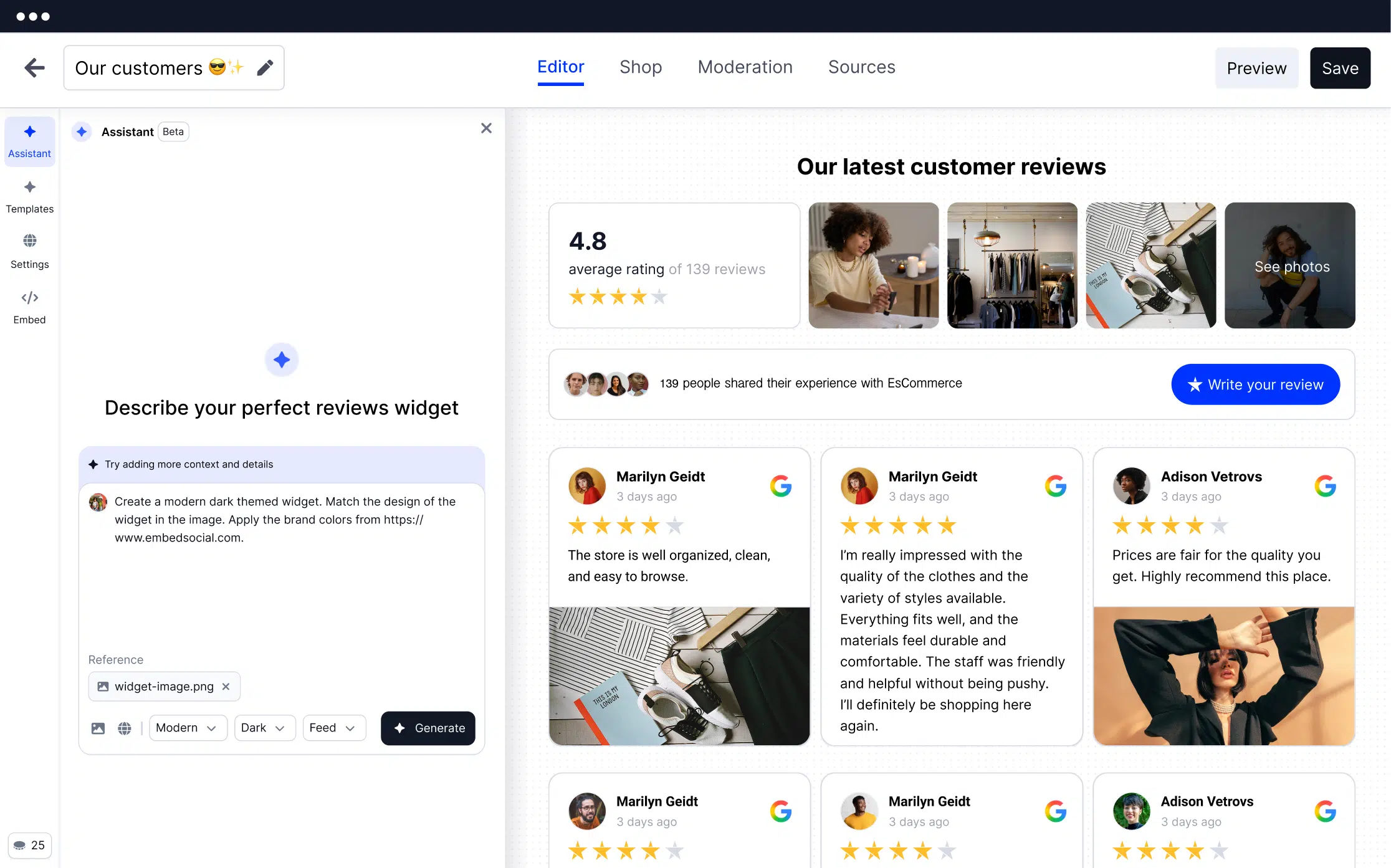
Reviews management, Manage and respond to your customer testimonials from one spot.
Photo reviews, A photo tells a thousand words. Let your customers share your products from Google Places in action.
Unlimited widgets, Show your reviews from all sources in one place. Combine your Google, Facebook, and other business reviews in a single widget.
Reviews generator, No more manual copy-pasting of long reviews. Just provide simple permissions to your social media and review site accounts and let the system fetch all your reviews.
Review request, Send review requests via email and SMS to get feedback and earn your customer’s trust with customer interactions.
Google rich snippets, Use aggregated star rating snippets (schema code) for your Wix site to improve local SEO and dominate search engine results.
Moderation, Handpick the negative reviews and leave them aside. Fetch the positive reviews you want to appear on your website.
Customization options, Choose from over 10 markup layouts and templates or level up with the custom CSS functionality and make matching widgets with your Wix theme.
Web collection forms, Create unlimited review forms with the reviews plugin. Embed a ‘Leave a review’ button and start getting more reviews from your website.
Notifications, Get alerts every time someone writes a review.
How to add testimonials to Wix?
Here are the steps to embed the testimonials widget in Wix:
Step 1: Create your EmbedSocial account
Sign up for a free EmbedSocial account. Use a pre-built template or the AI vibe editor to generate a testimonials section.
Step 2: Import your testimonials (or connect review sources)
In Sources, connect Google Business Profile, Facebook, and other review networks, or collect fresh testimonials with a form.
Step 3: Customize your testimonial widget
Pick a layout (slider, grid, carousel) and fine-tune filters, ordering, and design to match your Wix site.
Step 4: Copy the embed code
Open the Embed tab and copy the JavaScript embed code.
Step 5: Add the widget to Wix
In the Wix Editor, click Add (+) → Embed Code → Embed HTML → paste the code. Resize the element if needed and publish your site.
If you find yourself struggling with some part of the setup, feel free to reach out to our customer support team and we will be happy to help you. Please note: When you set an account for EmbedSocial, you get the free version of this tool for 7 days.




