



About the Instagram Stories Widget for WordPress

EmbedSocial is the first platform built to automatically generate and display your Instagram Stories in web environments like WordPress. Whether you’re using the WordPress plugin or embedding with HTML, this tool lets you create dynamic Story widgets that sync directly with your Instagram profile.
Bring the Instagram Stories experience directly to your WordPress site.
With the EmbedSocial widget, you can showcase your Instagram Stories in an interactive and engaging format that looks great on any WordPress theme, no coding required.
Your visitors get the same swipeable, immersive experience they’re used to on Instagram, now on your site.
Why Embed Instagram Stories in WordPress?
Display auto-updated Instagram Stories, without manual uploads
Add a modern, mobile-friendly content block, to your pages
Keep visitors engaged longer, with interactive Story layouts
Drive product discovery and sales, with shoppable Stories
Build trust and authenticity, using real, time-sensitive content
Grow your Instagram following, with embedded, clickable content
Instagram Stories Widget Features for WordPress

Compatible with all major WordPress themes,
Mobile-responsive and touch-optimized layout,
Customize widget layout, navigation, and colors,
Create Highlights-style widgets, to extend story life
Add CTA buttons and links to each story,
Moderate and reorder stories, with drag-and-drop
Use shortcodes for quick placement, in any post or page
Full custom CSS control, for advanced styling
Auto-sync with your Instagram Story feed,
Combine multiple Story widgets, on one or more WordPress sites
EmbedSocial plugin, available in the WordPress directory
Option to display Story Galleries or Highlights,
Generate reports, and track performance over time
How to embed Instagram Stories on WordPress
You can embed Instagram Stories in WordPress in two easy ways, with or without a plugin. The steps below cover the no-plugin route; the closing step links to the EmbedSocial WordPress plugin for the shortcode alternative.
Step 1: Start a free trial of EmbedSocial
Start a free trial of EmbedSocial and connect your Instagram profile.
Step 2: Choose your Instagram account
Choose the Instagram account you want to pull Stories from.
Step 3: Customize the widget
Customize the widget with your preferred layout and style.
Step 4: Copy the HTML code
Copy the HTML code from the top-right corner.
Step 5: Open your WordPress dashboard
Log into your WordPress dashboard and navigate to the page where you want the widget.
Step 6: Add a Custom HTML block
Add a Custom HTML block and paste the code.
Step 7: Click Update to publish
Click Update to publish.
Alternatively, install the official EmbedSocial WordPress plugin and use a Shortcode block instead of Custom HTML.
See full tutorial →
Best practices for displaying Instagram Stories
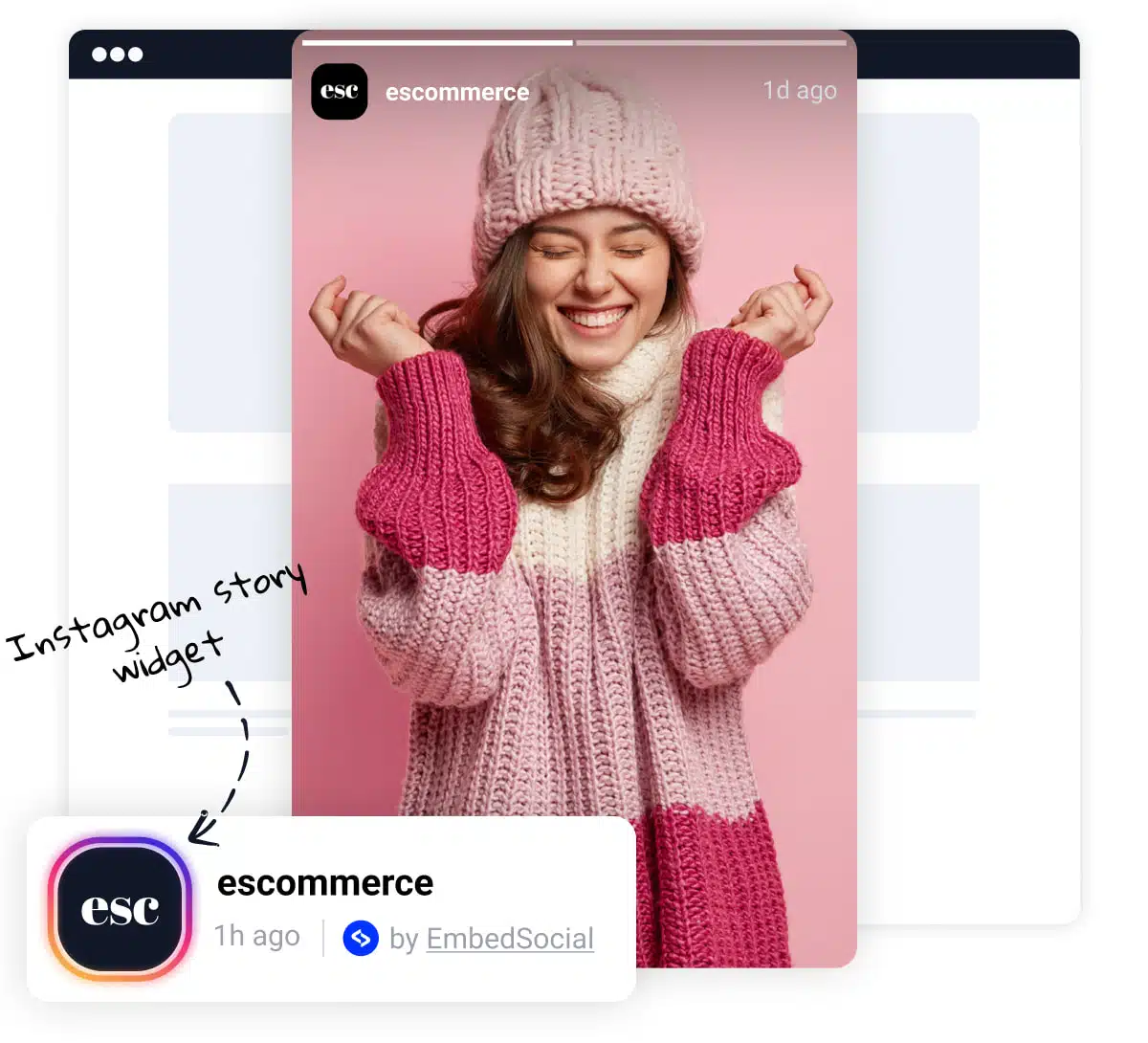
Prominent Placement, Display Stories prominently on your website, such as on the homepage or in a sidebar. This ensures they are easily visible to visitors.
Clear Headline, Use a clear and concise headline to draw attention to the Story widget. This can entice visitors to view the Stories and engage with your brand.
Visual Appeal, Incorporate images or icons to break up the text and make the widget more visually appealing. This can enhance user engagement and readability.
Slider or Carousel Format, Consider using our slider options that allow you to display Stories in a slider or carousel format. This dynamic presentation can capture visitors’ attention and make the widget more engaging.




