



About Instagram stories for Wix

The easiest way to display your Instagram Stories on a Wix website.
EmbedSocial is the most simple and effective way to build beautiful widgets from your Instagram Stories. This tool automatically generates your Instagram Stories and converts them into ready-made Instagram Story widgets for your Wix website.
Explore numerous customizations and modifications options to create the best Instagram widget for your Wix website that will attract and engage your website visitors.
You can even combine your favorite social media Stories from Instagram, TikTok, or every other media with a Story format in one single widget. Leverage your marketing game in a blink!
Benefits for Wix websites
Create superb user experience, and improve dwell time
Save time and effort, of manually adding Instagram Stories
Enlarge your Instagram reach, and get more followers
Get more sales, with shoppable Story widgets
Instagram stories features for Wix

Custom photos and videos import,
Fully customizable and interactive, widget designs
Custom CSS option,
Shoppable Instagram Stories,
Instagram Story Ads,
Instagram Highlights widget,
Gallery widget,
Bookends,
How to embed Instagram stories in Wix
No installation is required to embed and display your Instagram stories on a Wix website. To start, follow these steps.
Step 1: Set a free trial for EmbedSocial
Set a free trial for EmbedSocial and connect your Instagram account.
Step 2: Craft your widget
Craft your desired Instagram Story widget.
Step 3: Copy the widget code
Copy the provided widget code.
Step 4: Log in to Wix
Log in to your Wix account.
Step 5: Select your site
Select the site where you want to show the widget.
Step 6: Open Site Actions
Select the ‘Site Actions’ button and tap ‘Edit Site’.
Step 7: Insert at the desired place
Tap the plus (+) icon in the place where you want to embed the widget.
Step 8: Paste the code
Choose the ‘HTML embed’ option and paste the provided code.
Best practices for displaying Instagram Stories
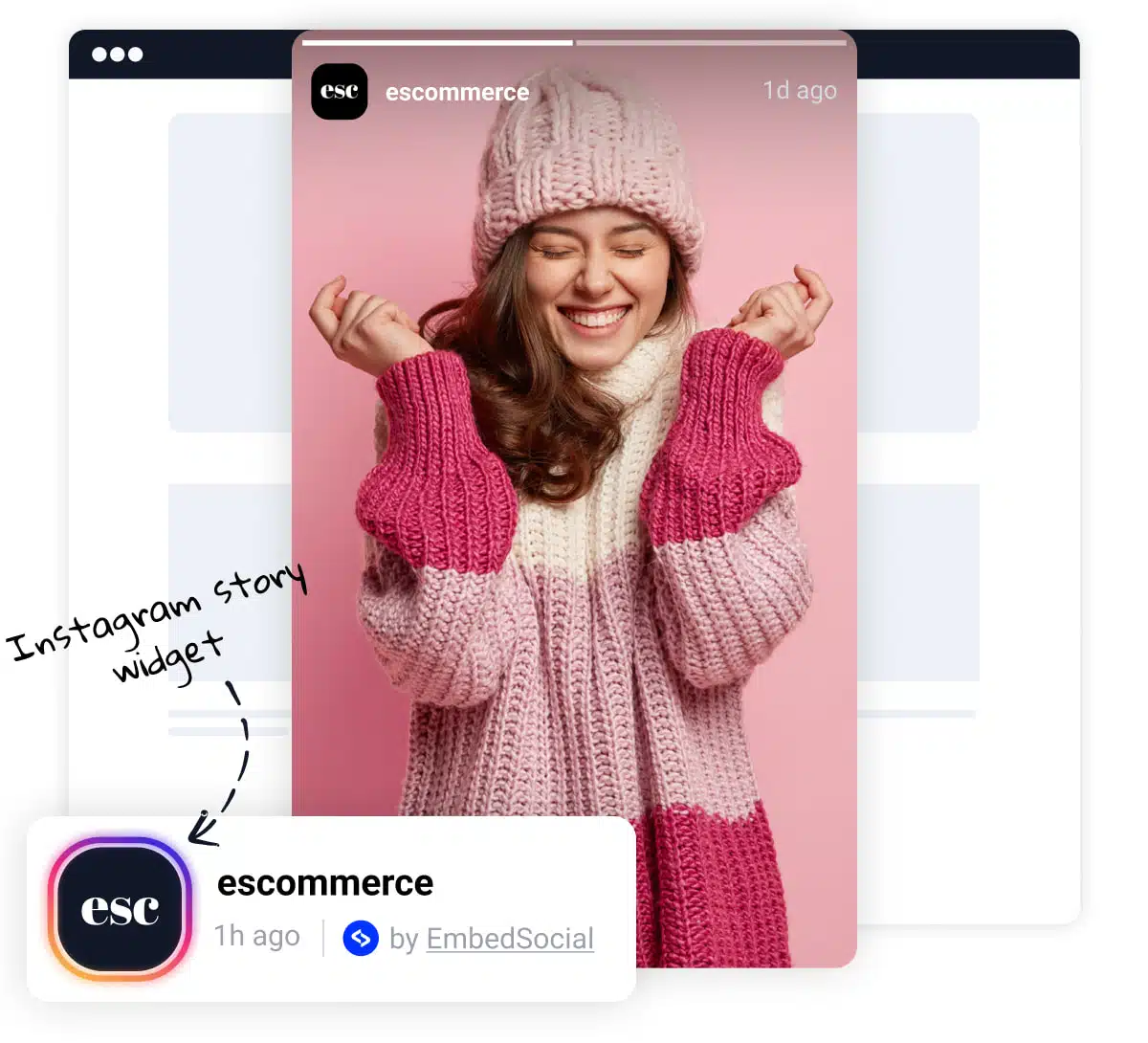
Prominent Placement, Display Stories prominently on your Wix site, such as on the homepage or above the fold. This ensures they are easily visible to visitors.
Clear Headline, Use a clear and concise headline to draw attention to the Story widget. This can entice visitors to view the Stories and engage with your brand.
Visual Appeal, Incorporate images or icons to break up the text and make the widget more visually appealing. This can enhance user engagement and readability.
Slider or Carousel Format, Consider using our slider options that allow you to display Stories in a slider or carousel format. This dynamic presentation can capture visitors’ attention and make the widget more engaging.




