
NewAnnouncing Filter your feed by source, just ask the AI

Instagram Stories Widget for PageCloud

The easiest way to display Instagram Stories on your PageCloud website.

Nick Poggi, TrovaTripRyan HazlewoodZanna Ollove, Boston CollegeBrooks Hitzfield, Seven Sons

Loved by 300,000+ big and small brands. World-famous and local

Mercedes-BenzFordEmiratesUniversalBest WesternVaynerMedia

About Instagram stories for PageCloud

embed instagram stories widget on a PageCloud site

The easiest way to display Instagram Stories on your PageCloud website.

EmbedSocial is a powerful tool that can automatically generate the Instagram Stories published on your Instagram account and show them in a modern and visually appealing Story widget.

Additionally, EmbedSocial provides options to upload custom photos or videos and create a combination of Instagram, TikTok, or any other story format in embeddable widgets.

Benefits for PageCloud websites

  • Re-use already published stories , and save time, automatically

  • Increase engagement , on your website

  • Showcase products , in a more visually rich format

  • Sell more , with shoppable Story widgets

  • Increase Instagram followers ,

Instagram stories features for PageCloud

Editor to create Instagram Stories widgets on PageCloud
  • Options to import custom photos and videos ,

  • Customizable and interactive , layouts and widget designs

  • Custom CSS editor ,

  • Shoppable Instagram Stories ,

  • Instagram highlights-like widget ,

  • Gallery format , from multiple Stories

  • Bookends ,

  • Instagram Story Ads ,

How to embed Instagram stories in PageCloud

There is no installation required to embed and display your Instagram stories on your PageCloud website. Just follow these steps.

  1. Step 1: Set a free trial for EmbedSocial

    Set a free trial for EmbedSocial and connect your Instagram account.

  2. Step 2: Create a Story widget

    Create a Story widget that fits your needs best.

  3. Step 3: Copy the HTML code

    Copy the provided HTML code.

  4. Step 4: Log in to PageCloud

    Login to your PageCloud website.

  5. Step 5: Open the page editor

    Open the page editor and navigate to where you want the widget to appear.

  6. Step 6: Insert an Embed element

    Insert an HTML / Embed code element.

  7. Step 7: Paste the code

    Paste the provided code into the embed field.

  8. Step 8: Save and publish

    Save and publish your PageCloud page.

Best practices for displaying Instagram Stories
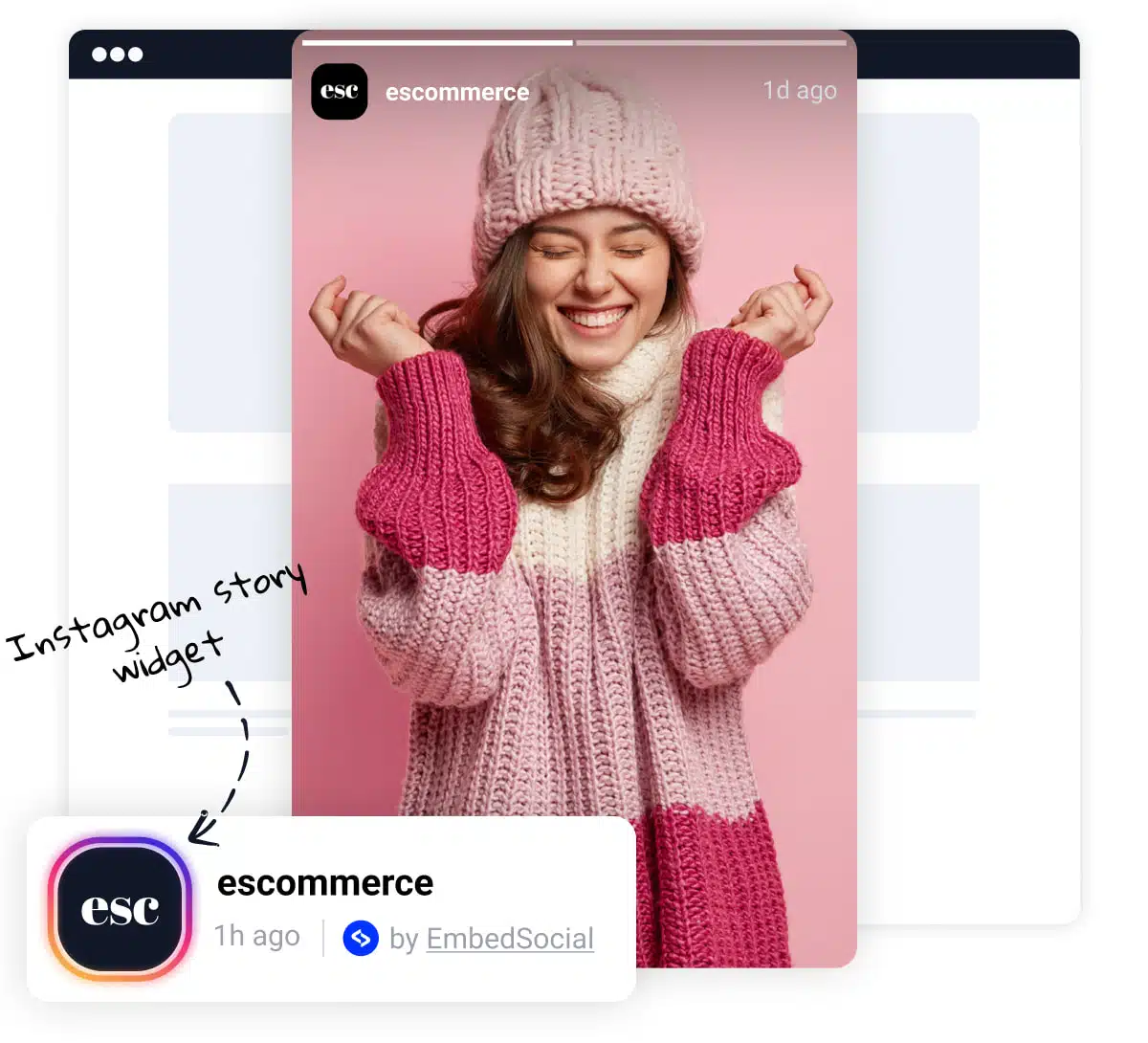
Best practices for displaying Instagram Stories on PageCloud
  • Prominent Placement , Display Stories prominently on your PageCloud site, such as on the homepage or above the fold. This ensures they are easily visible to visitors.

  • Clear Headline , Use a clear and concise headline to draw attention to the Story widget. This can entice visitors to view the Stories and engage with your brand.

  • Visual Appeal , Incorporate images or icons to break up the text and make the widget more visually appealing. This can enhance user engagement and readability.

  • Slider or Carousel Format , Consider using our slider options that allow you to display Stories in a slider or carousel format. This dynamic presentation can capture visitors’ attention and make the widget more engaging.


Frequently asked questions

FAQs about the Instagram Stories widget

Have a specific question about embedding the Instagram Stories widget on PageCloud? Check the FAQ section below or click the bottom right chat icon and talk with us.

Does the widget automatically update?

Yes! The EmbedSocial platform integrates with the Instagram API and the platform will continue to automatically generate all the stories you publish on Instagram.

Can I moderate the slides in my Instagram story?

Yes! Within the moderation option, you can handpick which Instagram posts you want to be shown on your published widget.

Can I make my story widget shoppable?

Yes. Add a custom ‘Buy’ button on any media you need, so next time your website visitors click on that CTA, they will be redirected to the checkout page.

Can I customize my Instagram story widget?

Yes! Explore all the widget layouts, moderation, and customization options available within the platform. Additionally, try our custom CSS editor for a complete makeover of the widget appearance.

Is the widget compatible with PageCloud?

Absolutely. EmbedSocial is compatible with PageCloud via the HTML / Embed code element. We support every platform that allows embedding third-party iframes or javascript codes.

Will my widget stop working if I cancel?

Unfortunately, yes. If you decide to cut-off the subscription, we will have to remove the Instagram Story widget that was published on your website.

Ready to embed Instagram Stories on PageCloud?

Bring auto-updating Instagram Stories to your PageCloud site.

$

29.00

month

Re-use the Stories you already create, automatically. Embed them on your PageCloud site to drive engagement, sales, and follower growth.

  • ✓ Auto-sync Instagram Stories
  • ✓ Shoppable Story widgets
  • ✓ Instagram Highlights widget
  • ✓ Custom CSS control
  • ✓ Bookends and Galleries
  • ✓ Match your PageCloud design.

Official API integrations

EmbedSocial has official API integrations with all major social media networks.

Fast-loading widgets

We design interactive social media widgets that load fast on your website.

Risk-free

If it’s not for you, cancel or request to delete your account.

Dedicated support team

Just click the bottom left chat icon, and our team will assist you in real-time.

What our users are saying:

Nick Poggi
TrovaTrip increased booking conversion rates by 12% with customer testimonials in just 4 weeks

Nick Poggi

TrovaTrip

Ryan Hazlewood
The team at Embed Social is so easy to work with. They are very quick to respond to any special requests and fast to implement account changes. Aside from the great customer service, their products are also very easy to use and offer a lot of freedom that you can’t get with other similar products. Definitely recommend.

Ryan Hazlewood

Developer

Zanna Ollove
EmbedSocial allows us to showcase social media content on our web pages in a way that’s both functional and vibrant. Their library of social feed designs integrates seamlessly with our existing components and is easy to use for page editors of all skill levels.

Zanna Ollove

Boston College

Brooks Hitzfield
The experience with EmbedSocial has been amazing. We’re always looking for ways to leverage our time, so finding a product to keep our reviews fresh automatically was a no-brainer.

Brooks Hitzfield

Seven Sons


